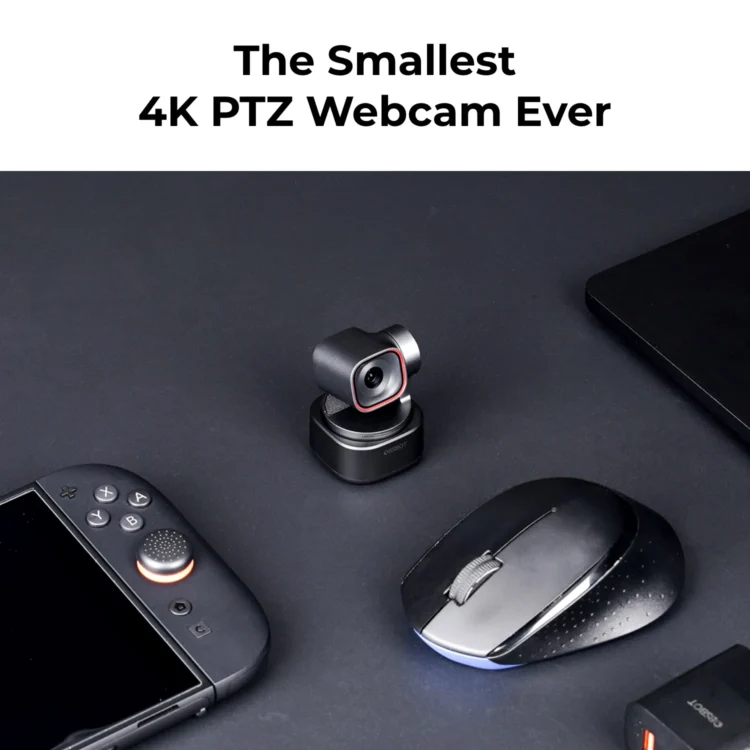
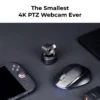
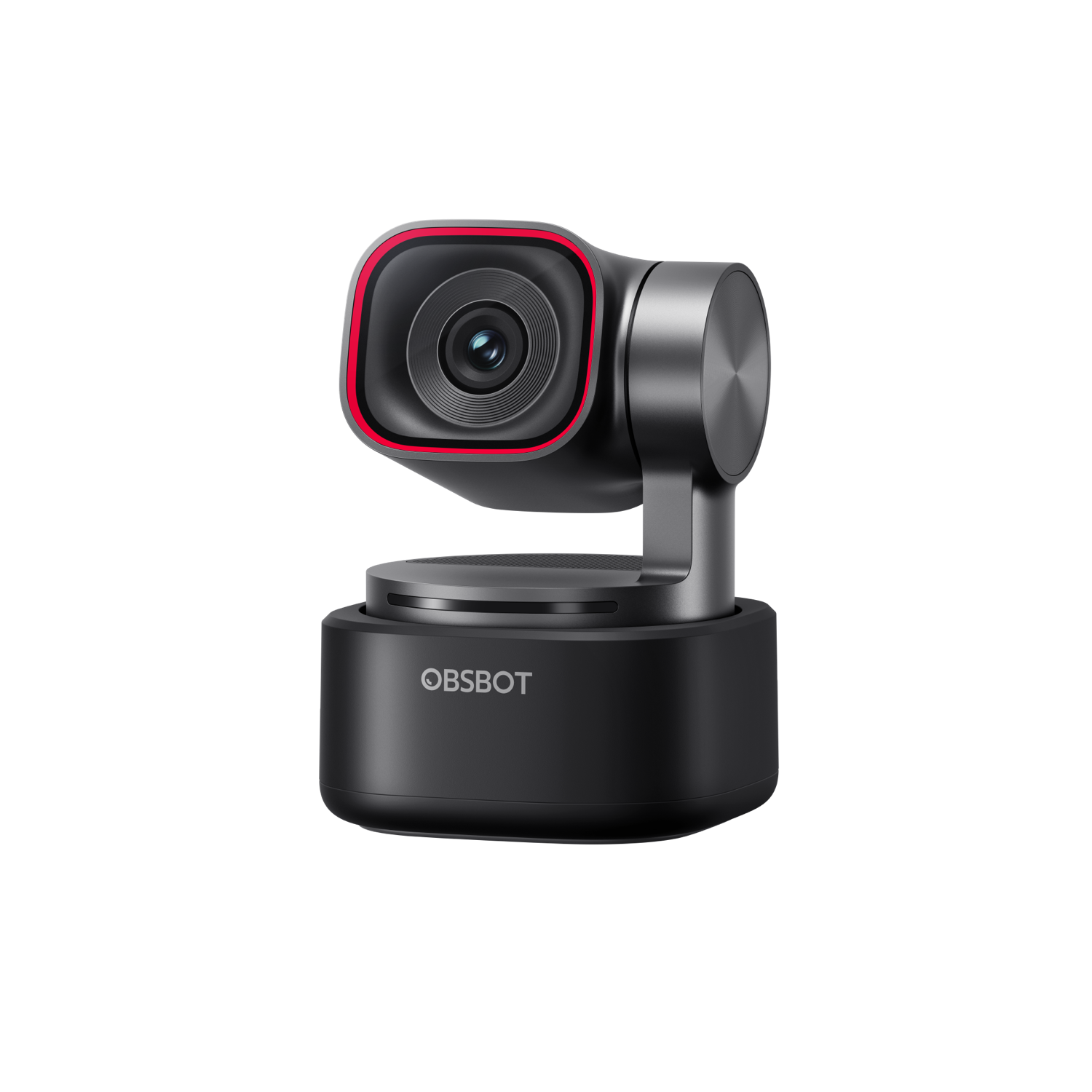
The world’s smallest 4K PTZ webcam (just 63 g). A large 1/1.28″ sensor for stunning low-light clarity, AI Tracking 2.0 that keeps you perfectly framed, and a tri-mic spatial-audio system for studio-grade sound — plug-and-play over USB-C with Zoom, Teams, Google Meet & OBS on Windows and macOS.
Seamless AI Tracking 2.0
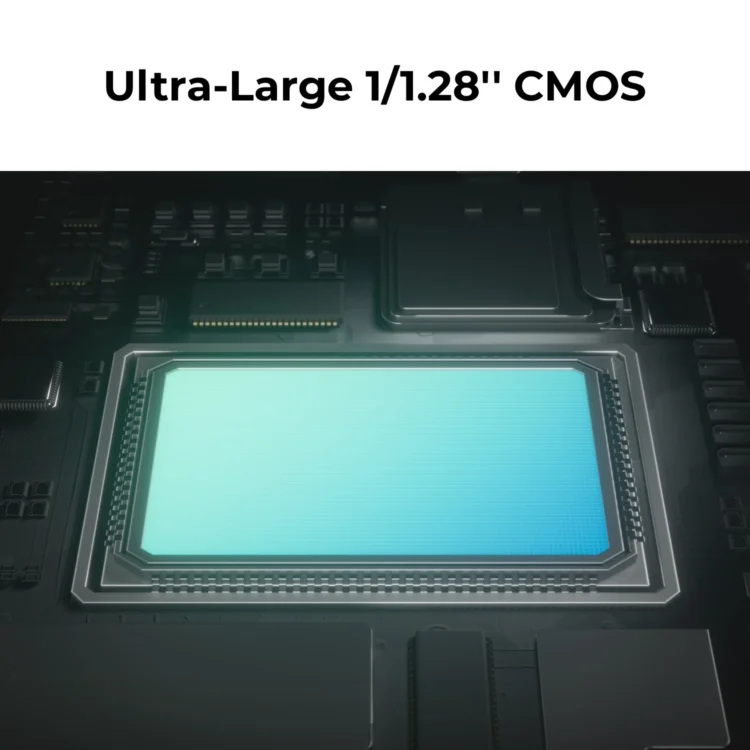
1/2'' CMOS with 4K@30fps and 1080p@120fps
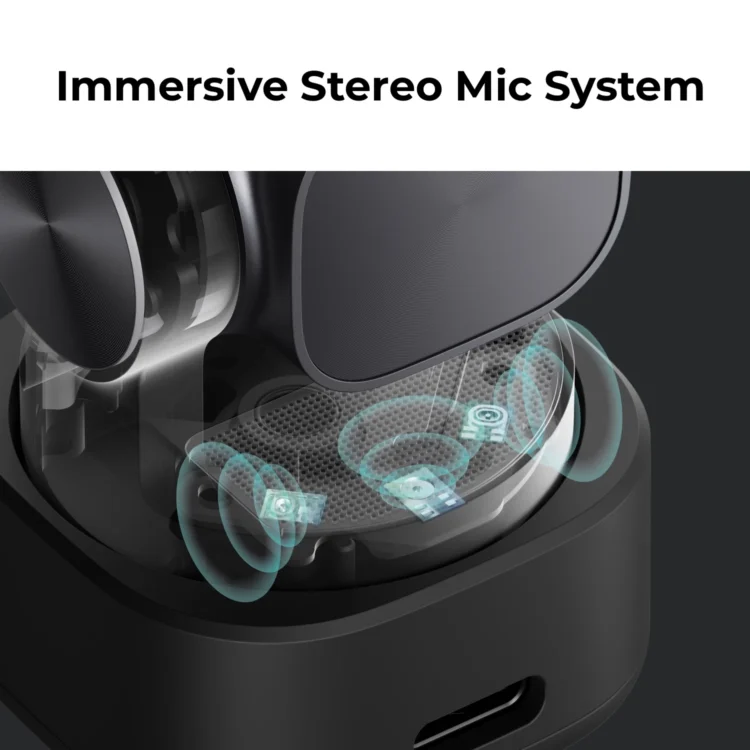
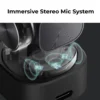
Immersive Stereo Mic System and Five Audio Modes
Playful OBSBOT Avatars and Virtual Voices
Easy Remote Interaction with RTC
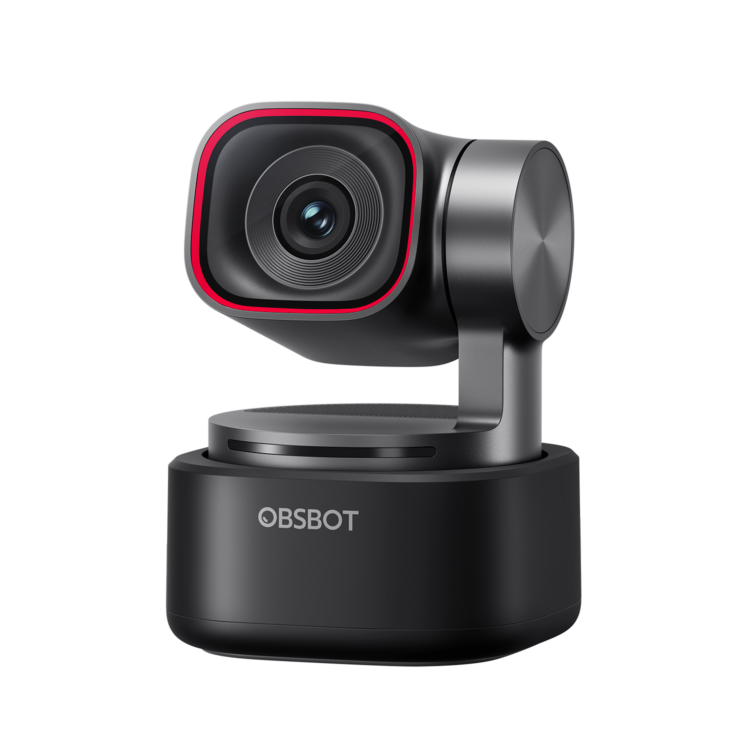
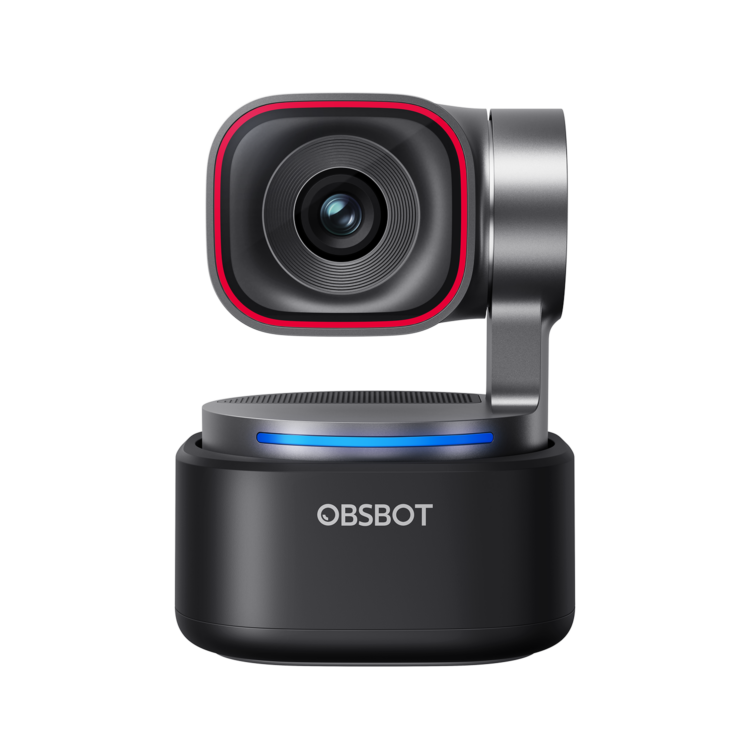
Compact Design with an Integrated Stand
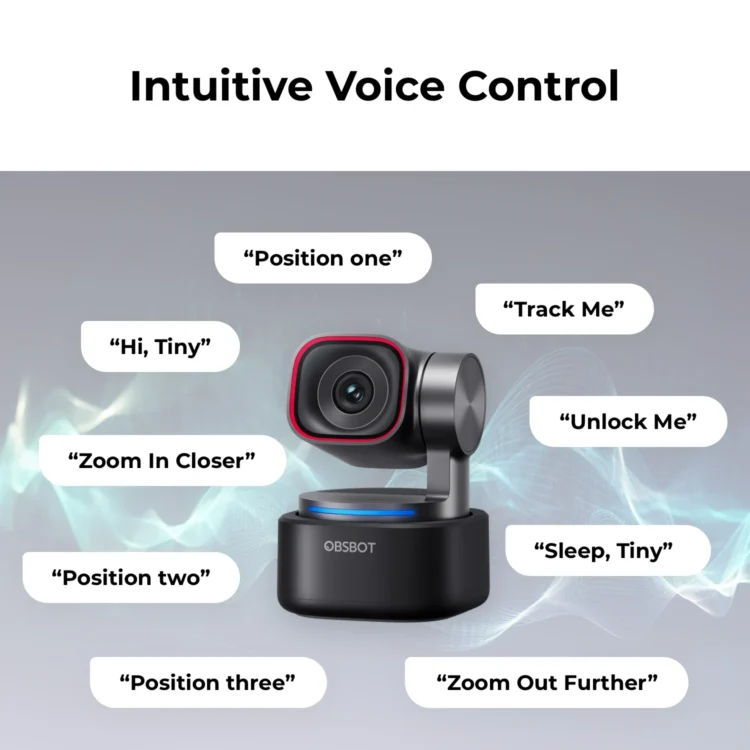
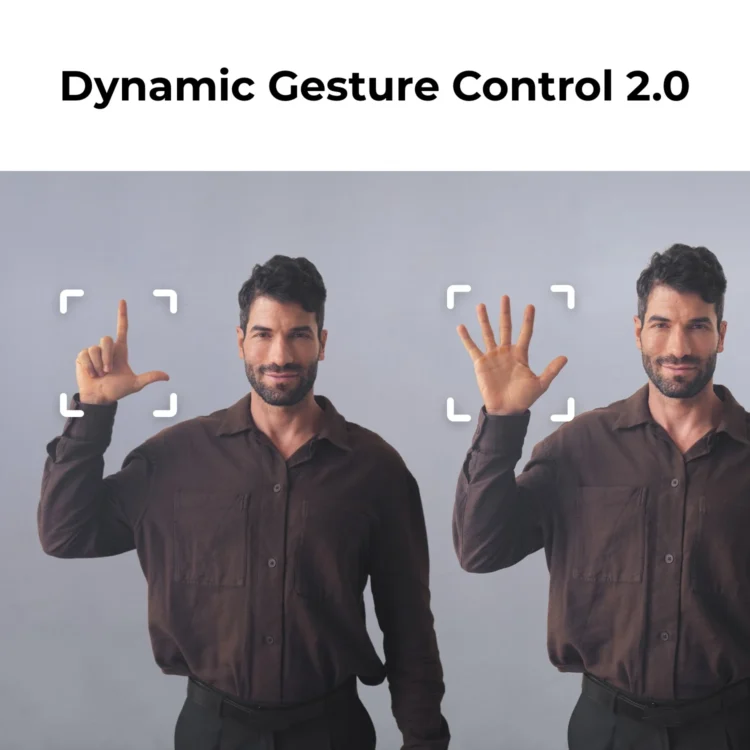
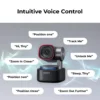
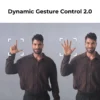
Gesture Control 2.0, Voice Control, and More
Extensive Compatibility, including Stream Deck and Switch 2
Select Accessories
★Official OBSBOT Middle East Distributor✓Genuine product⚡Delivery: 2-4 days UAE / 2-5 days Saudi⚿Secure payment · Apple Pay & card☎Regional support
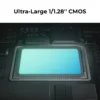
The Tiny 3 packs a large 1/1.28″ 50MP CMOS sensor with a bright ƒ/1.8 aperture into a 63-gram aluminium body — capturing more light and finer detail than any webcam its size, from crisp 4K@30fps to buttery 1080p@120fps motion.
Never leave the frame
AI Tracking 2.0 follows you with human, object and zone tracking plus dynamic auto-zoom, so you stay centred hands-free while presenting, teaching or streaming. Voice Tracking even rotates the gimbal toward whoever is speaking.
Hear every word
The Immersive Stereo Mic System — one omnidirectional and two directional microphones — delivers spatial, studio-grade audio. No external mic needed to sound your best.
Control without touching it
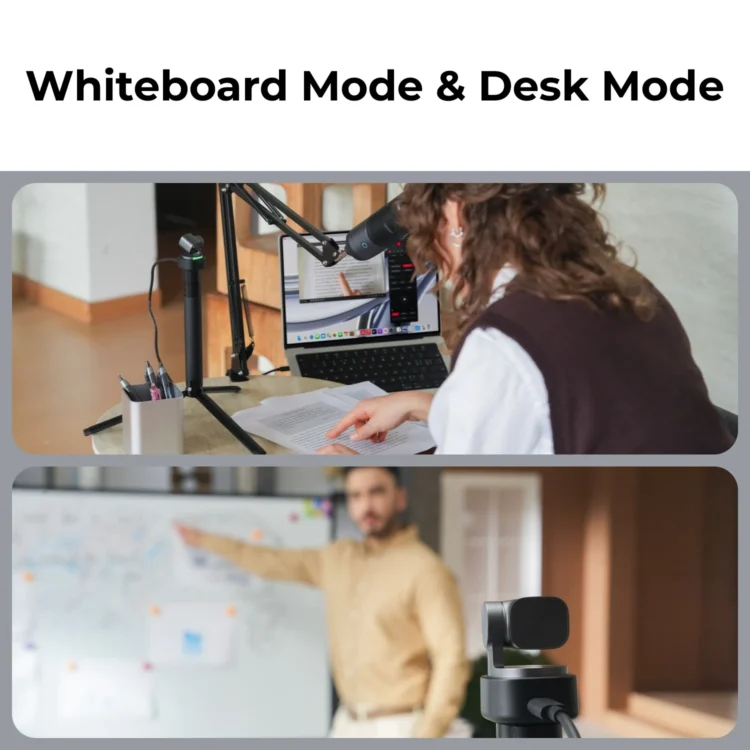
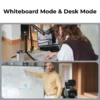
Toggle tracking and zoom with Gesture Control 2.0, Voice Control, or the Tiny Smart Remote. Smart AI modes — Whiteboard, Desk View and Auto-Zoom (close-up, upper-body or full-body) — frame the shot for you.
Ready in seconds
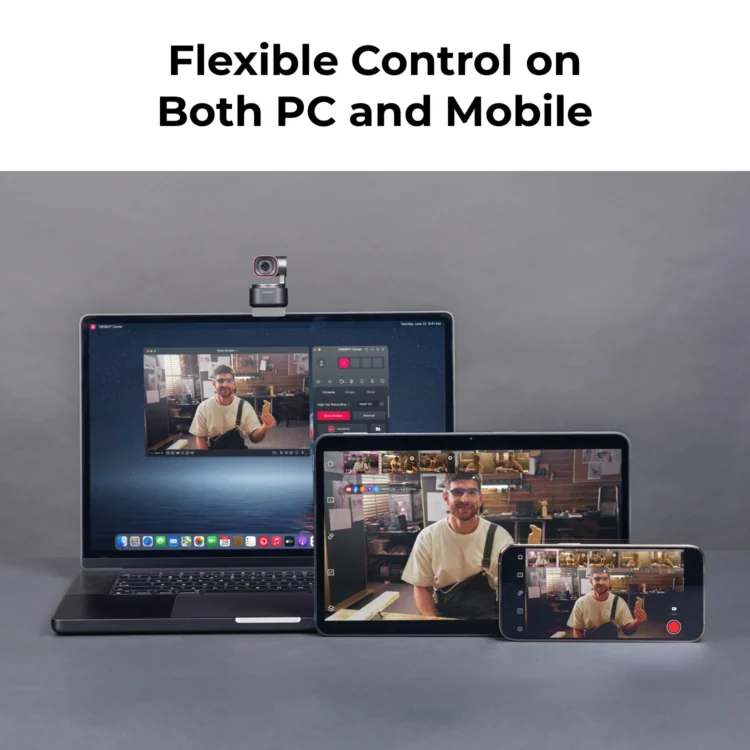
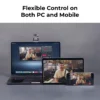
Plug in over USB-C and Windows or macOS sets it up automatically. Works with Zoom, Microsoft Teams, Google Meet, Skype and OBS. Unlock the full feature set in the free OBSBOT Center app.
Specifications
Sensor1/1.28″ CMOS · 50MP effective
Video4K@30fps · 1080p@120fps · HDR
Aperture / focal lengthƒ/1.8 · 24 mm equivalent
Field of view82.4° (4:3) · 74° (16:9) · 70° (H)
Zoom1–4× digital
ISO range100–12800
Min. focus distance14 cm
AudioTri-mic (1 omni + 2 directional) spatial stereo
AI featuresTracking 2.0 · Voice & Gesture Control 2.0 · Auto-Zoom
ConnectivityUSB-C (plug-and-play)
CompatibilityWindows · macOS · Zoom · Teams · Google Meet · Skype · OBS
Dimensions / weight37 × 37 × 49 mm · 63 g
BodyAluminium alloy
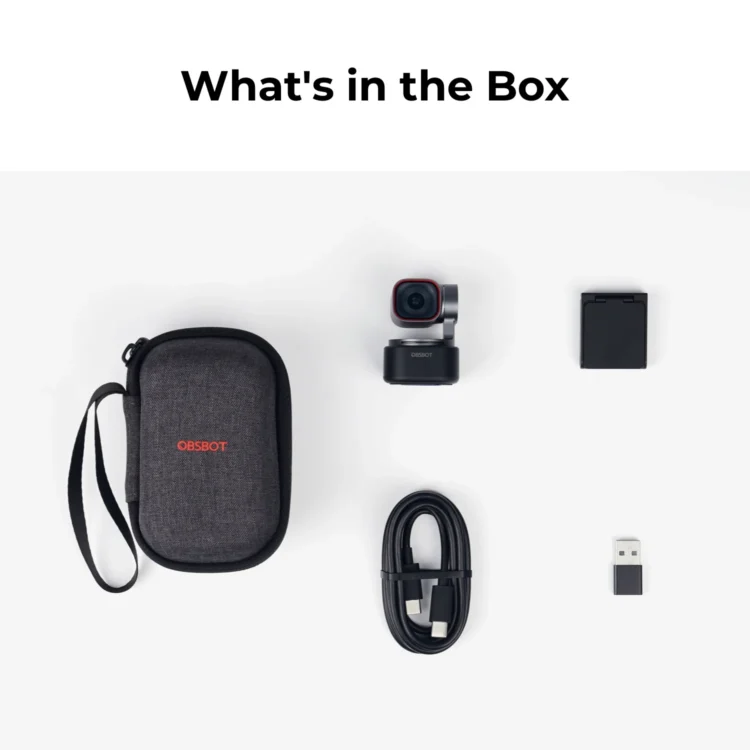
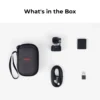
What's in the Box
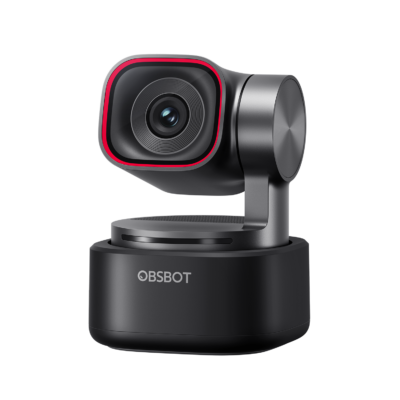
OBSBOT Tiny 3
×1
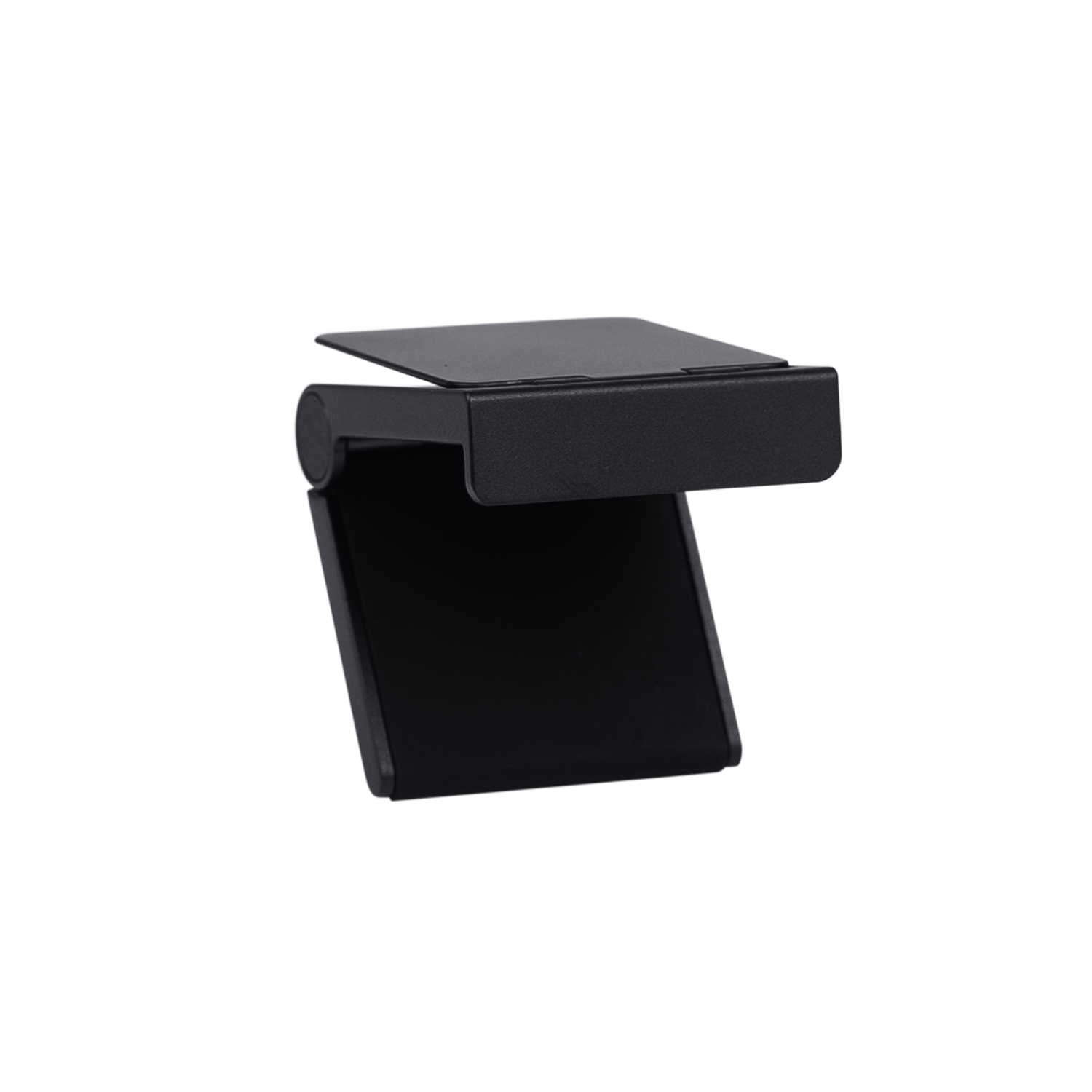
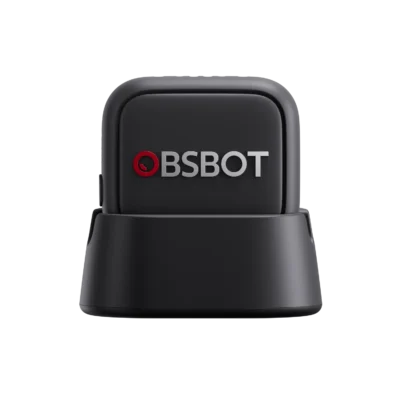
OBSBOT Tiny 3 Adjustable Mount
×1
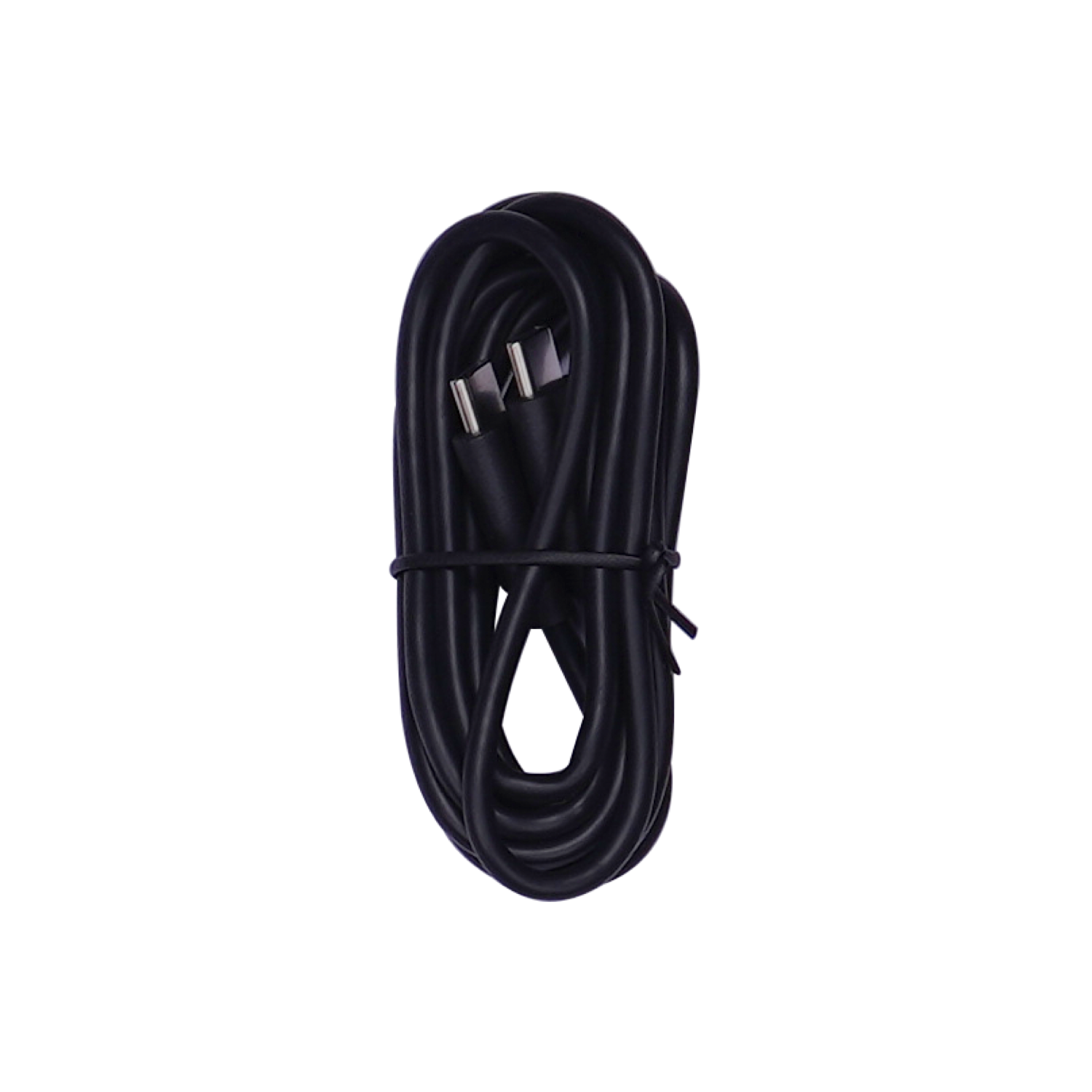
USB-C to C Cable
×1
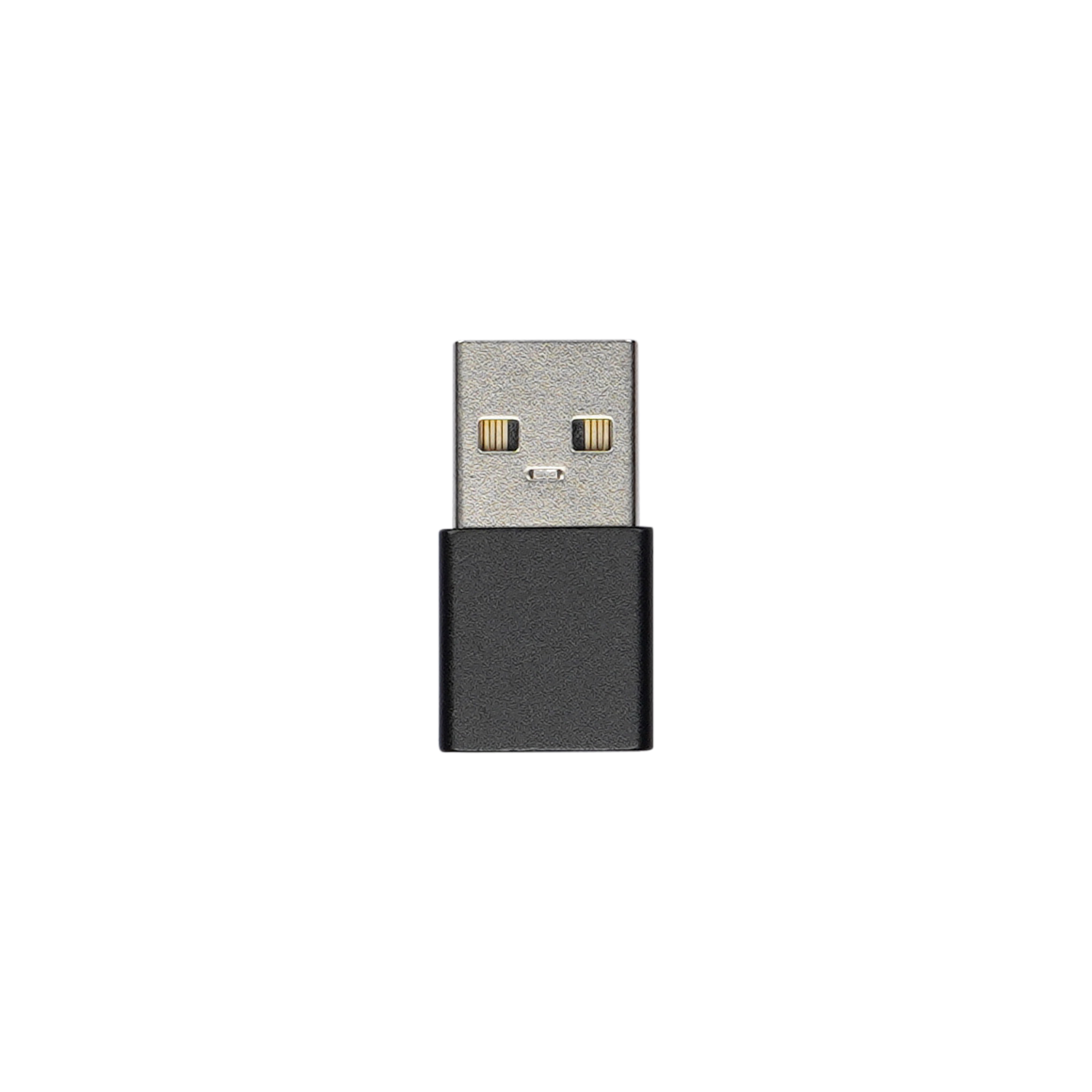
USB-C to USB-A Adapter
×1
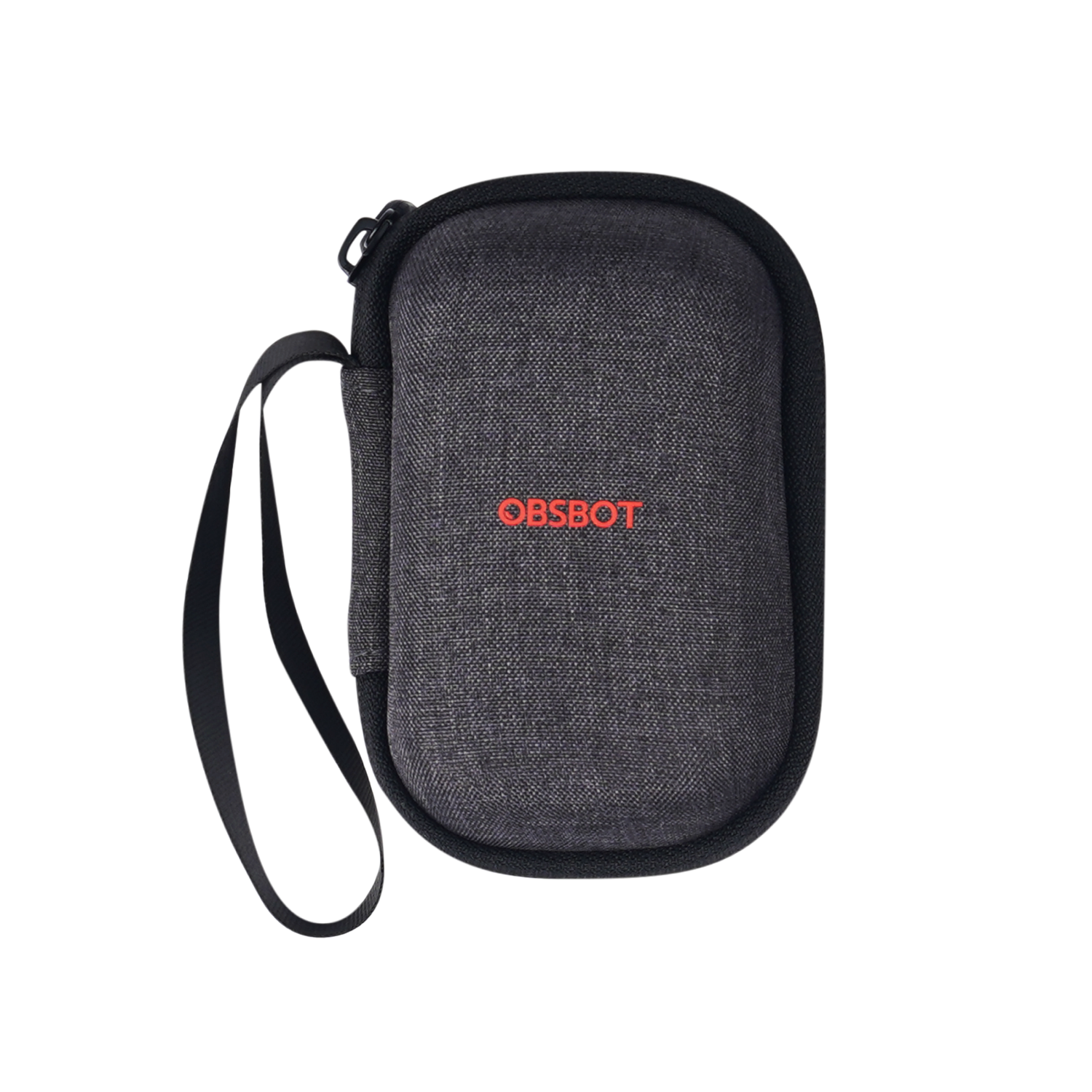
OBSBOT Tiny 3 Storage Case
×1
FAQ
Does OBSBOT Tiny 3 come with built-in microphones?
Yes. Tiny 3 is equipped with the Immersive Stereo Mic System u2014 1 omnidirectional microphone and 2 directional microphones for studio-grade audio capture.
Can I adjust the audio settings of the built-in microphones?
Yes. You can choose from Five Audio Modes to match different recording environments using the OBSBOT Center software.
Does Tiny 3 support external microphones?
Tiny 3 currently supports only the OBSBOT Vox SE microphone. Other OBSBOT microphones (including OBSBOT Vox) and third-party microphones are not supported.
How many Vox SE microphones can connect at the same time?
A single Tiny 3 can support up to two OBSBOT Vox SE microphones simultaneously u2014 ideal for interviews or two-person conversations.
How can I remotely control the Tiny 3?
Enable Voice Control, Gesture Control, or RTC Remote Interaction in OBSBOT Center, or use the OBSBOT Tiny Smart Remote 2 or the multi-function button on the Vox SE.
Which remote controllers are compatible?
Only the OBSBOT Tiny Smart Remote 2. The Tail Air Smart Remote and third-party remotes are not supported.
What specs are required for Eye Tracking and Advanced Background Blur?
Both features require an NVIDIA GeForce RTX 20 Series or higher-performance GPU.
Does Tiny 3 support HDMI output?
Not directly. Pair it with the OBSBOT UVC to HDMI Adapter 2nd Gen (sold separately) to convert the UVC signal to HDMI.
Does Tiny 3 support NDI output?
Not directly. Use the separately sold OBSBOT UVC to NDI Adapter for UVC-to-NDI conversion.
Which languages does Voice Control support?
Voice Control currently supports English and Chinese. It can be toggled off anytime in OBSBOT Center.
Can Tiny 3 be used with phones or tablets?
Yes u2014 connect via the OBSBOT Live app. Compatibility varies by device model; contact us for confirmation.
How do I update the firmware?
Follow the OBSBOT Webcam Firmware Upgrade Manual, or update directly through the OBSBOT Center software.
I love the camera. It’s perfect for my new set up and the innovation behind the design and functionality is amazing. I also appreciate the responsive, knowledgeable and supportive customer service team. They have been amazing supporting my questions prior to and after purchase.
(0)(0)
Christian
Reviewer
Innovant !
FRANCE – Cours de Yoga en Live
Je viens d’acquérir le Tiny 3 et je suis bluffé par cette petite caméra ! Technologiquement, c’est vraiment intéressant : compacte, ultra-efficace et étonnamment performante malgré sa taille. Elle est à la fois fragile (dans le bon sens, elle réagit au moindre mouvement) et taquine, ce qui rend l’expérience très vivante. Le vrai coup de génie, c’est le mariage entre OBS Studio et OBSCenter. C’est presque indispensable et ça ouvre des possibilités créatives quasi lunaires. On sent le savoir-faire et la qualité OBSBOT. Il faut y passer du temps : plusieurs heures de réglages, un peu d’imagination, de la patience et quelques connaissances techniques. Mais le résultat en vaut largement la peine ! Un grand merci à Grok qui m’a bien aidé à dompter tout ça 😊 – Très satisfait de mon achat, je recommande !!
(0)(0)
Ladislav
Reviewer
OBSBOT TINY 3
Awesome upgrade to my webcam setup
(0)(0)
Mike
Reviewer
5-Star Review
I recently upgraded to the OBSBOT Tiny 3 after using a Logitech MX Brio for quite a while. When my previous camera unexpectedly stopped working a couple of months ago, I spent a lot of time researching alternatives. The Tiny 3 kept coming up as something more advanced and more thoughtfully designed than a typical webcam, and after using it, I can say it absolutely lives up to that impression.
The image quality immediately stood out. The picture is sharp, clear, and very natural looking, without the overly processed feel that some cameras have. It adapts well to changing lighting throughout the day, which means I do not have to constantly adjust anything just to look presentable on calls. That alone has made a noticeable difference in day to day use.
What really makes this camera stand out is the tracking and framing. It does not just follow you in a basic way. The movement feels deliberate and well judged, as if the camera understands how you should be positioned rather than simply reacting. If I shift in my chair, lean slightly, or stand up, it adjusts in a way that keeps me properly framed without overcorrecting or drifting. The result is a consistently centered, professional look that does not require any manual adjustment.
I have also found the gesture controls and voice commands to be more useful than I expected. I can quickly tell the camera to lock into place or resume tracking without interrupting what I am doing. It responds reliably, which makes the whole experience feel effortless over time.
I use the Tiny 3 mounted on my tripod rather than on my computer, which gives me much better flexibility in positioning. This setup works especially well for longer meetings and recordings. I did purchase the OBSBOT mini ball head, but in practice it has not been necessary since the camera attaches easily to my tripod and already provides plenty of adjustment.
I also purchased the remote control, but I rarely find myself using it. The built in controls through gestures and voice have proven to be more than enough, which speaks to how well those features are implemented.
Before buying, I had seen some comments about the camera being small and wondered if it might feel fragile. In reality, it feels solid and well constructed. The movement of the camera is smooth and precise, which reinforces the overall sense of quality. The design is also clean and modern without being distracting in a professional setting.
The software does take a little time to learn at first. There are quite a few features available, and it is not immediately intuitive if you are new to this type of camera. However, once I became familiar with it, I really started to appreciate the level of control it offers. It allows you to fine tune the experience in a way that simpler webcams do not.
In day to day use, the camera fits seamlessly into longer meetings, presentations, and back to back calls. I do not have to think about repositioning or checking how I look on screen, which makes it much easier to stay focused on the conversation. Whether I am presenting something or just in a standard meeting, everything feels consistent and reliable throughout. The built in microphones are also clear and dependable, which is more than enough for regular use without needing extra equipment.
I initially thought I would miss having a physical lens cover, but the sleep mode feature has turned out to be a very effective alternative. When the camera tilts downward, it provides a clear and reassuring indication of privacy.
Overall, the Tiny 3 feels like a significant upgrade from a traditional webcam. It is not just about better image quality, but about how the camera adapts to you and makes the entire experience more seamless. It has noticeably improved my video calls and recordings, and I would highly recommend it to anyone looking for a more capable and refined solution.
(0)(0)
Karine
Reviewer
Très satisfaite
Du passage de la commande à la réception tout était très bien géré
Le produit est top !
Is it compatible with a USB PoE adapter for setups that are physically far away from the PC running OBS? Or, is there a separate network-enabled device that obsbot offers that can communicate with the camera and handle the networking part? Lastly, can I completely disable any form of auto-brightness adjustment? I often sit in front of an open window, and this always causes my webcams to swing the brightness setting drastically as I move in front of the window and away again. I need full manual control.Bob asked on June 16, 2026
Hi Bob,
Thank you for your question! We’ll address all your concerns one by one below.
1. We regret to inform you that Tiny 3 does not support network connection, so neither the POE adapter solution nor other network-enabled devices will work with this model.
For your long-distance setup away from the PC running OBS, we recommend our official long USB 3.0 cables for stable video and data transmission. You may check if these fit your requirements.
5m USB-A to USB-C 3.0 Cable:
20m USB-A to USB-C 3.0 Cable:
2. You can completely turn off Auto Exposure and gain full manual parameter control via OBSBOT Center, which perfectly solves your issue with window backlight fluctuations.
Reference screenshot: https://resource-cdn.obsbothk.com/product_system_back/product_img/_64e3fdc98ff1.jpg
If you encounter any trouble during setup or have further questions, please feel free to reply anytime.
We can supply these accessories - email sales@minarsystems.com for a quote.
Best regards,
Minar Media Systems
Minar Systems Support answered on June 17, 2026
(0)(0)
Add an answer
Bonjour,
Peut-on utiliser la Tiny 3 et son micro sans installer de logiciel? Je souhaite l'utiliser pour filmer des conférences avec interactions du public, et donc sur des ordinateurs différents chaque fois.
Quelle est la distance convenable pour entendre dans les micros intégrés? Est-ce que le micro cravatte peut être utilisé eu même temps que le micro intégré?
Merci d'avance,
Benoit
La commande vocale sera-t-elle disponibles en français?Benoit asked on June 15, 2026
Bonjour Benoit,
Merci beaucoup pour toutes vos questions concernant la Tiny 3, nous sommes heureux de vous répondre en détail ci-dessous.
1. Vous devez installer notre logiciel OBSBOT Center pour accéder à l'ensemble des fonctionnalités de la Tiny 3.
2. D'après nos tests, la distance optimale pour une bonne captation audio du micro intégré est comprise entre 1,5 m et 3 m. La qualité sonore sera optimale dans cette plage.
3. Il n’est pas possible d’utiliser simultanément le micro Vox SE et le micro intégré de la Tiny 3. Vous devrez choisir l’un des deux pour votre enregistrement.
4. À l'heure actuelle, la fonction de commande vocale ne prend en charge que le chinois et l'anglais. La version française n'est pas encore disponible.
N’hésitez pas à nous contacter si vous avez d’autres questions.
Cordialement,
Minar Media Systems
Minar Systems Support answered on June 18, 2026
(0)(0)
Add an answer
Does the adjustable mount work on curved monitors? I want to make sure that if it isn't to then go to the tripod if necessary.Angela asked on May 25, 2026
Hello,
Thank you for your inquiry.
Unfortunately, the Adjustable Mount of Tiny 3 cannot be used on curved monitors.
Should you have any questions, please feel free to contact us.
Best regards,
Minar Media Systems
Minar Systems Support answered on May 27, 2026
(0)(0)
Add an answer
Is there any way to keep the webcam physically and optically locked in place with gimbal mode fully disabled? Perhaps via a software update?cmonx user asked on March 31, 2026
Hello,
The gimbal cannot be fully locked in a fixed position physically or optically. However, you can disable all tracking and auto-framing features. This will keep the gimbal stationary and prevent any zoom or adjustments to the camera view.
Best regards,
Minar Media Systems
Minar Systems Support answered on April 2, 2026
(0)(0)
Add an answer
Does this support Windows Hello?Danny asked on March 30, 2026
Hello,
No, the Tiny 3 does not support Windows Hello. It lacks the dedicated infrared (IR) sensor required for Windows Hello facial recognition.




I love the camera. It’s perfect for my new set up and the innovation behind the design and functionality is amazing. I also appreciate the responsive, knowledgeable and supportive customer service team. They have been amazing supporting my questions prior to and after purchase.
FRANCE – Cours de Yoga en Live
Je viens d’acquérir le Tiny 3 et je suis bluffé par cette petite caméra ! Technologiquement, c’est vraiment intéressant : compacte, ultra-efficace et étonnamment performante malgré sa taille. Elle est à la fois fragile (dans le bon sens, elle réagit au moindre mouvement) et taquine, ce qui rend l’expérience très vivante. Le vrai coup de génie, c’est le mariage entre OBS Studio et OBSCenter. C’est presque indispensable et ça ouvre des possibilités créatives quasi lunaires. On sent le savoir-faire et la qualité OBSBOT. Il faut y passer du temps : plusieurs heures de réglages, un peu d’imagination, de la patience et quelques connaissances techniques. Mais le résultat en vaut largement la peine ! Un grand merci à Grok qui m’a bien aidé à dompter tout ça 😊 – Très satisfait de mon achat, je recommande !!
Awesome upgrade to my webcam setup
I recently upgraded to the OBSBOT Tiny 3 after using a Logitech MX Brio for quite a while. When my previous camera unexpectedly stopped working a couple of months ago, I spent a lot of time researching alternatives. The Tiny 3 kept coming up as something more advanced and more thoughtfully designed than a typical webcam, and after using it, I can say it absolutely lives up to that impression.
The image quality immediately stood out. The picture is sharp, clear, and very natural looking, without the overly processed feel that some cameras have. It adapts well to changing lighting throughout the day, which means I do not have to constantly adjust anything just to look presentable on calls. That alone has made a noticeable difference in day to day use.
What really makes this camera stand out is the tracking and framing. It does not just follow you in a basic way. The movement feels deliberate and well judged, as if the camera understands how you should be positioned rather than simply reacting. If I shift in my chair, lean slightly, or stand up, it adjusts in a way that keeps me properly framed without overcorrecting or drifting. The result is a consistently centered, professional look that does not require any manual adjustment.
I have also found the gesture controls and voice commands to be more useful than I expected. I can quickly tell the camera to lock into place or resume tracking without interrupting what I am doing. It responds reliably, which makes the whole experience feel effortless over time.
I use the Tiny 3 mounted on my tripod rather than on my computer, which gives me much better flexibility in positioning. This setup works especially well for longer meetings and recordings. I did purchase the OBSBOT mini ball head, but in practice it has not been necessary since the camera attaches easily to my tripod and already provides plenty of adjustment.
I also purchased the remote control, but I rarely find myself using it. The built in controls through gestures and voice have proven to be more than enough, which speaks to how well those features are implemented.
Before buying, I had seen some comments about the camera being small and wondered if it might feel fragile. In reality, it feels solid and well constructed. The movement of the camera is smooth and precise, which reinforces the overall sense of quality. The design is also clean and modern without being distracting in a professional setting.
The software does take a little time to learn at first. There are quite a few features available, and it is not immediately intuitive if you are new to this type of camera. However, once I became familiar with it, I really started to appreciate the level of control it offers. It allows you to fine tune the experience in a way that simpler webcams do not.
In day to day use, the camera fits seamlessly into longer meetings, presentations, and back to back calls. I do not have to think about repositioning or checking how I look on screen, which makes it much easier to stay focused on the conversation. Whether I am presenting something or just in a standard meeting, everything feels consistent and reliable throughout. The built in microphones are also clear and dependable, which is more than enough for regular use without needing extra equipment.
I initially thought I would miss having a physical lens cover, but the sleep mode feature has turned out to be a very effective alternative. When the camera tilts downward, it provides a clear and reassuring indication of privacy.
Overall, the Tiny 3 feels like a significant upgrade from a traditional webcam. It is not just about better image quality, but about how the camera adapts to you and makes the entire experience more seamless. It has noticeably improved my video calls and recordings, and I would highly recommend it to anyone looking for a more capable and refined solution.
Du passage de la commande à la réception tout était très bien géré
Le produit est top !
Best tiny