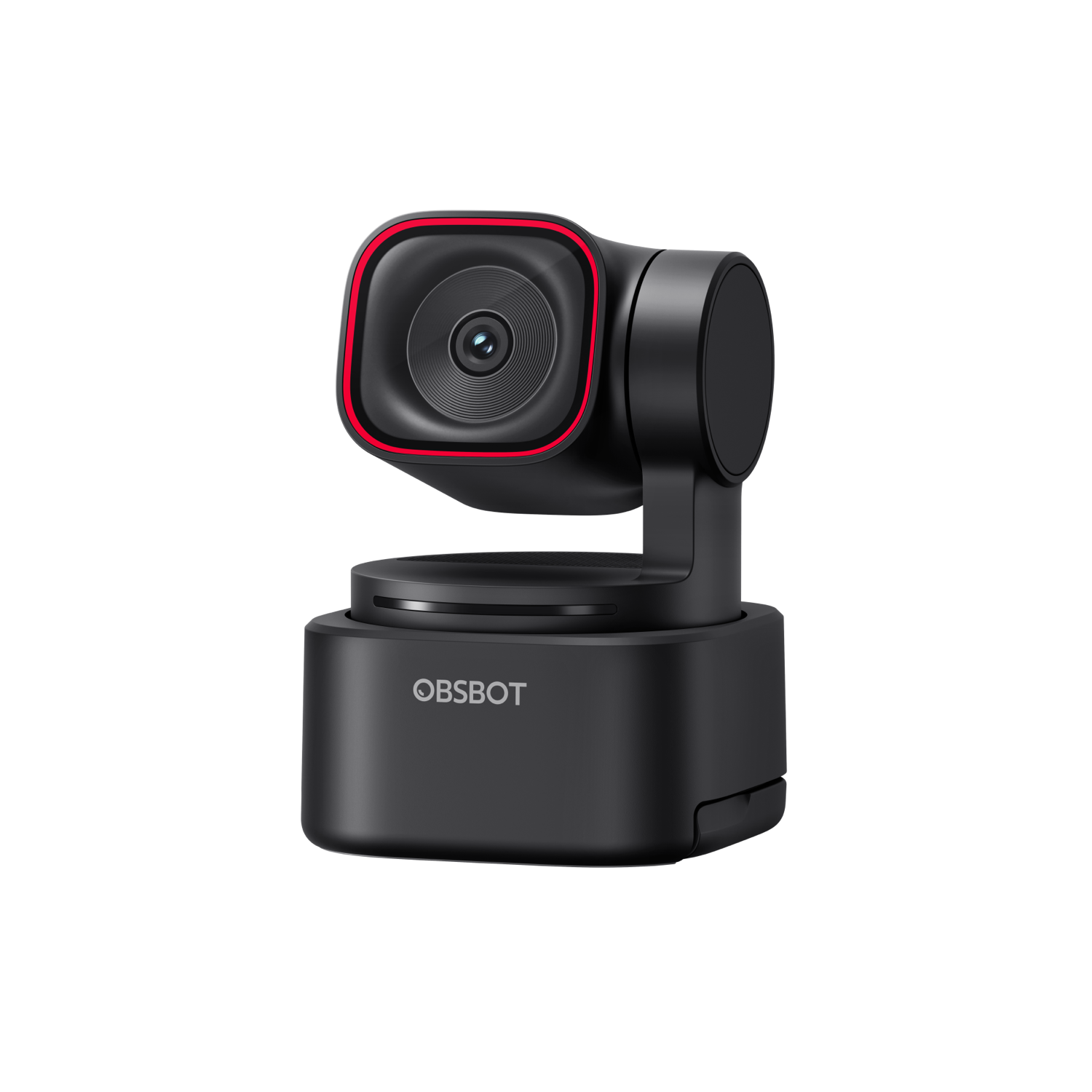
The Tiny 3 experience at a friendlier price: a 1/2″ 48MP sensor, AI Tracking 2.0, tri-mic spatial audio, and gesture/voice control — 4K@30fps in a 73g body.
Seamless AI Tracking 2.0
1/2'' CMOS with 4K@30fps and 1080p@120fps
Immersive Stereo Mic System and Five Audio Modes
Playful OBSBOT Avatars and Virtual Voices
Easy Remote Interaction with RTC
Compact Design with an Integrated Stand
Gesture Control 2.0, Voice Control, and More
Extensive Compatibility, including Stream Deck and Switch 2
Select Accessories
★Official OBSBOT Middle East Distributor✓Genuine product⚡Delivery: 2-4 days UAE / 2-5 days Saudi⚿Secure payment · Apple Pay & card☎Regional support
Tiny 3 Lite shares the Tiny 3’s AI Tracking 2.0, immersive tri-mic audio and gesture/voice control, built around a 1/2″ 48MP sensor — 4K@30fps HDR and smooth 1080p@120fps.
Never leave the frame
AI Tracking 2.0 (human, object, zone) plus Voice Tracking keeps you centred hands-free while presenting or streaming.
Hear every word
The same Immersive Stereo Mic System as Tiny 3 — one omnidirectional and two directional microphones — for spatial, studio-grade audio.
Specifications
Sensor1/2″ CMOS · 48MP effective
Video4K@30fps HDR · 1080p@120fps
Apertureƒ/1.8
Field of view72° (16:9) · 79.1° (4:3)
ISO rangeup to 6400
AudioTri-mic (1 omni + 2 directional) spatial stereo
AI featuresTracking 2.0 · Voice & Gesture Control
Dimensions / weight41 × 41 × 58mm · 73g
What's in the Box
OBSBOT Tiny 3 Lite
×1
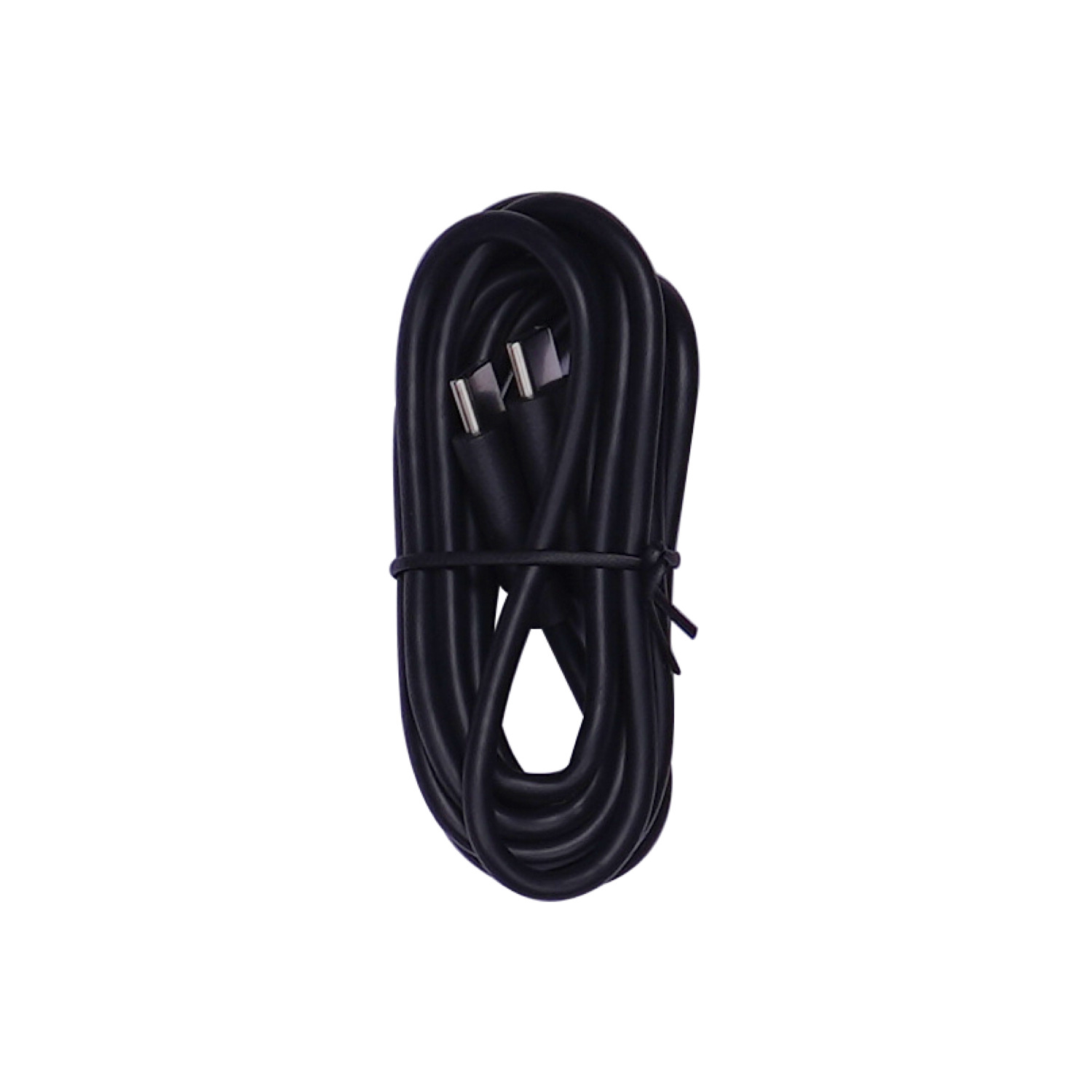
USB-C to C Cable
×1
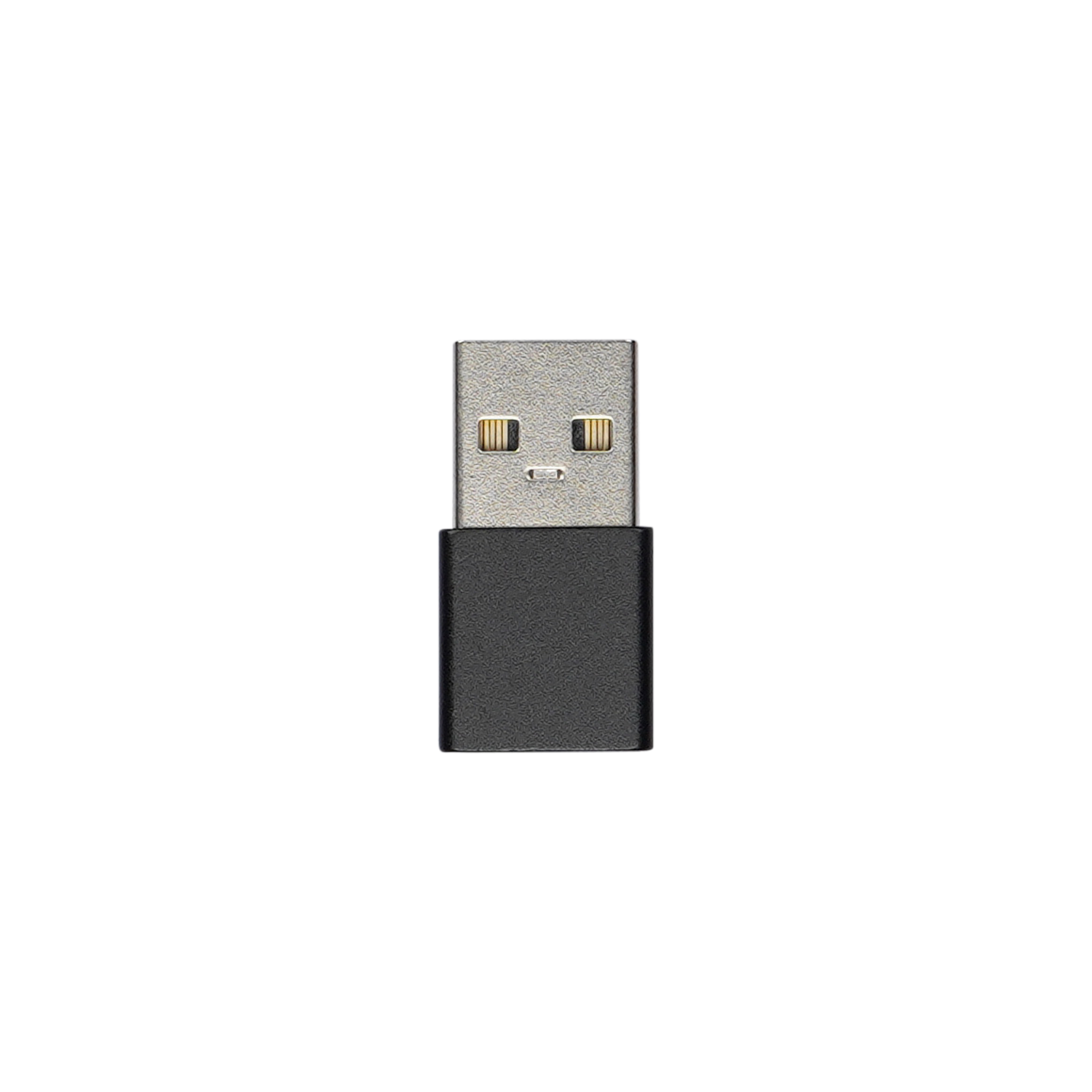
USB-C to USB-A Adapter
×1
FAQ
How do I update the firmware of OBSBOT Tiny 3 Series?
Please refer to the OBSBOT Webcam Firmware Upgrade Manual for detailed instructions.
Does OBSBOT Tiny 3 Series come with built-in microphones?
Yes. Both Tiny 3 and Tiny 3 Lite are equipped with the Immersive Stereo Mic System, which includes 1 omnidirectional microphone and 2 directional microphones for studio-grade audio capture.
Can I adjust the audio settings for the built-in microphones of OBSBOT Tiny 3 Series?
Yes. You can select from Five Audio Modes to match your different recording environments using the OBSBOT Center software.
Is there a way to keep the built-in microphones active when the OBSBOT Tiny 3 Series webcam is in sleep mode?
Yes. You can configure the microphone status during sleep mode via the Audio settings in the OBSBOT Center software.
Does OBSBOT Tiny 3 Series support external microphones?
OBSBOT Tiny 3 series currently supports only the OBSBOT Vox SE microphone. Other OBSBOT microphones (including OBSBOT Vox) and third-party microphones are not supported.
How many OBSBOT Vox SE microphones can be connected to a single Tiny 3 or Tiny 3 Lite webcam simultaneously?
A single OBSBOT Tiny 3 or Tiny 3 Lite webcam can support up to two OBSBOT Vox SE microphones at the same time, ideal for interview scenarios or two-person conversations.
How can I remotely control the OBSBOT Tiny 3 Series?
You can remotely control the webcam by enabling Voice Control, Gesture Control, or RTC Remote Interaction in the OBSBOT Center software, or by using a compatible remote controller or the multi-function button on the OBSBOT Vox SE.
Which remote controllers are compatible with OBSBOT Tiny 3 Series?
The OBSBOT Tiny 3 Series is only compatible with the OBSBOT Tiny Smart Remote 2. It does not support the OBSBOT Tail Air Smart Remote Controller or any third-party remote controllers.
What computer specifications are required for Eye Tracking and Advanced Background Blur features?
Both features require an NVIDIA GeForce RTX 20 Series or higher-performance GPU.
Does OBSBOT Tiny 3 Series support HDMI output?
The Tiny 3 Series does not support direct HDMI signal output. This functionality can be achieved by pairing the webcam with the OBSBOT UVC to HDMI Adapter 2nd Gen (sold separately), which converts UVC signals to HDMI format.
Does OBSBOT Tiny 3 Series support NDI output?
NDI signal output is not available directly on the Tiny 3 Series. To enable it, use the separately sold OBSBOT UVC to NDI Adapter, which facilitates UVC-to-NDI signal conversion.
Which languages does the Voice Control function of OBSBOT Tiny 3 Series support?
The Voice Control function currently supports English and Chinese. Can the Voice Control function of OBSBOT Tiny 3 Series be used with OBSBOT Vox SE? No. The Voice Control function relies on the webcam's built-in microphone array, so it can't be used with OBSBOT Vox SE.
Can the Voice Control function of OBSBOT Tiny 3 Series be disabled?
Yes. You can toggle off the Voice Control function in the Voice Control settings section of the OBSBOT Center software.
Can OBSBOT Tiny 3 Series be used with phones or tablets?
Yes. Connect the webcam to your phone or tablet via the Obsbot Live APP. Compatibility varies by device model—please contact our customer service team at service@obsbot.com for confirmation. More webcam control features and iOS device support will be added in future iterations of the Obsbot Live APP.