sales@minarsystems.com

Official OBSBOT Middle East Distributor

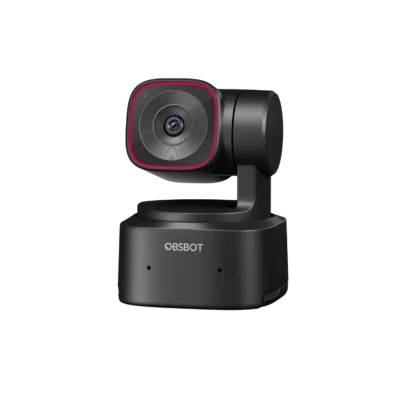
OBSBOT Tiny SE — AI-Powered Full HD PTZ Webcam

د.إ 529.00

Excl. VAT · calculated at checkout

(4 customer reviews)

An affordable Full HD PTZ webcam with AI face tracking, a 2-axis gimbal and Gesture Control 2.0 — works with the Tiny Smart Remote 2 and Elgato Stream Deck.

  • AI Tracking with Auto Zoom
  • 1/2.8" CMOS & High Resolution up to 1080p@100fps and 720p@120fps
  • Various Tracking Modes

Select Accessories

Quantity
Wishlist
Official OBSBOT Middle East DistributorGenuine productDelivery: 2-4 days UAE / 2-5 days SaudiSecure payment · Apple Pay & cardRegional support

Description

PTZ tracking made accessible

Tiny SE captures crisp 1080p up to 100fps (720p@120fps) from a 1/2.8″ sensor, with a real 2-axis motorized gimbal — pan ±140°, tilt 30° to -70° — tracking at up to 120°/s.

AI face & zone tracking

Multiple tracking modes keep you framed automatically, with Gesture Control 2.0 for hands-free adjustments.

Plays well with the OBSBOT ecosystem

Works seamlessly with the OBSBOT Center app, the Tiny Smart Remote 2, and even an Elgato Stream Deck for one-touch control.

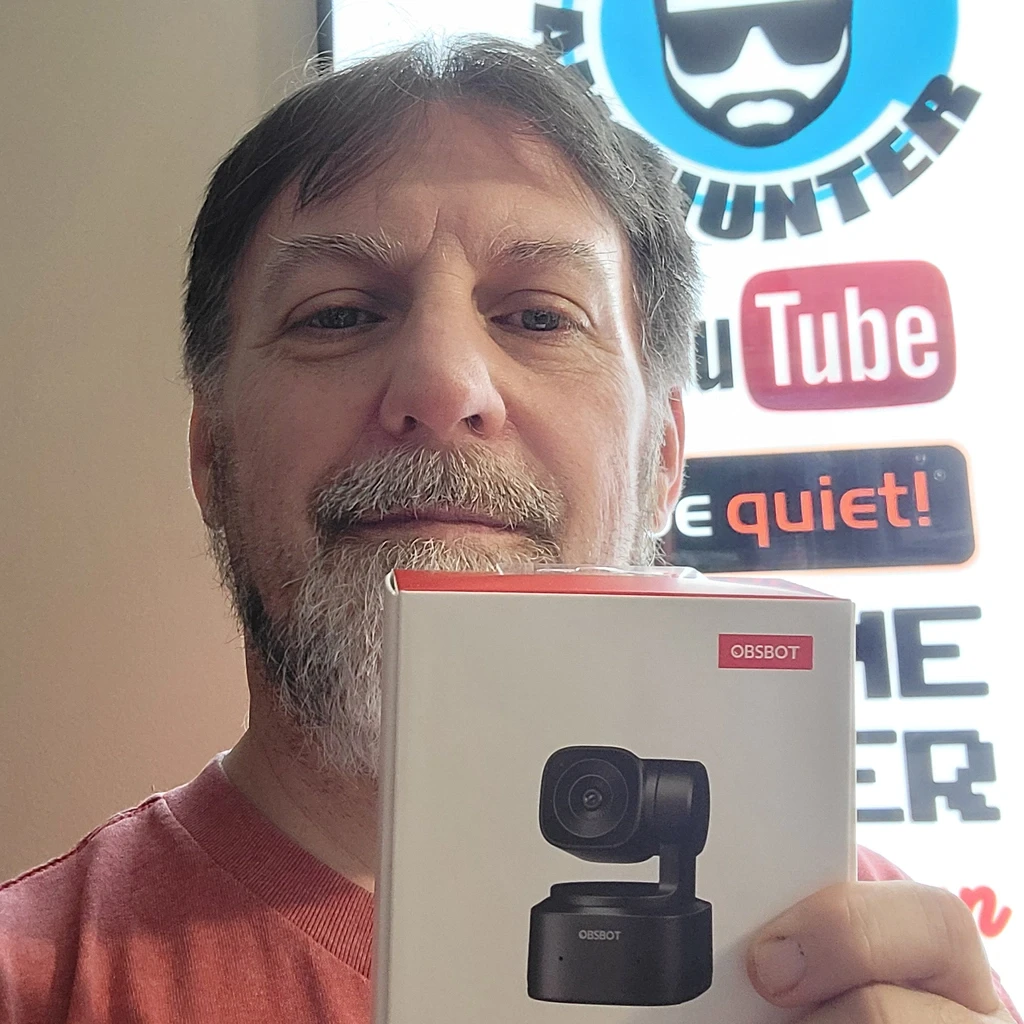
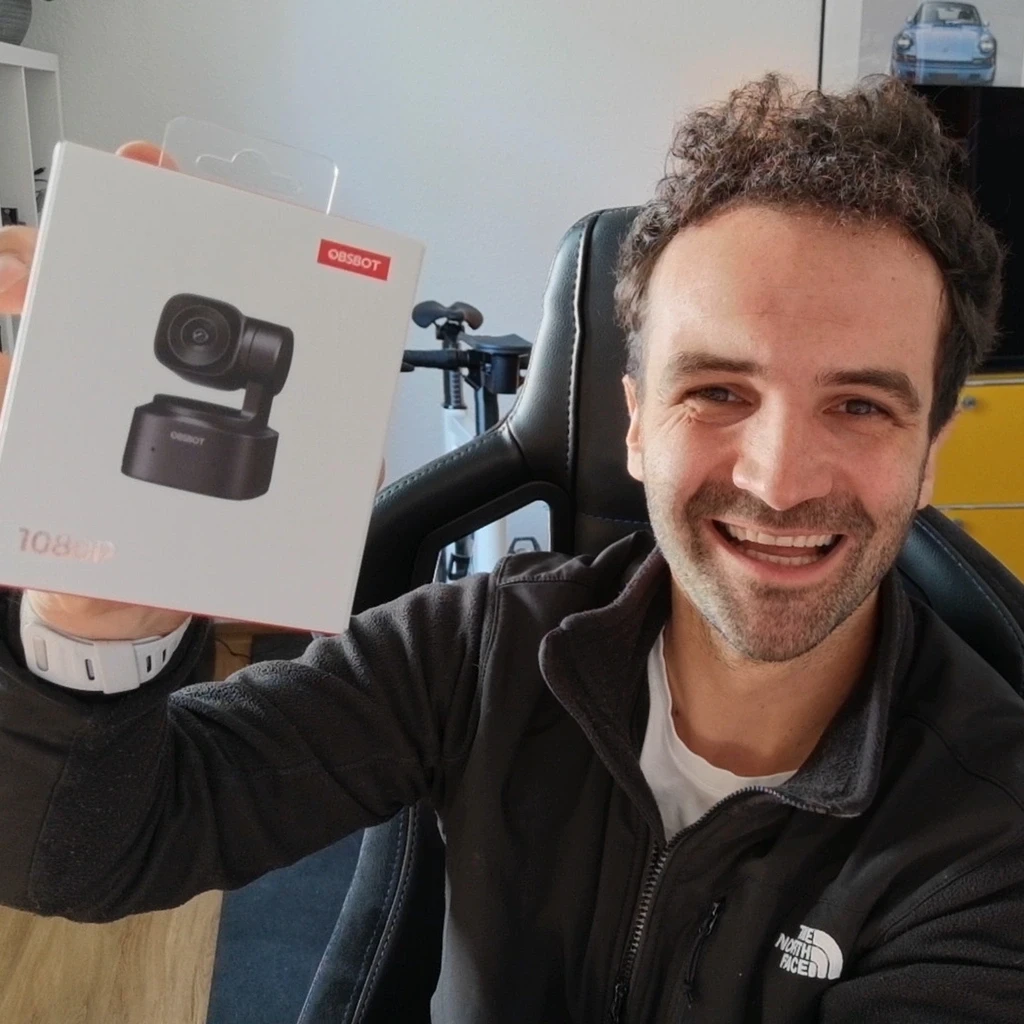
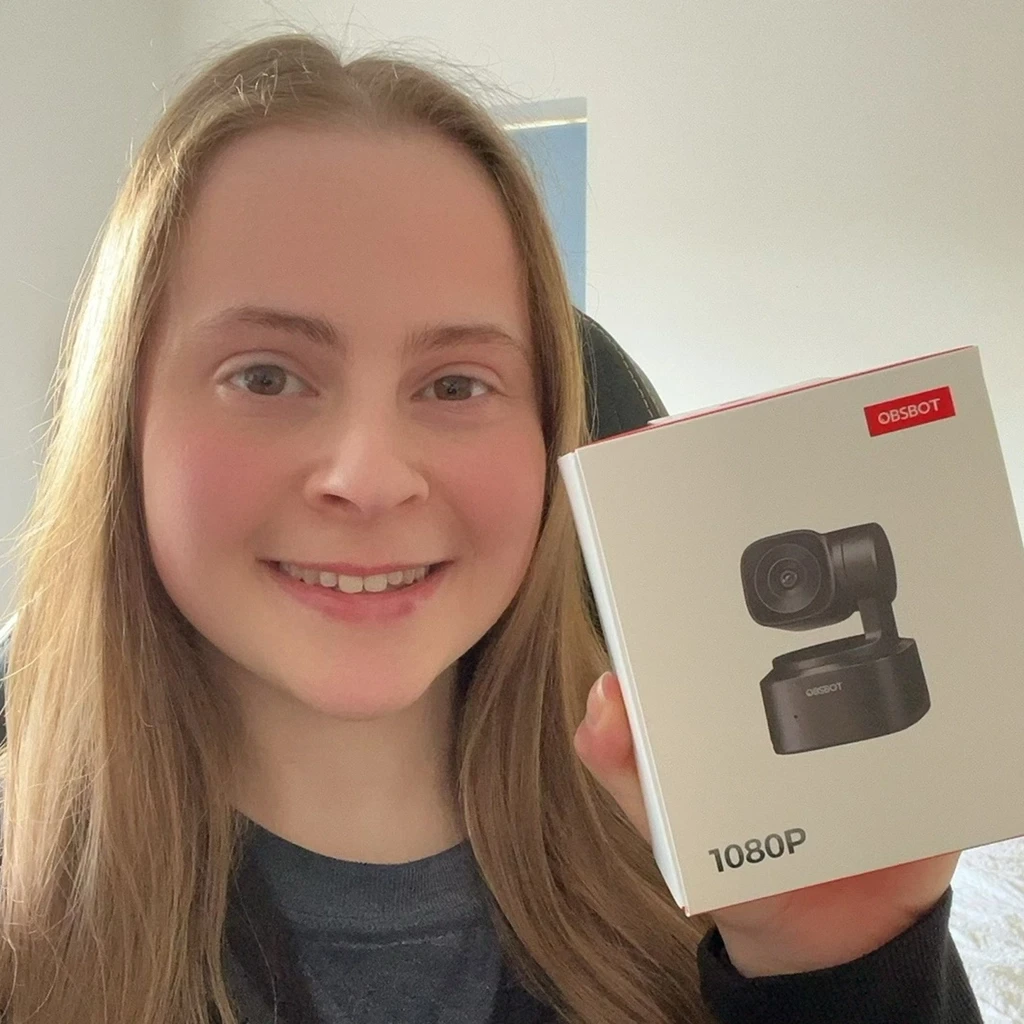
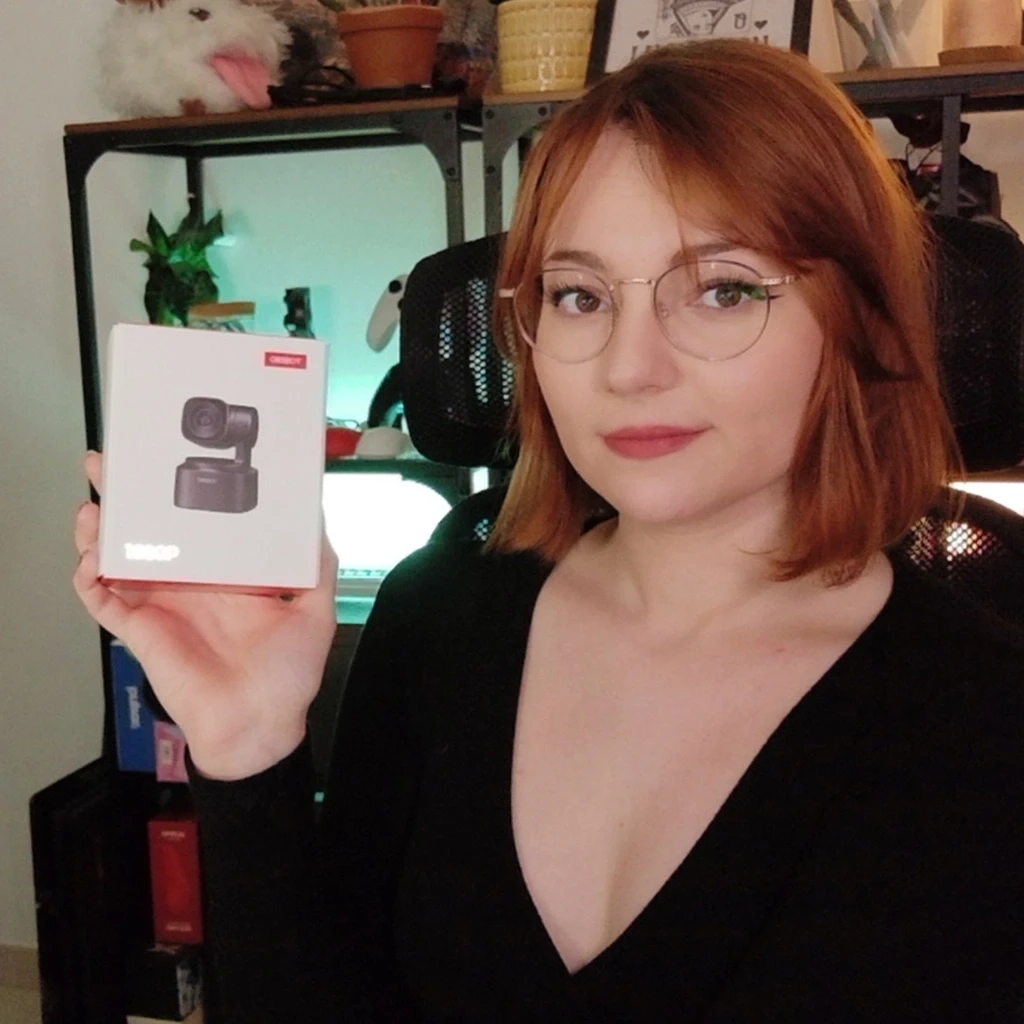
They Love It

customer photo
customer photo
customer photo
customer photo
customer photo

Specifications

Sensor1/2.8″ CMOS
Video1080p up to 100fps · 720p up to 120fps
Aperture / focal lengthƒ/1.8 · 26mm equivalent
Field of view78° (D) · 71° (H)
Zoom4× digital
GimbalPan ±140° · Tilt 30° to -70° · up to 120°/s
FocusAuto / Manual
HDRSupported
Dimensions / weight48.37 × 46.46 × 64.2mm · 94g

What's in the Box

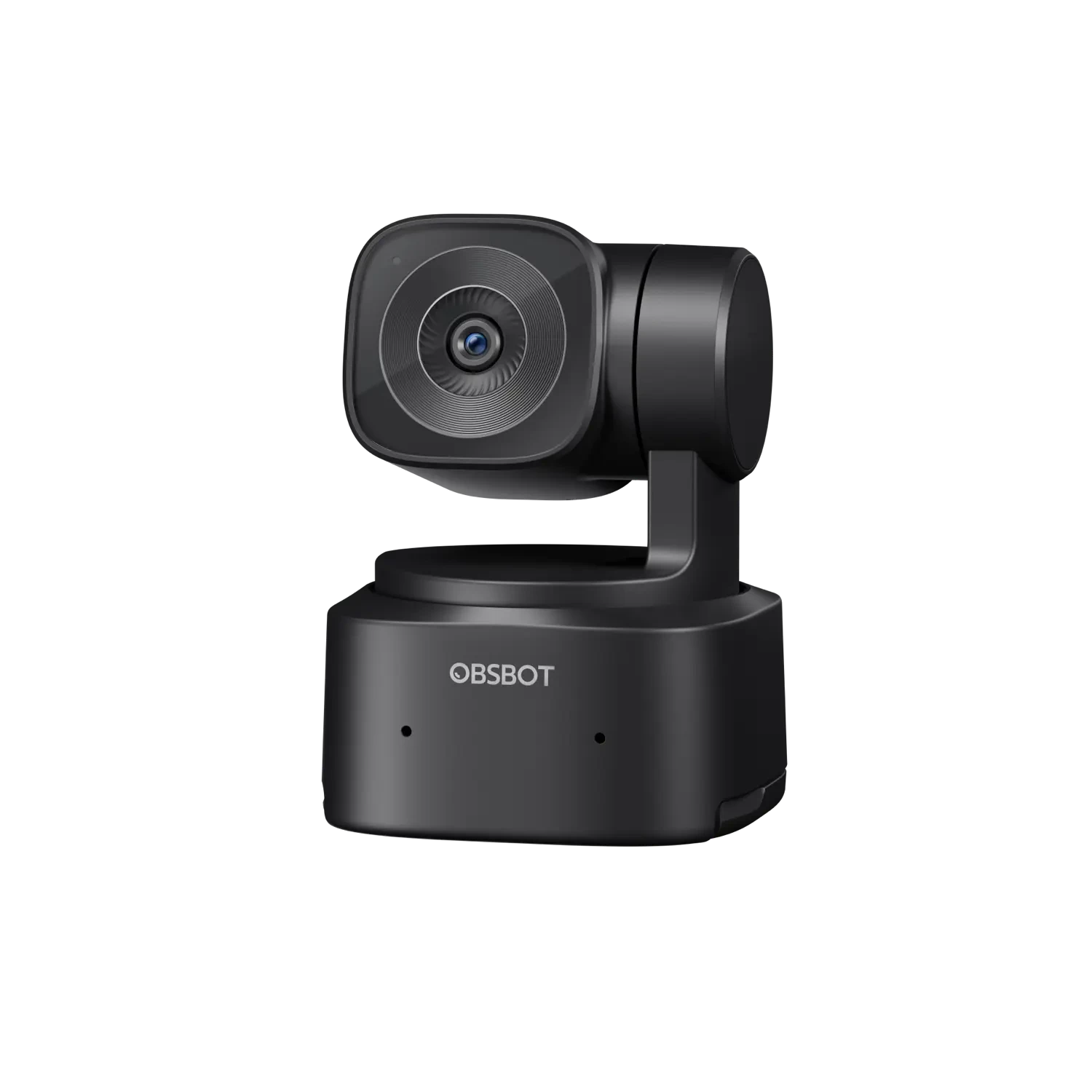
OBSBOT Tiny SE
OBSBOT Tiny SE
×1
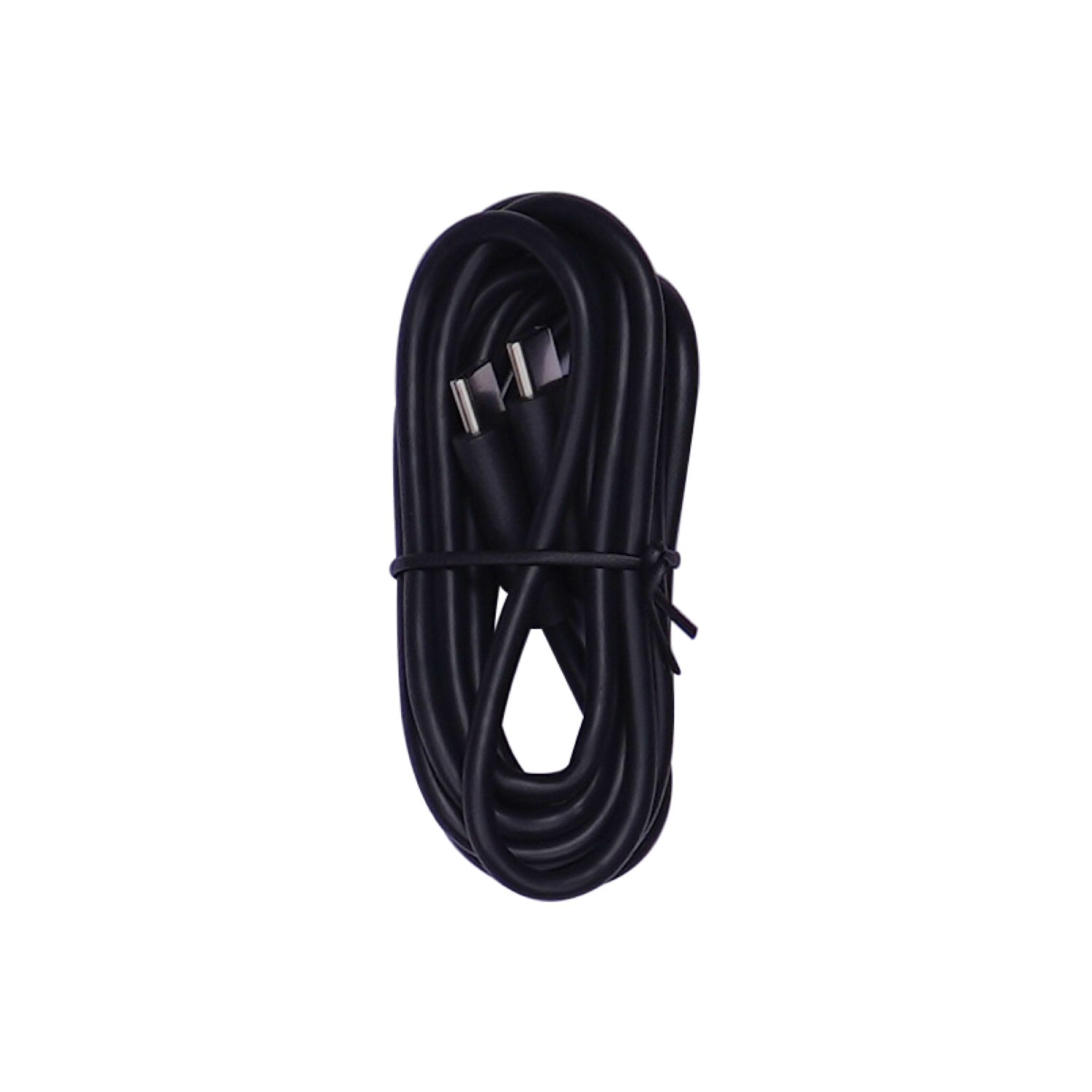
USB-C to C Cable
USB-C to C Cable
×1
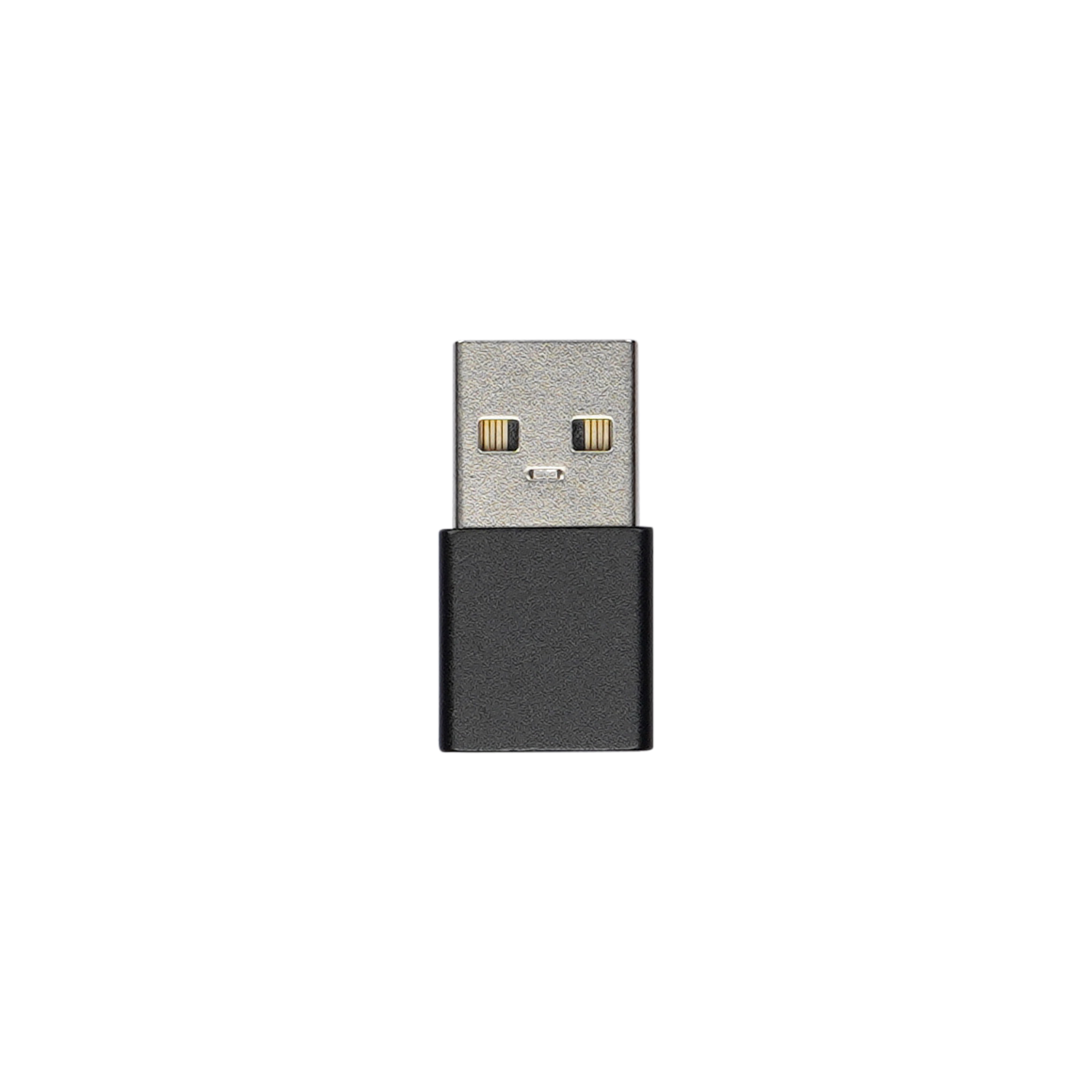
USB-C to USB-A Adapter
×1

FAQ

Does Tiny SE have a mount?

Yes. The Tiny SE is designed with an integrated stand that can be mounted directly on a laptop device or screen. It is also equipped with a 1/4" interface on the bottom, which can be adapted to most tripods on the market.

Does Tiny SE come with a privacy cover? How does Tiny SE protect privacy?

Tiny SE does not come with a privacy cover. Users can protect their privacy through Sleep Mode. Here are the 3 ways to enter the Sleep Mode. 1. Manual Sleep Please adjust the lens to point straight down. If the indicator light is off, it means that the sleep mode is activated. 2. Tiny Smart Remote 2 Click the "ON/OFF" button to enter Sleep Mode. 3. OBSBOT Center a. You can use OBSBOT Center software to set the sleep time so that it automatically enters sleep mode as needed. b. Click the "Sleep/Resume" button to enter Sleep Mode.

What are the resolutions supported by Tiny SE?

Tiny SE offers high-quality video output with the following options: MJPEG: 1920x1080@[100 60 59.94 50 30 29.97 25 24 20 15], 1280x720@[120 60 59.94 50 30 29.97 25 24 20 15] YUV: 640x480@[30 25 24 20 15], 640x360@[30 25 24 20 15]

Does the Tiny SE's 2-axis gimbal allow for 360° rotation?

No. Here is the range of the Tiny SE's gimbal control: Pan: ±140°, Tilt: 30°~ -70°.

How to adjust the PTZ position of Tiny SE?

There are several ways to adjust the PTZ position of Tiny SE. 1. Adjust the PTZ position manually. 2. Adjust the PTZ position by Tiny Smart Remote 2 or OBSBOT Center.

Does Tiny SE's tracking mode allow for tracking multiple people?

No. Tiny SE's tracking mode only works for tracking a single target.

Does Tiny SE have a built-in microphone?

Yes. Tiny SE comes with a noise-canceling microphone.

Does Tiny SE support other output signal output methods?

Tiny SE supports UVC signal output by default. But, it can output HDMI and NDI signals via OBSBOT UVC to HDMI Adapter 2nd Gen and OBSBOT UVC to NDI Adapter respectively. *Accessories need to be purchased additionally.

Does Tiny SE support zoom?

Tiny SE supports 4x digital zoom. Generally, users can adjust the zoom by 3 ways: Tiny Smart Remote 2, OBSBOT Center, and Gesture Control.

Customer Reviews

5.0
Based on 4 reviews
5
100
100%
4
0%
3
0%
2
0%
1
0%
1-4 of 4 reviews
  1. Une caméra qui dépasse toutes mes attentes

    Je n’ai jamais pu utiliser une caméra aussi simplement.

    J’avais précédemment une caméra d’une autre marque qui avait la fâcheuse tendance à ne jamais sauvegarder la configuration dans laquelle je la paramétrais dans OBS. Un jour j’en ai eu marre et je tombe sur une caméra qui non seulement ne coûte pas bien cher pour ses performances, mais elle dispose également de fonctionnalités extrêmement pratiques pour moi !

    Plug & play, c’est exactement ce qui s’est passé pour moi. Évidemment, l’amateur en moi s’est amusé à bidouiller un peu les paramètres pour voir ce qu’elle avait dans le ventre, et j’étais bluffé !

    J’avais toujours du mal à faire marcher mon fond vert, car je n’ai malheureusement pas les moyens d’avoir un studio dédié. Aucun problème avec cette caméra, même en environnement sombre, les réglages automatiques parviennent non seulement à bien augmenter la luminosité, mais en plus mon fond vert bas de gamme arrive quand même à fonctionner correctement.

    Je pense que vous l’avez déjà compris dans mon avis, je suis pas du genre à investir énormément pour ce genre de matériel, j’ai d’autres priorités pour mon travail, mais le fait d’avoir une caméra si peu chère pour tout ce qu’elle fait, me ravit au plus haut point !

    Je voulais acheter une petite caméra et je repars avec un produit qui m’a complètement simplifié la vie.

    (0) (0)
  2. OBSBOT

    I just wanted to share that it’s been a great experience using your product. The quality of the video is absolutely amazing, and I’ve really enjoyed it. I would definitely recommend it to my family and friends.

    Keep up the excellent work!

    (0) (0)
  3. Great just what I needed!

    Tiny SE is awesome I am able to do workshops on body care and preparation for people undergoing chemical therapy. To make things clearer for those who need to see relevant techniques relating to their care this is a great tool at a great price. And Obsbot ‘s “Care Team” that are the best! Really💯

    (0) (0)
  4. Mejor webcam calidad precio que he probado

    Para el pequeño tamaño tiene una calidad increíble. Fácil de usar y con funciones de IA muy únicas.

    (0) (0)
Add a review
You must be logged in to post a review Log In

Q & A

Ask a question
Ez a tipus tud a WiFi hálózaton keresztül működni, kábel nélkül? Peter asked on February 19, 2026

Üdvözlöm!

Nem, az OBSBOT Tiny SE nem működik Wi-Fi-n keresztül. USB-kábellel kell csatlakoztatni a számítógéphez, és az OBSBOT Center szoftverrel együtt kell használni, amelyet letöltött az eszközére.

Üdvözlettel,
Minar Media Systems

Minar Systems Support answered on February 25, 2026
(0) (0)
Add an answer
Does it work wirelessly? I’m looking for a webcam that can be placed on top of a large monitor, but I need it to work without any cables connected to a computer. Is there a product with these characteristics? Anna asked on October 16, 2025

Hello,

Tiny SE does not support wireless operation. It needs to be connected to a computer via a USB-C cable for use.

Currently, we do not have a webcam that supports wireless functionality. However, if you’re looking for a camera that works wirelessly, we recommend considering the Tail Air or Tail 2.

Best regards,
Minar Media Systems

Minar Systems Support answered on October 17, 2025
(0) (0)
Add an answer
Cual seria la distancia recomendada? la quiero para hacer stream Gustavo asked on October 7, 2025

Hola,

La distancia recomendada es de aproximadamente 3m~4m para el reconocimiento de gestos, y la distancia de seguimiento es de hasta 15m.

Saludos cordiales,
Minar Media Systems

Minar Systems Support answered on October 11, 2025
(0) (0)
Add an answer
There needs to be a lens attachment of a 2x or 4x optical zoom so this will work better for recording our church service because at 20' and using 2x digital zoom and beyond is way to pixelated.? Is there one available? Dude asked on September 14, 2025

Hello,

The OBSBOT Tiny SE unfortunately cannot deliver the optical zoom capability required for your use case. For better performance in recording church services, we would recommend the OBSBOT Tail 2, which features a 5x optical zoom to capture clear and detailed footage even from a distance.

Best regards,
Minar Media Systems

Minar Systems Support answered on September 15, 2025
(0) (0)
Add an answer
Se puede usar con ndi? Gustavo asked on August 26, 2025

Hola,

Sí, pero necesitarás comprar un adaptador OBSBOT UVC a NDI para usarlo.

Atentamente,
Minar Media Systems

Minar Systems Support answered on August 27, 2025
(0) (0)
Add an answer
OBSBOT Tiny SE AI-Powered Full HD PTZ Webcam

OBSBOT Tiny SE — AI-Powered Full HD PTZ Webcam

د.إ 529.00
Quantity
Wishlist
Official OBSBOT Middle East DistributorGenuine productDelivery: 2-4 days UAE / 2-5 days SaudiSecure payment · Apple Pay & cardRegional support