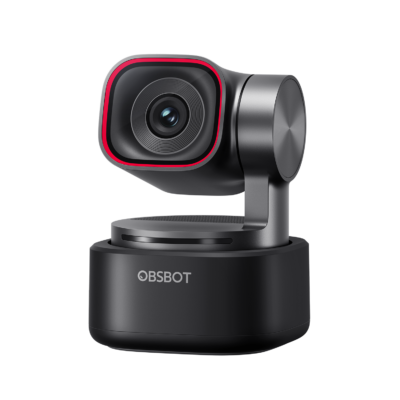
د.إ 522.00
Excl. VAT · calculated at checkout
A compact 4K webcam (just 40.5 g) with a 1/2″ HDR sensor, AI auto-framing, and gesture control — magnetic-mount plug-and-play for Zoom, Teams and Meet.
The Meet 2 packs a 1/2″ CMOS sensor with ƒ/1.8 aperture and HDR into a 40.5g body — 4K@30fps or smooth 1080p@60fps, sharp indoors or backlit.
Phase Detection Auto Focus (PDAF) keeps you sharp even as you move, while AI auto-framing and 4× digital zoom keep you centred hands-free.
Gesture control toggles auto-framing, locks your position on screen, or zooms in and out — no mouse, no app fumbling mid-call.
Dual omnidirectional microphones with noise reduction and auto gain control pick up your voice clearly without an external mic.
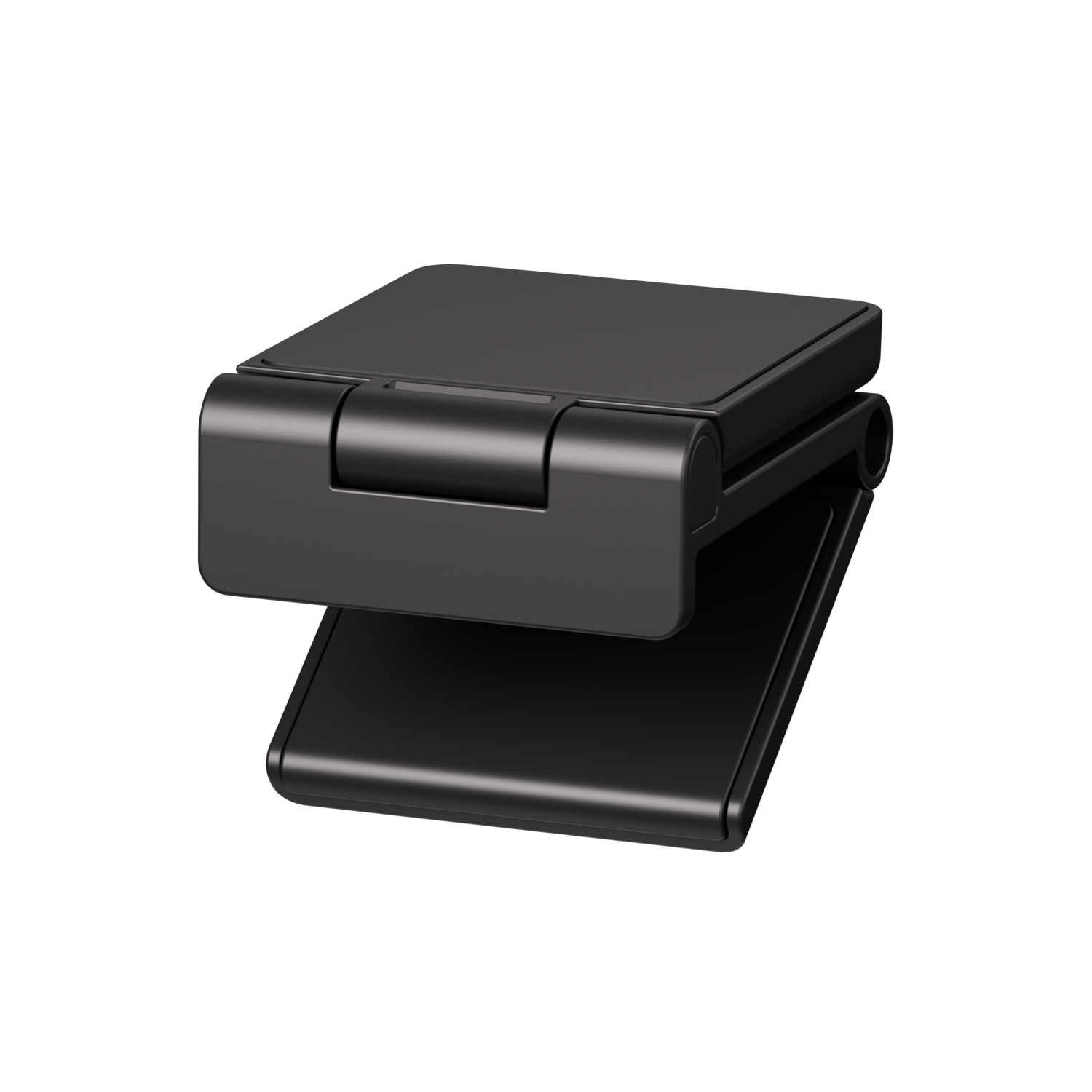
A magnetic mount attaches instantly to any monitor; a UNC 1/4-20 tripod thread on the base gives you a proper tripod option too. Supports Landscape, Portrait and Upside-Down orientation modes.
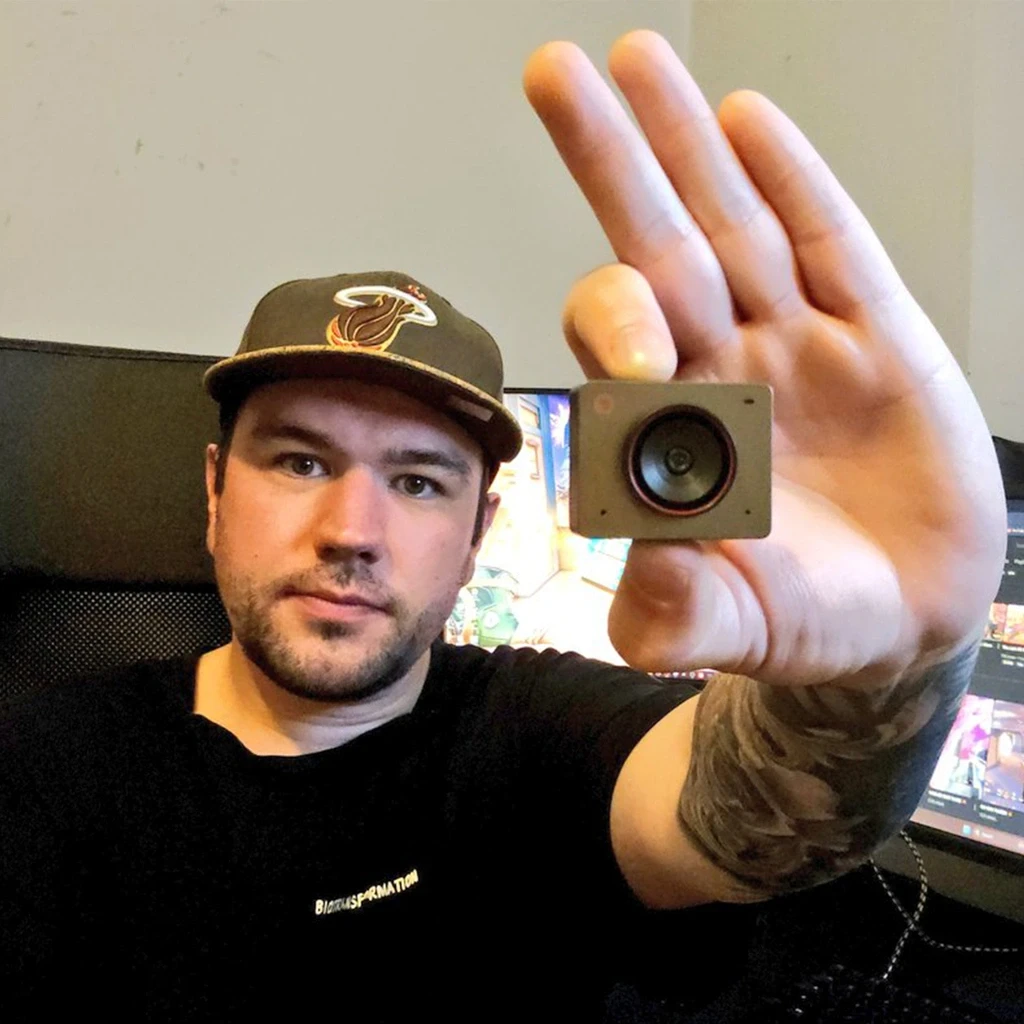
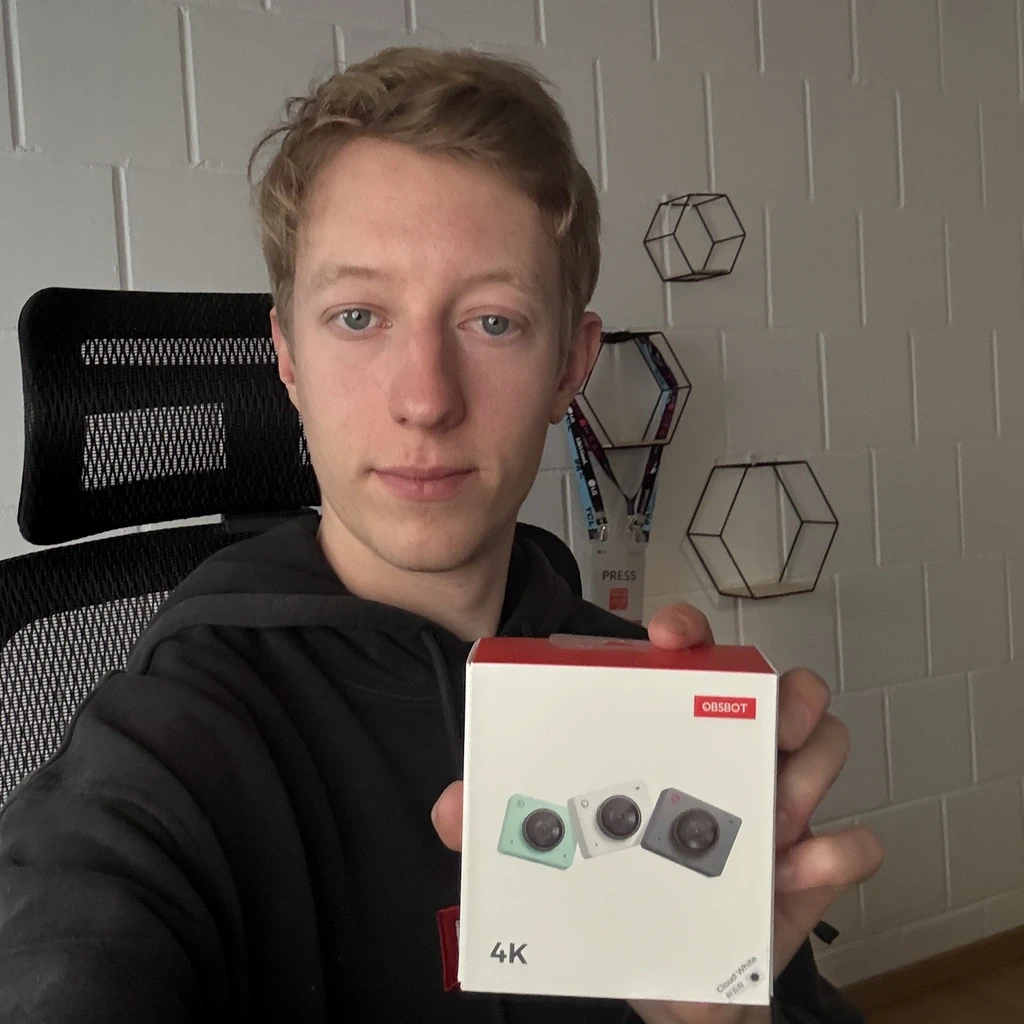
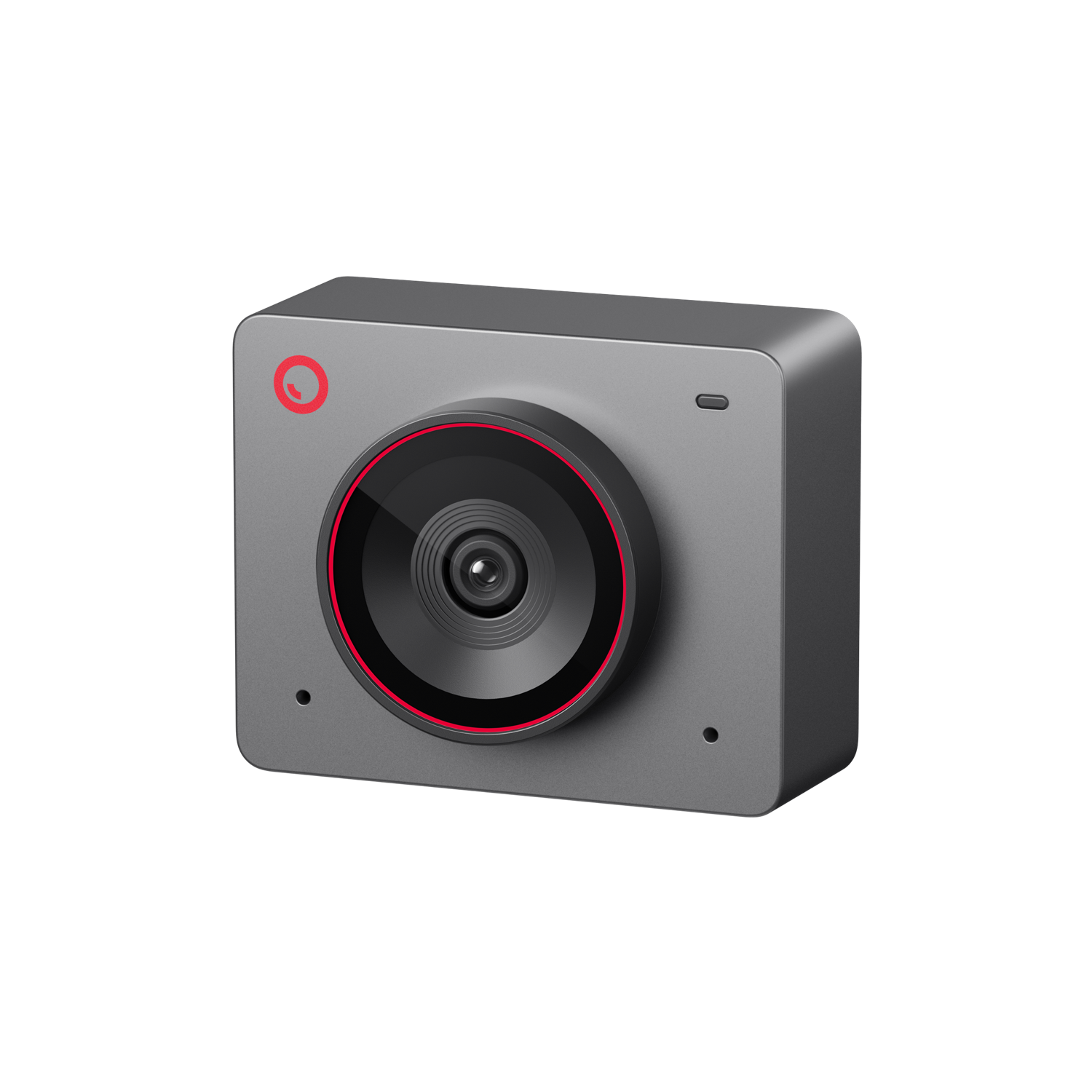
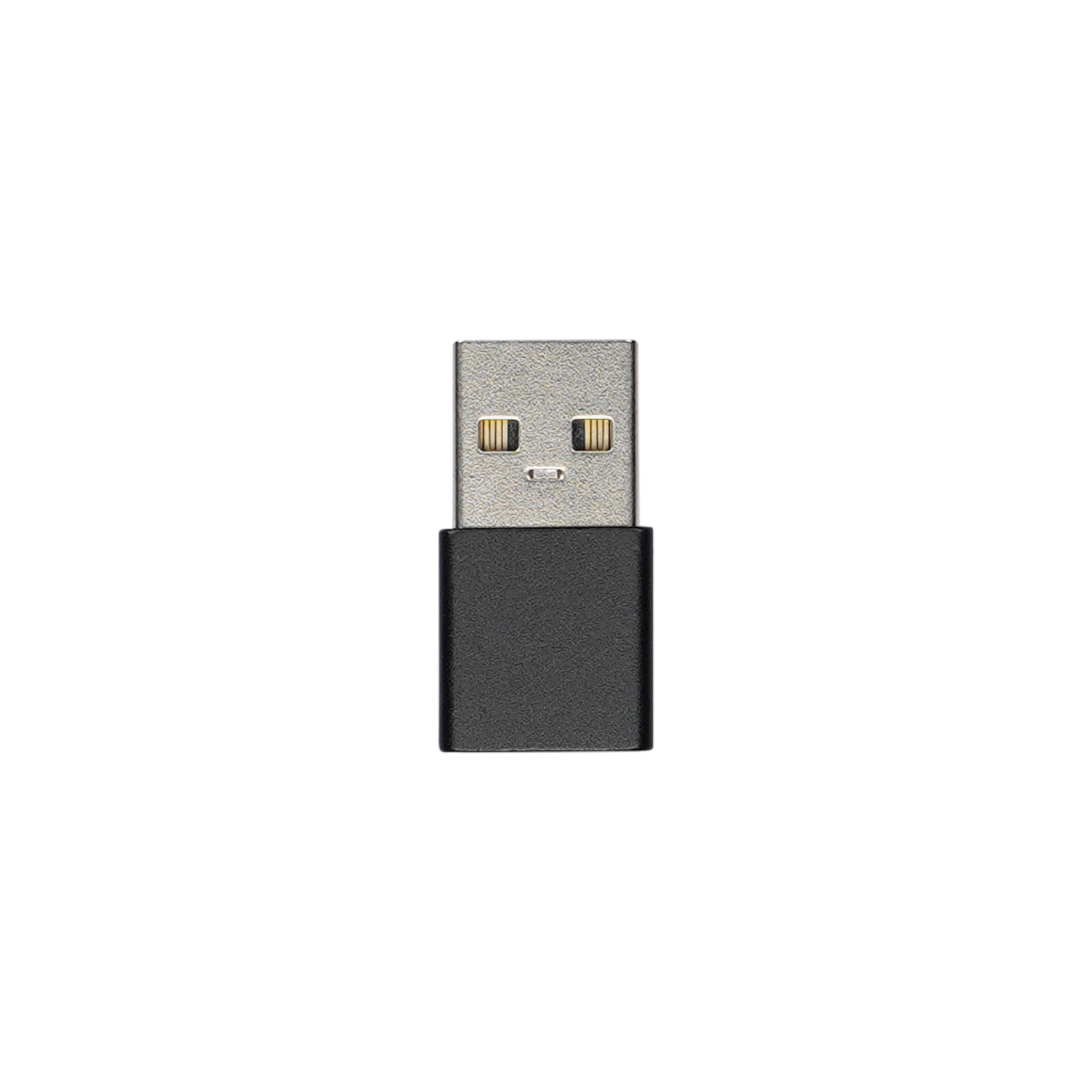
Yes, the OBSBOT Meet 2 comes with the OBSBOT Center software, which provides advanced users on both Windows and Mac with a range of controls. This software allows for features such as image parameter adjustment, zooming, and switching between different viewing angles, ensuring a tailored user experience.
The OBSBOT Meet 2 includes a Beauty Mode that can be activated through the OBSBOT Center software. Users can make various adjustments, such as skin smooth, slim and make up, to enhance their appearance during video calls and live streams.
Yes, the OBSBOT Meet 2 supports multi-camera setups. This feature can be easily managed through the OBSBOT Center software, allowing users to control multiple OBSBOT devices seamlessly for enhanced video production.
Yes, the OBSBOT Meet 2 is equipped with a high-quality built-in microphone. This ensures clear audio capture during video calls and recordings, making it an ideal choice for daily use.
The OBSBOT Meet 2 offers versatile mounting options. It includes a magnetic mount that allows for easy attachment to monitors, as well as a UNC 1/4-20 thread at the base for secure installation on tripods. This flexibility ensures that you can set up the webcam in a way that best suits your needs.
The OBSBOT Meet 2 offers AI Auto Framing with two modes: Group mode: Uses AI technology to automatically frame multiple people in the shot. Single-person mode: Focuses on the nearest person, keeping them centered. These features ensure optimal framing for different scenarios without manual adjustments.
The OBSBOT Meet 2 supports auto focus. This feature helps keep you and your surroundings clear and sharp during video calls without manual adjustments.
The OBSBOT Meet 2 has a 79.4° diagonal field of view. This wide-angle view allows you to capture more of your surroundings in video calls.
The OBSBOT Meet 2 offers high-quality video output with the following options: 4K (3840x2160) at 30fps 1080p (1920x1080) at 60fps 720p (1280x720) at 60fps It also supports various lower resolutions and frame rates for flexibility in different settings.
Sorry, no reviews match your current selections
Hello,
Yes, we can ship this product to Türkiye.
Best regards,
Minar Media Systems
Hello,
Thank you for your inquiry! We’re sorry, but we are unable to ship to Ukraine at this time.
Best regards,
Minar Media Systems
Hola,
Podemos realizar envíos a Bolivia. Sin embargo, la OBSBOT Meet 2 solo es compatible con Windows® 10 o posterior y macOS 11 o posterior, y no es compatible con Windows 7.
Saludos cordiales,
Minar Media Systems
Hola,
¡Gracias por su consulta!
Por favor, contáctenos en store@obsbot.com y nuestro equipo de atención al cliente le proporcionará información sobre precios y envíos.
Saludos cordiales,
Minar Media Systems
Hello,
Yes, it is possible to connect three units of the OBSBOT Meet 2 to a computer or laptop for podcast recording. However, the recording performance will depend on factors such as the resolution and frame rate you choose, as well as the hardware specifications and performance of your computer.
Best regards,
Minar Media Systems
Sorry, no questions were found


Much smaller than I expected which is a good thing. Works flawlessly. You can stow away the privacy cover on the base behind the camera.
Wonderful little camera with a great picture. Software includes a lot of features that allow you to modify the picture quality to your specific preferences. The magnetic stand is too flimsy for my liking, and the camera moves around easily if your workspace gets bumped, so I would recommend purchasing a tripod if your setup allows for it. My final complaint is that the magnetic lens cover is difficult to remove without touching the camera and causing it to shift position. If the tabs were longer or the stand had a thread to screw into the bottom of the camera then removing the cover would not be as troublesome. Overall, I am very happy with what the camera can do, and I do not regret my purchase as of writing this review.
I needed a webcam to help improve the overall quality of my live streams and this little box of wonders was just the thing I needed. The AI is just enough and doesn’t intrude when you want to be more creative with your output and the 4k at 30FPS while a little over kill for Twitch is fantastic for YouTube and at the price point you cannot do better.
Do yourself and your stream a big favour and buy one.
Viper58
Meet 2 offers excellent image quality with sharp details and natural colors. The autofocus is fast, and video performance is smooth even in low light. Overall, it feels premium and reliable for both photos and streaming. Definitely recommend it, truly a great camera.”
J’avais une Meet SE dont j’étais déjà très satisfait mais j’ai voulu gagner en définition et j’ai opté pour la Meet 2. Et franchement je ne regrette pas. Autofocus plus rapide, beaucoup plus de finesse dans le zoom, la gestion de l’éclairage… tout ce que j’aime sur la SE (que j’utilise encore) en mieux.
You would think that the quality wouldn’t be so great for a webcam this size but to my surprise, it does quite a lot. Being able to make digital adjustments on the desktop app(which is optional to use), makes this webcam more versatile than any other webcam i’ve used that offers this quality at this price point. Definitely would recommend giving it a shot if you’re thinking about it.