sales@minarsystems.com

Official OBSBOT Middle East Distributor

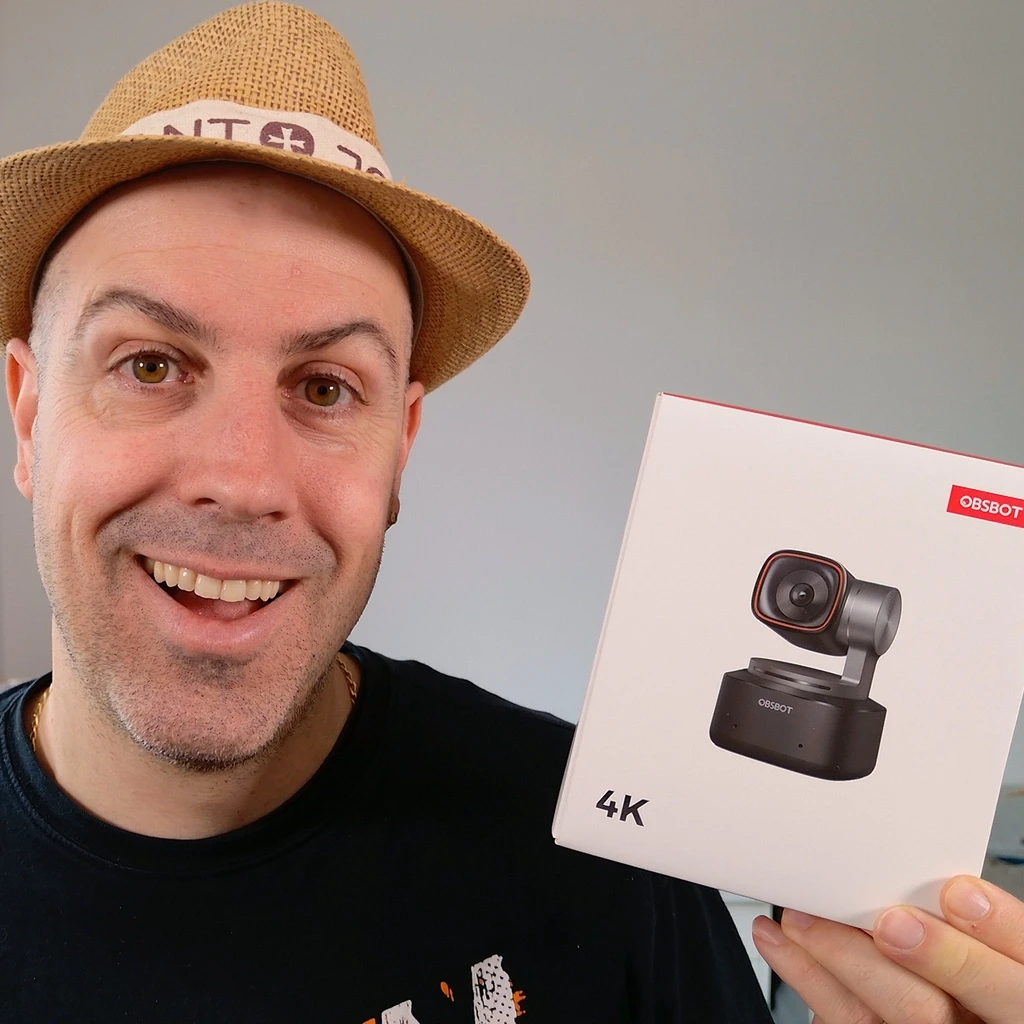
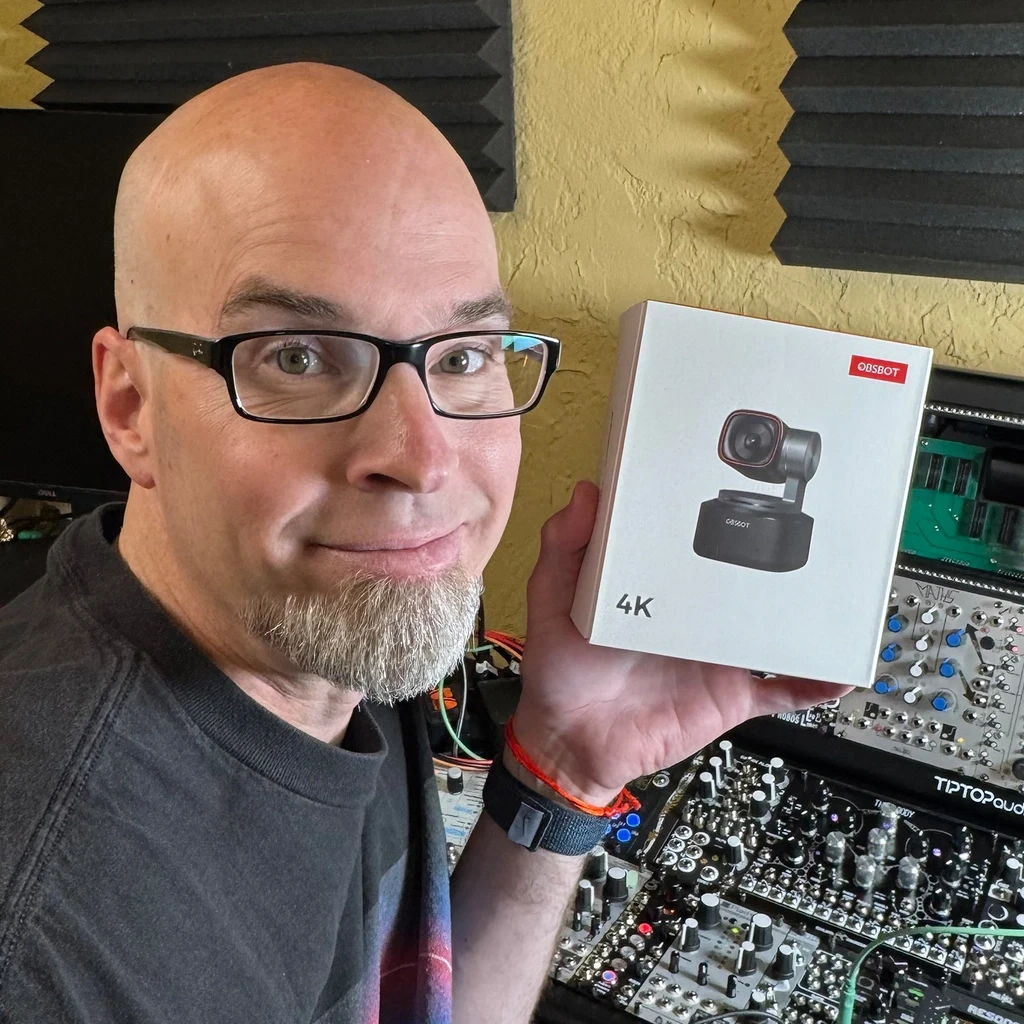
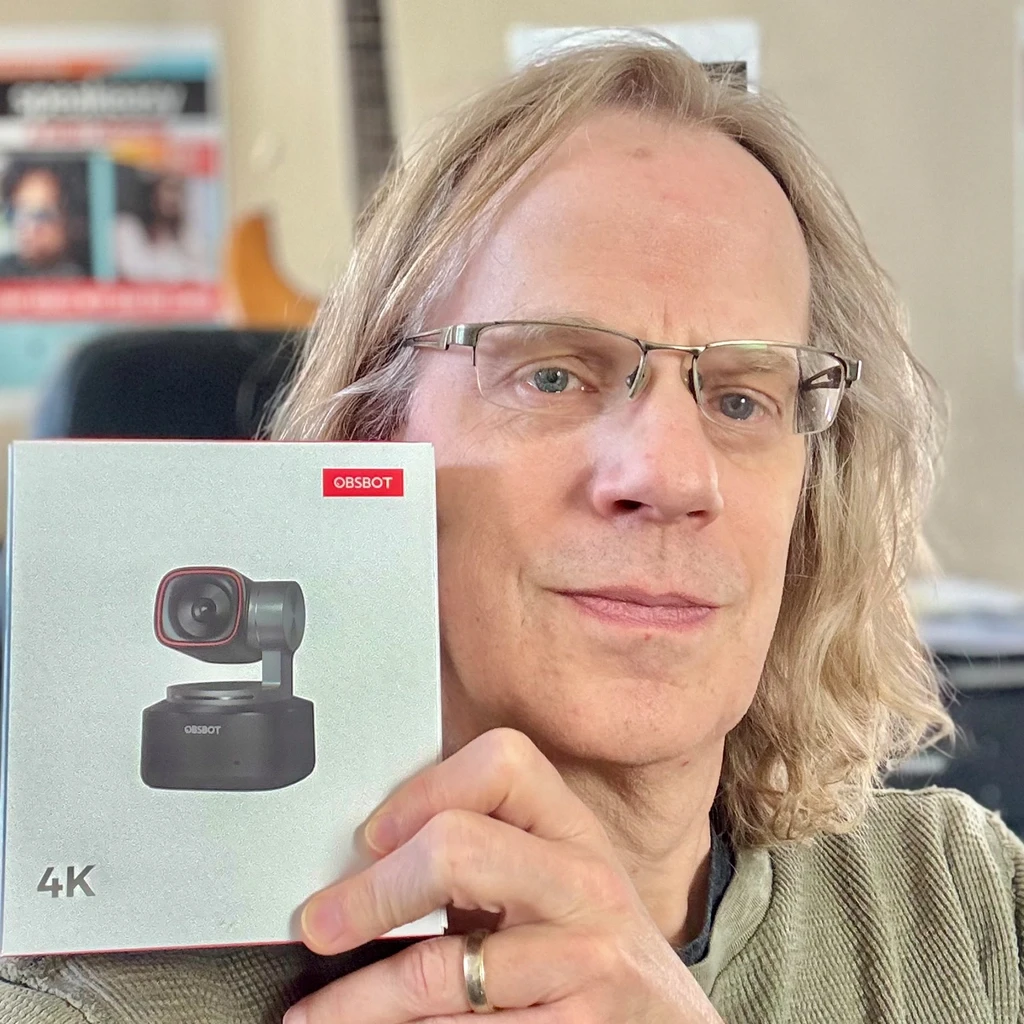
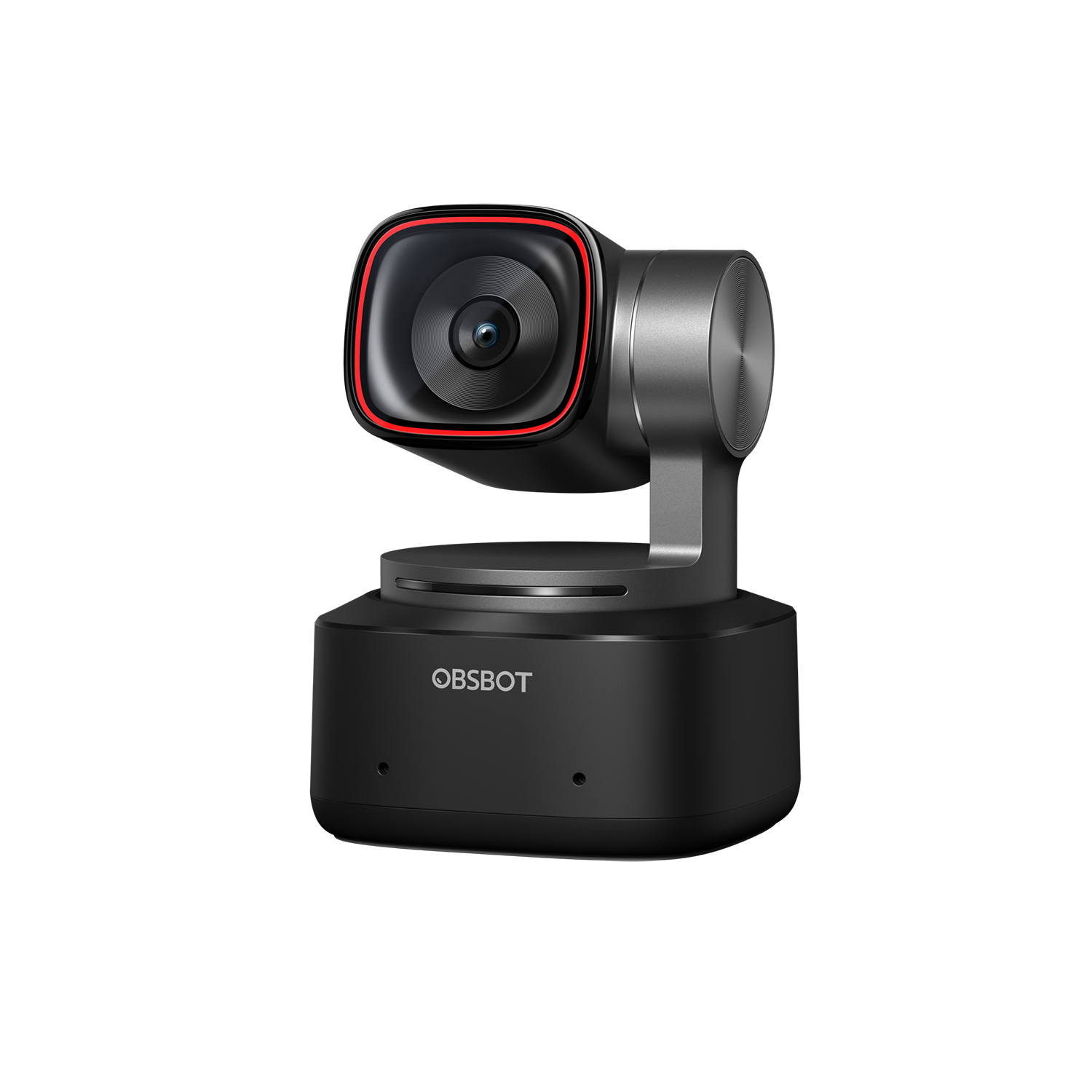
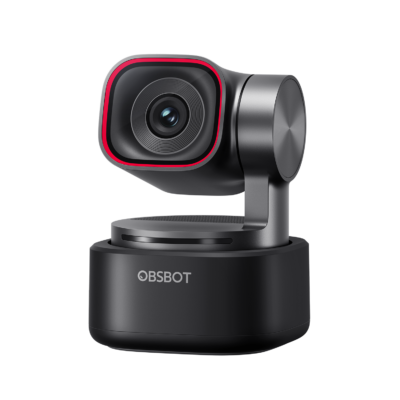
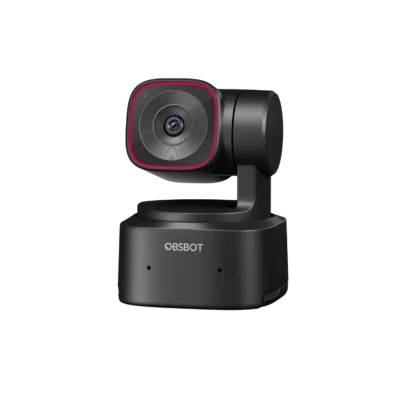
OBSBOT Tiny 2 — AI-Powered PTZ 4K Webcam with All-Pixel Auto Focus

د.إ 1,299

Excl. VAT · calculated at checkout

(82 customer reviews)

A large 1/1.5″ 50MP sensor, All-Pixel Auto Focus (4x faster), and gesture + voice control — 4K PTZ tracking built for creators who need speed and low-light clarity.

[minar_highlights]
[minar_compatibility]
[minar_select_accessories]
Quantity
Wishlist
[minar_quote]
[minar_description_full]
[minar_specs_full]
[minar_whats_in_box]
[minar_faqs]

Description

A bigger sensor, sharper focus

Tiny 2 uses an ultra-large 1/1.5″ 50MP CMOS sensor with All-Pixel Auto Focus — every pixel contributes to focus, locking on 4x faster and holding steady even in low light.

4K PTZ tracking

AI Tracking with auto zoom follows you around the frame; a 2-axis gimbal pans and tilts under software control, with dual-native ISO for cleaner low-light shots.

Hands-free control

Gesture control and voice control (English/Chinese) let you start tracking, reframe or zoom without touching the camera.

Built for speed

Upgraded to USB 3.0 — ten times the bandwidth of USB 2.0, enough to send uncompressed 1080p without re-encoding.

Key specifications

Sensor 1/1.5″ CMOS · 50MP effective
Video 4K@30fps · 1080p@60fps
Aperture ƒ/1.9
Field of view 85.5°
Zoom 4× digital
Gimbal Pan ±150° · Tilt ±140° (software control)
Focus All-Pixel Auto Focus (4x faster)
AI features Tracking with auto zoom · gesture control · voice control
Connectivity USB 3.0
Dimensions / weight 47 × 44 × 62mm · 95.6g

What’s in the box

  • OBSBOT Tiny 2 webcam
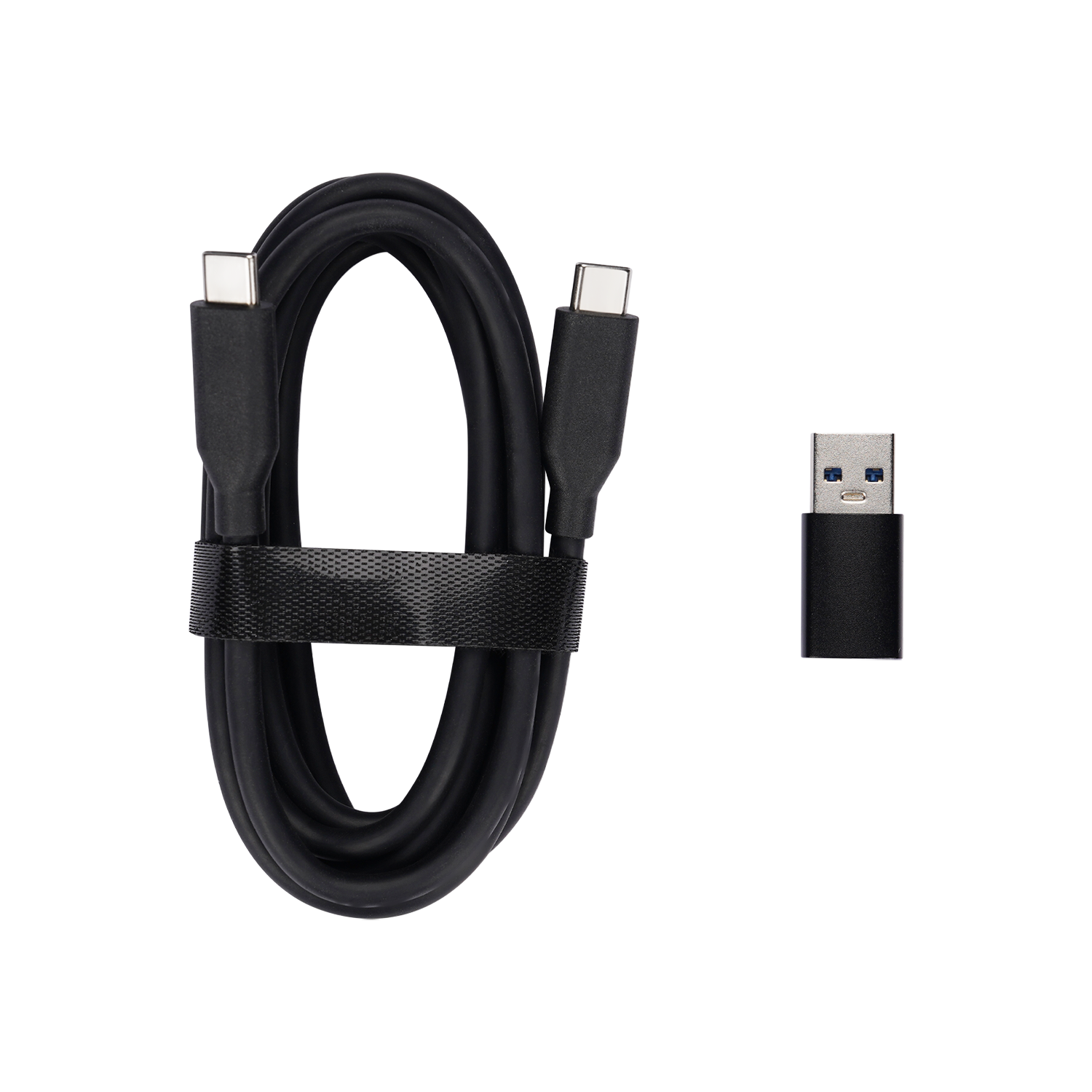
  • USB-C 3.0 cable + USB-C to USB-A 3.0 adapter
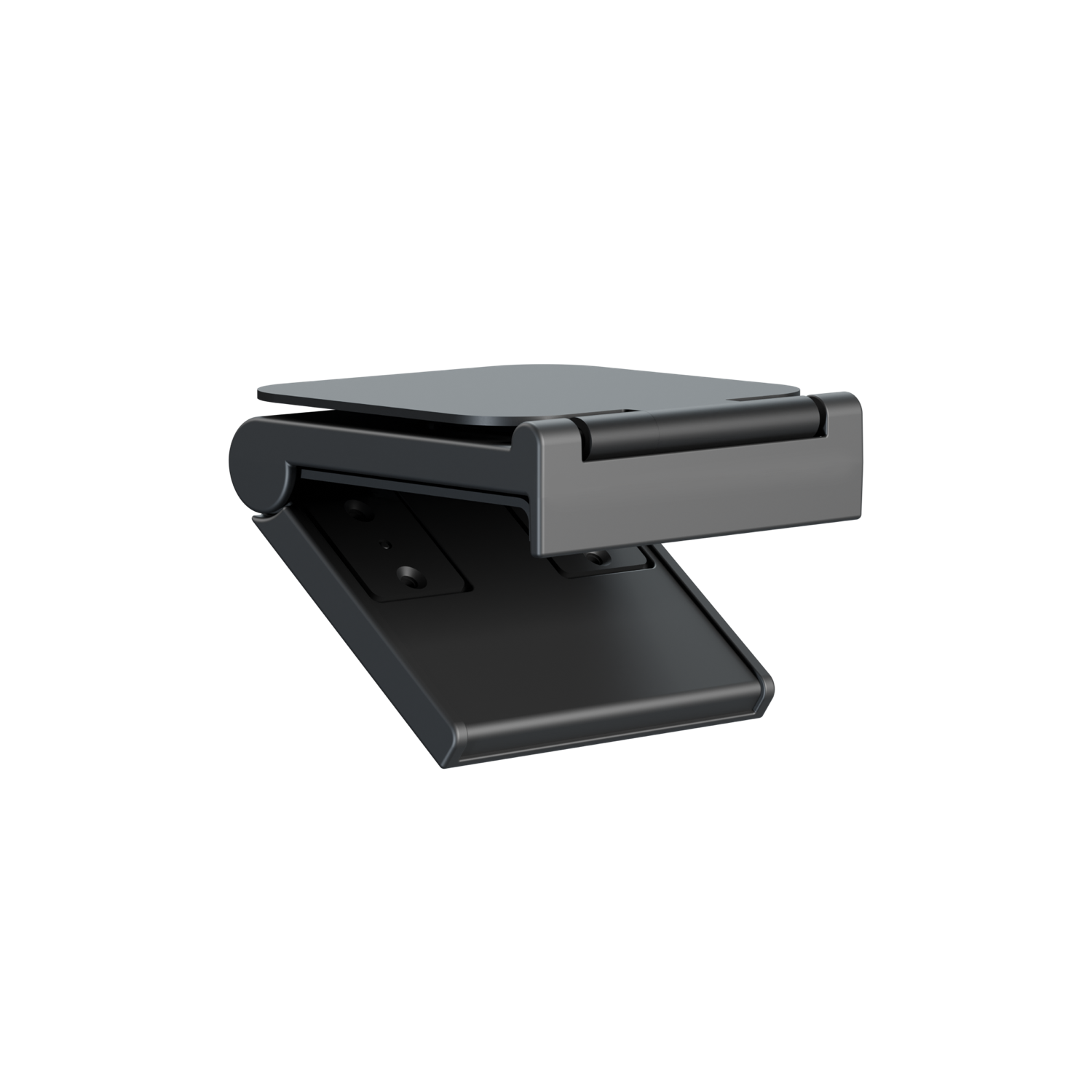
  • Adjustable mount
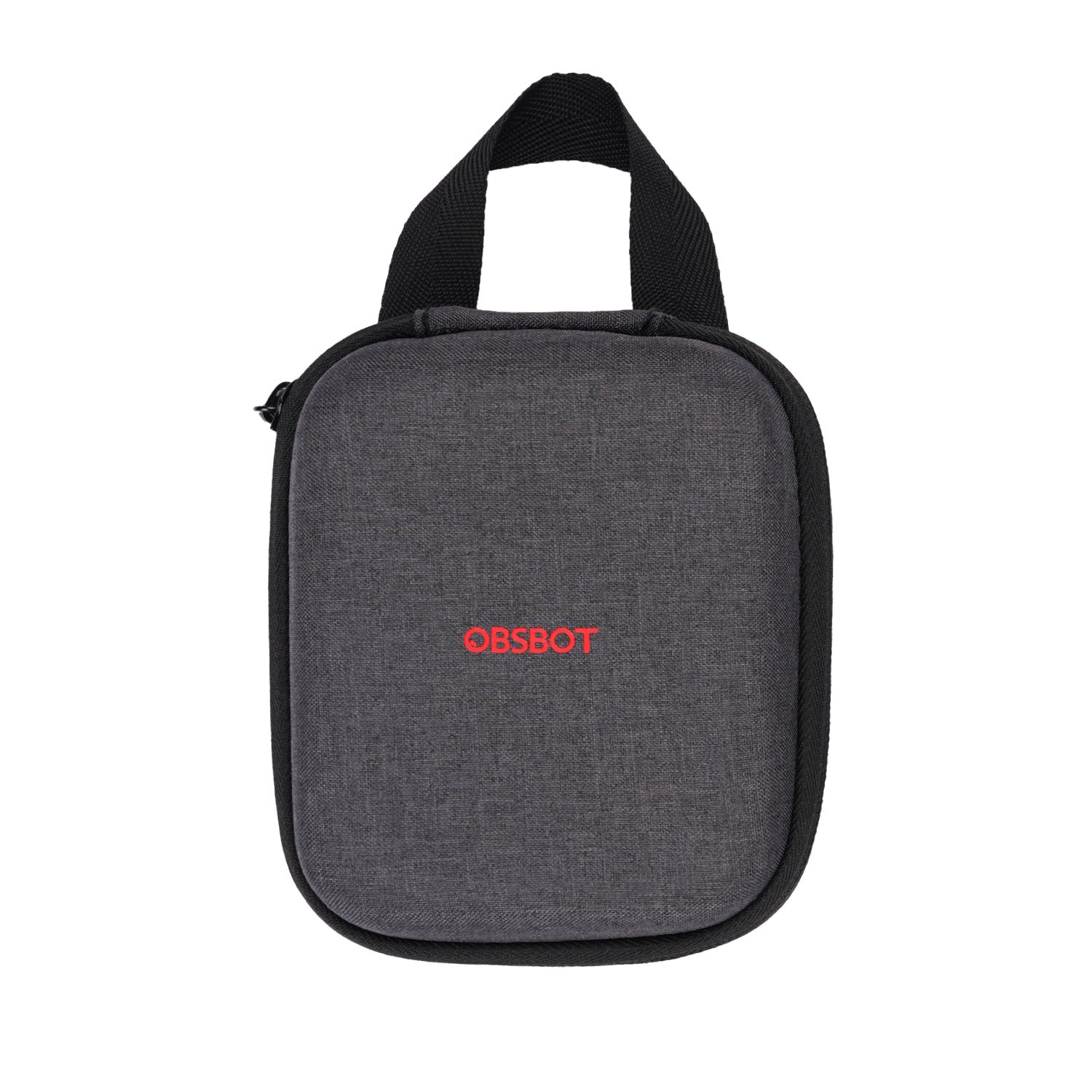
  • Storage case

Frequently asked questions

How is this different from Tiny 3?

Tiny 2 uses USB 3.0 and a 1/1.5″ sensor; Tiny 3 has a newer 1/1.28″ sensor and adds spatial tri-mic audio.

Does voice control work in Arabic?

Currently voice control supports English and Chinese only.

Do I need USB 3.0 on my PC?

USB 3.0 is recommended for full-bandwidth uncompressed video; it will still work on USB 2.0 ports at reduced bandwidth.

Additional Information

Sensor

1/1.5″ CMOS, 50MP effective

Video

4K@30fps, 1080p@60fps

Aperture

ƒ/1.9

Field of view

85.5°

Zoom

4× digital

Gimbal

Pan ±150°, Tilt ±140° (software control)

Focus

All-Pixel Auto Focus (4x faster)

AI features

Tracking with auto zoom, gesture control, voice control

Connectivity

USB 3.0

Dimensions / weight

47 × 44 × 62mm, 95.6g

82 reviews for OBSBOT Tiny 2 — AI-Powered PTZ 4K Webcam with All-Pixel Auto Focus

5.0
Based on 82 reviews
5
95
95%
4
4
4%
3
0%
2
0%
1
0%
1-6 of 82 reviews
  1. Top webcam!

    Obsbot meet 2 ultra HD4k Is a fantastic webcam . It exceed my expectations! It is a unique small webcam which does everything perfect. The image is beautiful and I can say that this cam is in front of many other webcam evaluated as a good product! Congratulations Obsbot! It is a very good buy ! Worths everything. I am very happy with this webcam!!

    (0) (0)
  2. Obsbot Tiny 2 4k camera is great

    High quality! Easy to use. Excellent picture. Dual-sensor mode works to provide the very best picture in both low and high light situations. Very good value. AI-powered auto tracking is amazing. I am happy with my purchase.

    (0) (0)
  3. Amazing picture for the size

    Easy 5*, it’s better than some commercial (office) cameras ive used which are 10x-20x the footprint.

    (0) (0)
  4. Excellent compact camera with great features

    First off, if you are using the Tiny 2 remote control, it uses keyboard controls for some of the functions, so if you are using a different keyboard layout (like other languages) and buttons don’t seem to work well, that’s where you need to start first.

    The camera has wonderful resolution and the focus is quick and precise.
    The microphones work well and are way above most of the rest of the webcams.

    With the remote control panning and zooming is smooth and effortless.
    You can set the presets on the fly and they are perfectly repeated each time.

    The camera is smaller than you think, it’s literally tiny.

    I’d highly recommend this as your first choice for a high end webcam.

    (0) (0)
  5. Great webcam for podcasting and class content

    I’m really happy with the OBSBOT webcam. I got it because I was upgrading from an Insta360 Link 2 and specifically wanted something compatible with the Rodecaster Video because of its uncompressed video signal. It’s been a great fit for podcasting and creating academic class content.

    The image quality is sharp and clean, and the AI tracking works smoothly without feeling distracting. I’m running it on an M5 MacBook Pro through a CalDigit TS4, alongside a Rodecaster Duo, PodMic, and Rodecaster Video, and everything integrates without issues.
    Overall, it’s a noticeable upgrade from a standard webcam and delivers a more polished, professional look. Highly recommend it for creators and educators.

    (0) (0)
  6. Great Mic

    The video camera is very high quality and is fairly easy to setup.

    (0) (0)
Add a review
You must be logged in to post a review Log In

Q & A

Ask a question
Hi, we have a smart whiteboard that runs on android. Is it compatible with android ? Mathieu asked on March 2, 2026

Hello,

The OBSBOT Tiny 2 requires the OBSBOT Center software to function, which is only available for download on Windows and macOS systems. Unfortunately, it is not compatible with Android.

Best regards,
Minar Media Systems

Minar Systems Support answered on March 4, 2026
(0) (0)
Add an answer
tenho tres OBSBOT Tiny 2 , gostaria de saber se posso usar o adaptador USB-C para cabo de internet na OBSBOT Tiny 2, tem compatiblidade? pois gostaria de usar em longa distancia. jhonatam asked on December 1, 2025

Olá,

O adaptador USB-C para Ethernet é compatível apenas com o Tail Air e não com o Tiny 2.

Atenciosamente,
Minar Media Systems

Minar Systems Support answered on December 5, 2025
(0) (0)
Add an answer
Is it possible to use an external mic like the hollyland lark max 2? And can i use the mic directly thru the camera or just to the laptop? Gari asked on November 26, 2025

Hello,

Yes, the OBSBOT Tiny 2 can use an external microphone like the Hollyland Lark M2, primarily connecting to your laptop, not directly to the webcam.

Best regards,
Minar Media Systems

Minar Systems Support answered on November 27, 2025
(0) (0)
Add an answer
Hello What's the range of this camera? Carla Pinheiro asked on August 31, 2025

Hello,

Thank you for your inquiry!

For detailed information about the camera's range and specifications, please visit the technical specs page here:
https://www.obsbot.com/obsbot-tiny-2-4k-webcam/specs

If you have any specific questions, feel free to let us know!

Best regards,
Minar Media Systems

Minar Systems Support answered on September 2, 2025
(0) (0)
Add an answer
Hey, can this webcam work if I want to stream from a room where the person would be no more than 4mts? Jordy asked on August 21, 2025

Hello,

Thank you for your inquiry. Yes, it can work perfectly in your case. You can use a 5m cable to connect the webcam to your computer.

For more information about the 5m cable, please visit the following link:

We can supply these accessories - email sales@minarsystems.com for a quote.

Best regards,
Minar Media Systems

Minar Systems Support answered on August 22, 2025
(0) (0)
Add an answer
[minar_customer_reviews]
[minar_related]
OBSBOT Tiny 2 — AI-Powered PTZ 4K Webcam with All-Pixel Auto Focus

OBSBOT Tiny 2 — AI-Powered PTZ 4K Webcam with All-Pixel Auto Focus

د.إ 1,299
Quantity
Wishlist