






د.إ 729.00
Excl. VAT · calculated at checkout
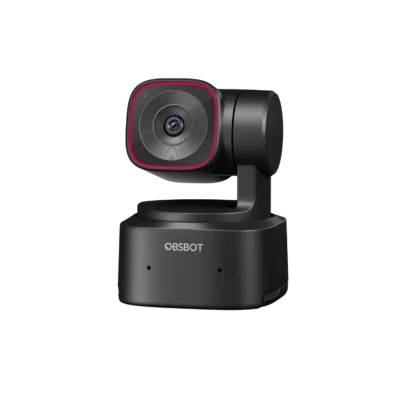
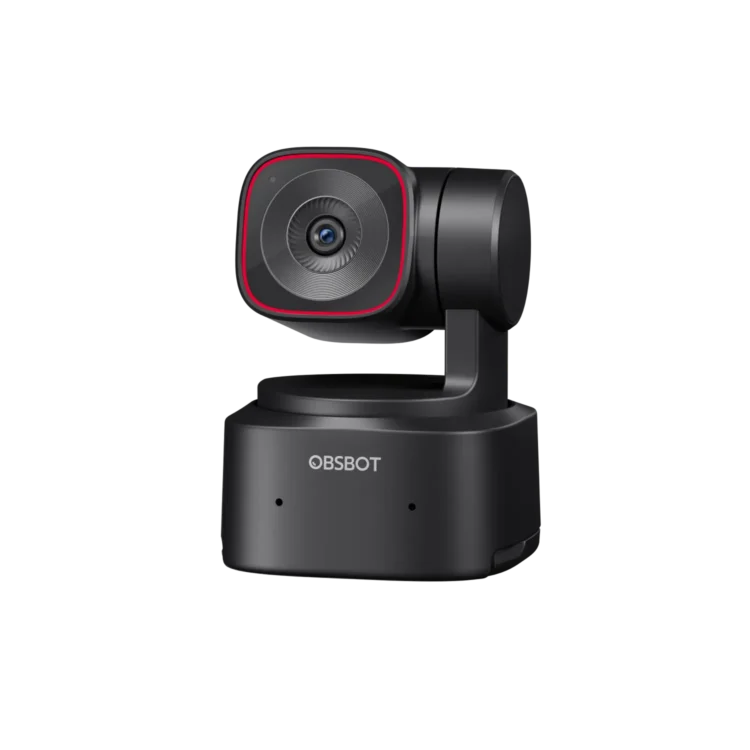
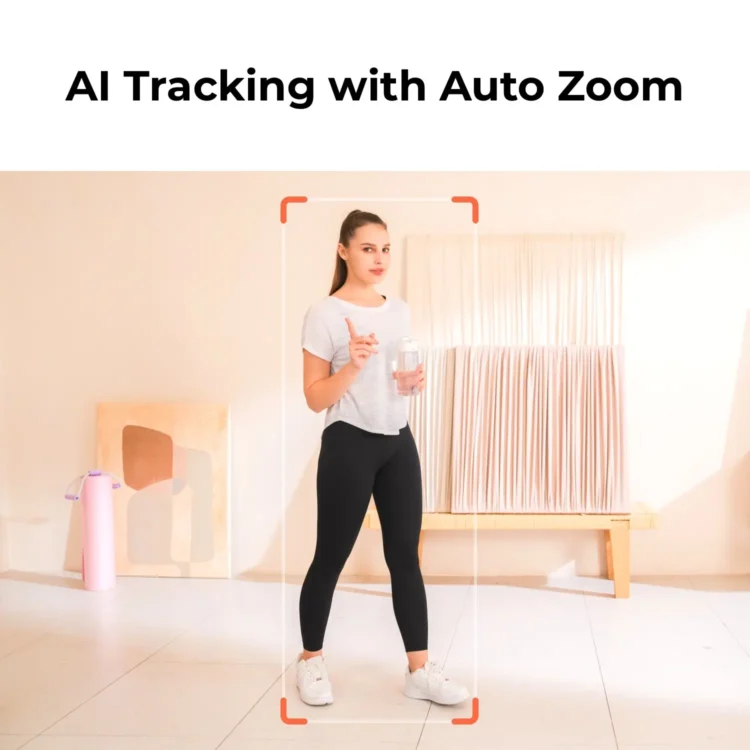
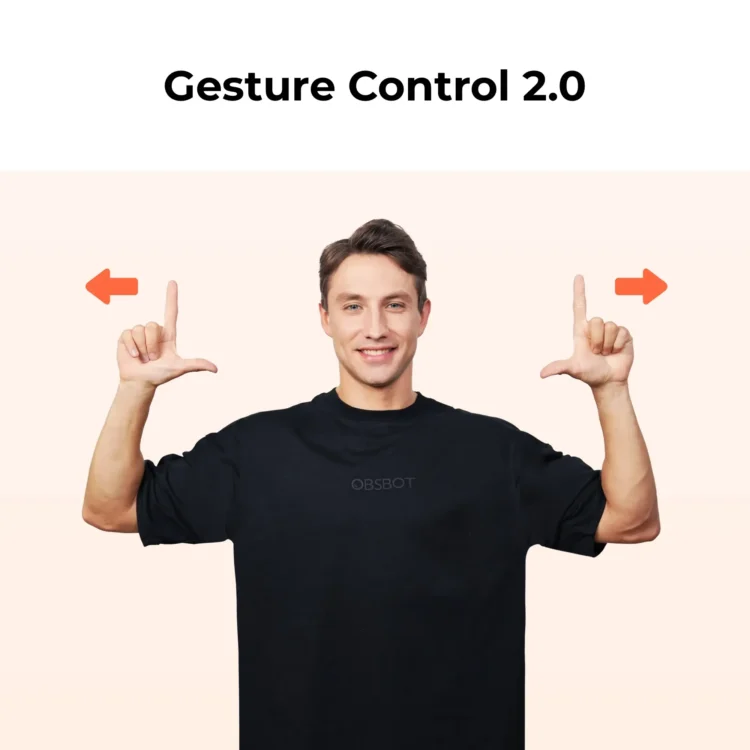
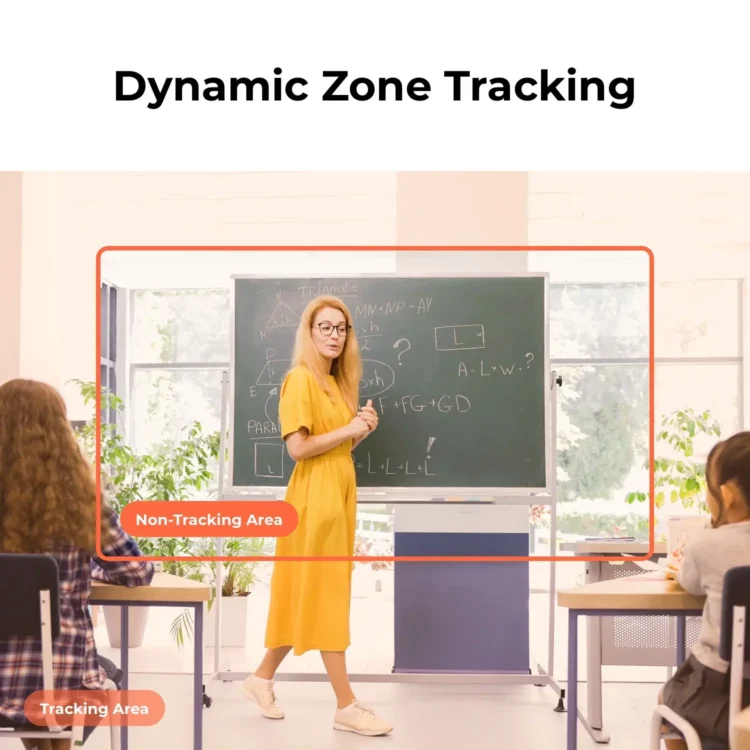
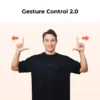
A more affordable Tiny 2 with the same AI auto-tracking, preset PTZ positions and dual-mic audio — 4K@30fps in a compact pan-tilt-zoom body.
Tiny 2 Lite brings AI Auto Tracking with auto zoom and 4K@30fps / 1080p@60fps capture to a more accessible price point, with the same pan-tilt-zoom gimbal design as the rest of the Tiny line.
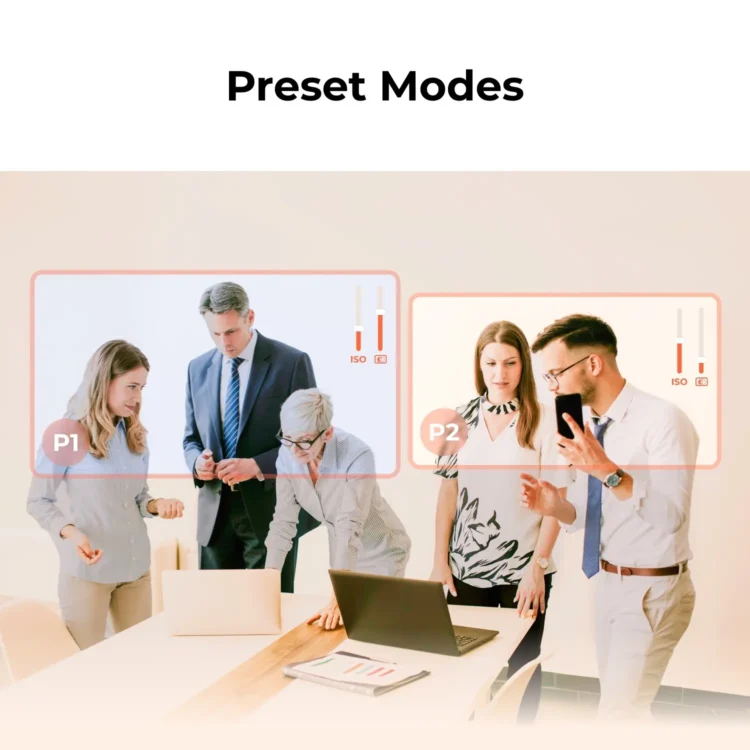
Preset Modes let you save PTZ positions and parameters, so you can jump straight to your framing every time.
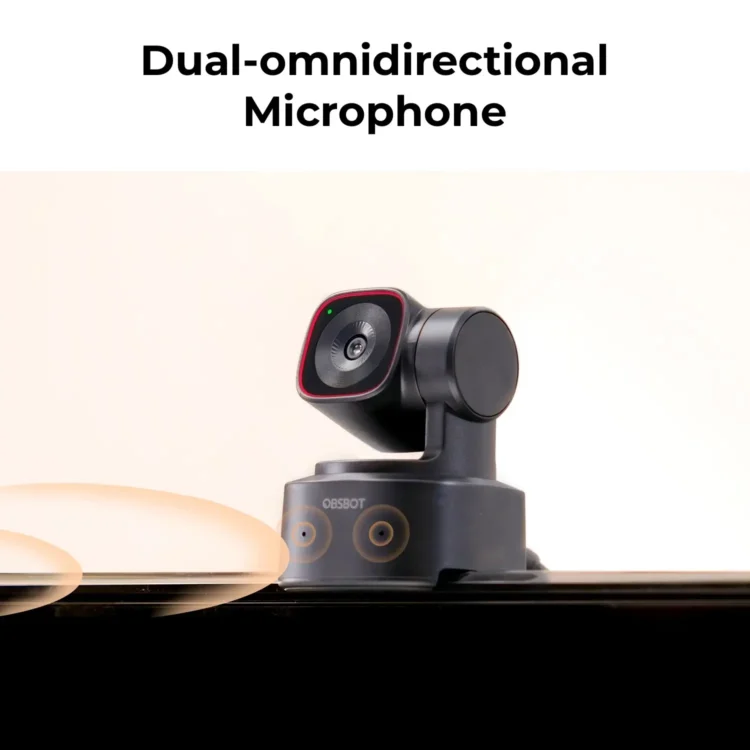
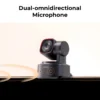
Dual omnidirectional microphones with adjustable noise cancellation pick up your voice clearly without a separate mic.
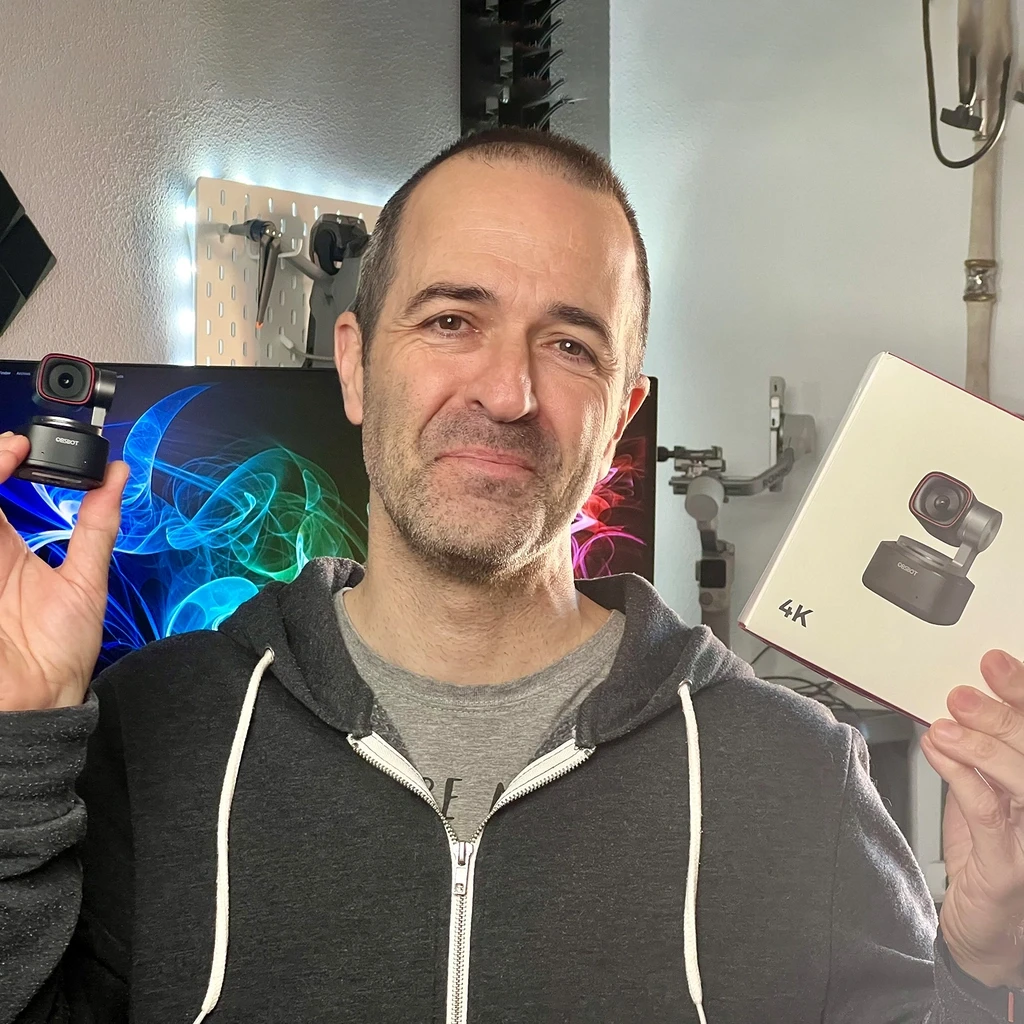
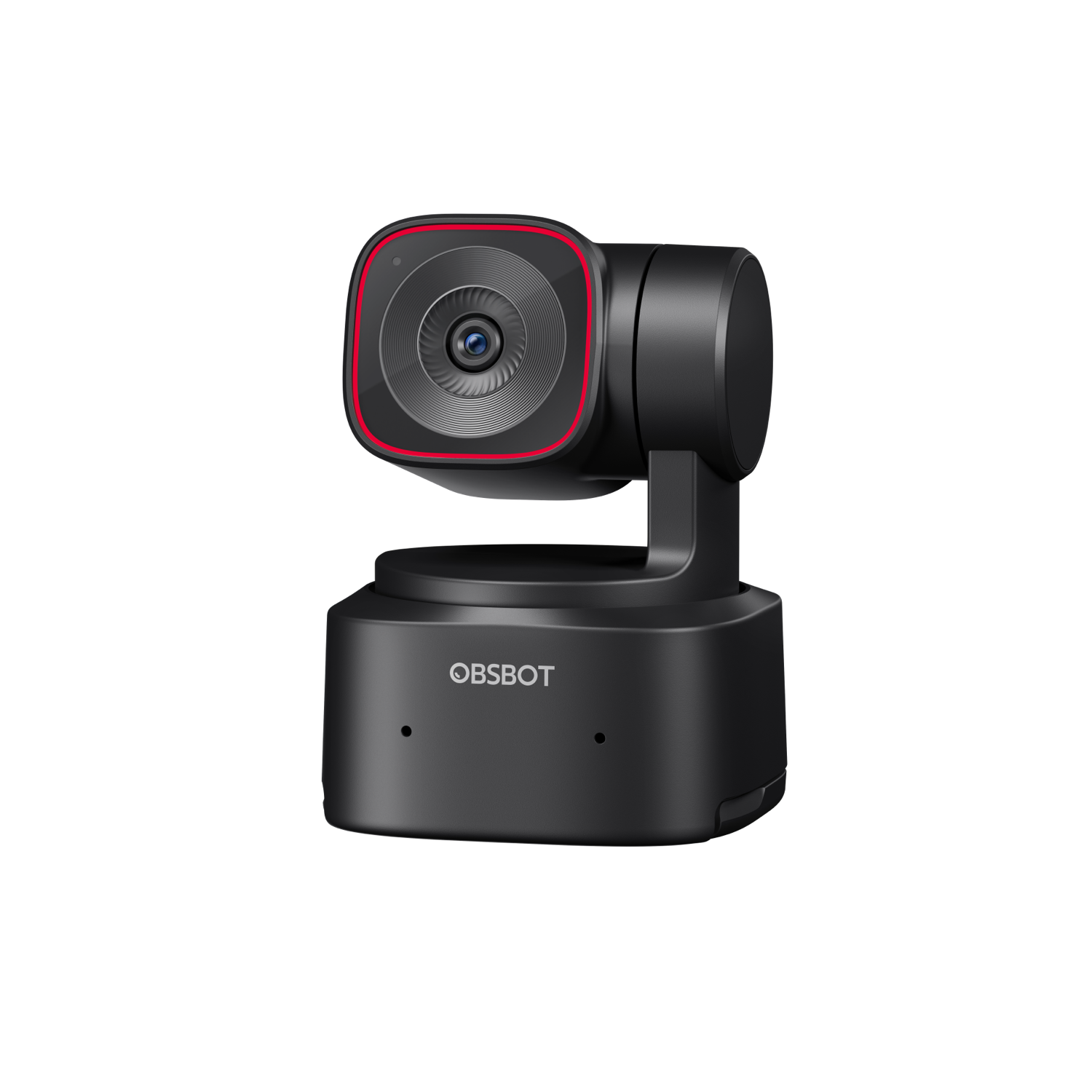
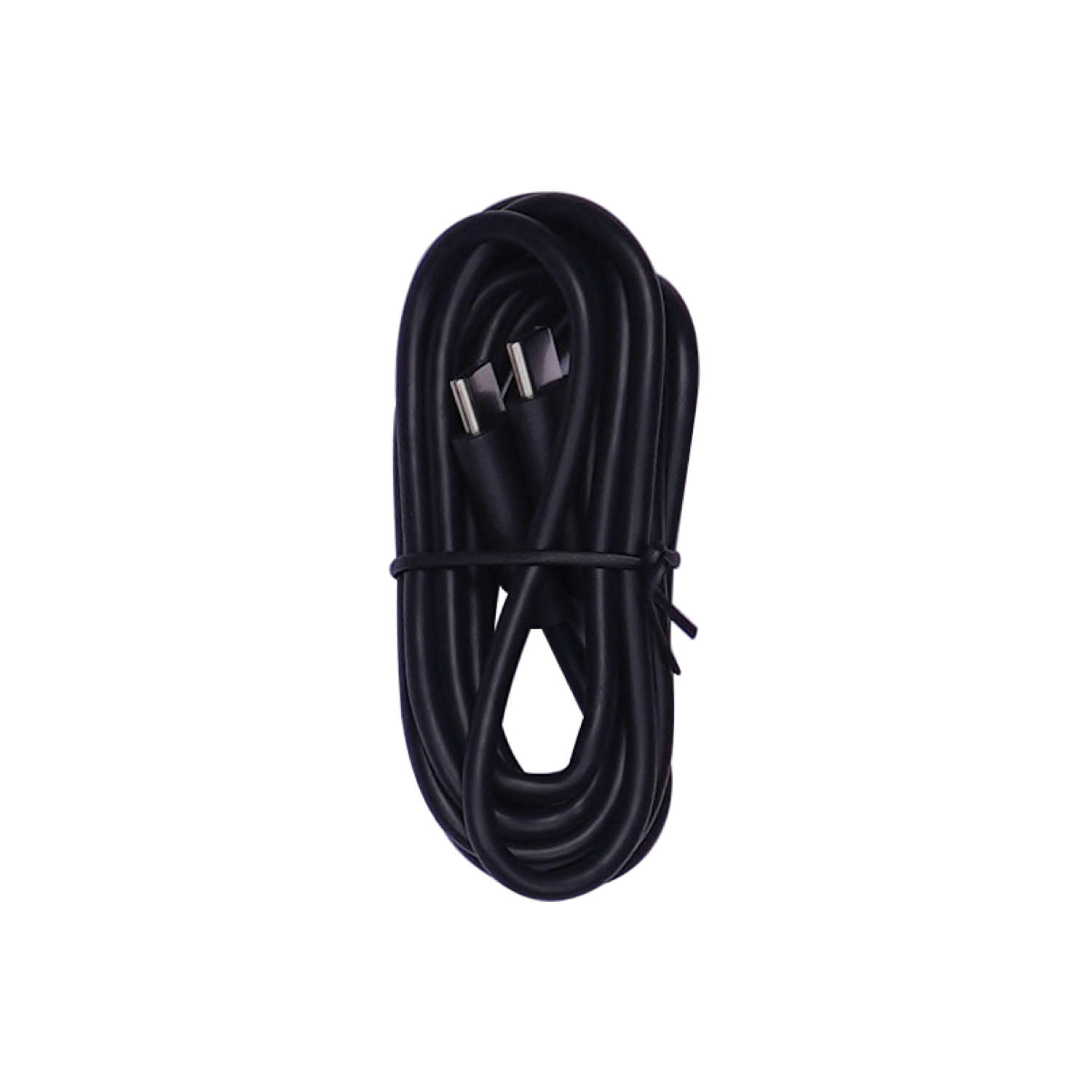
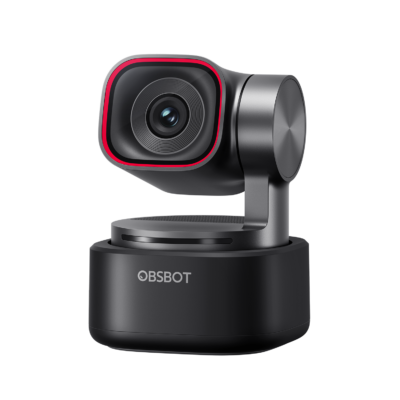
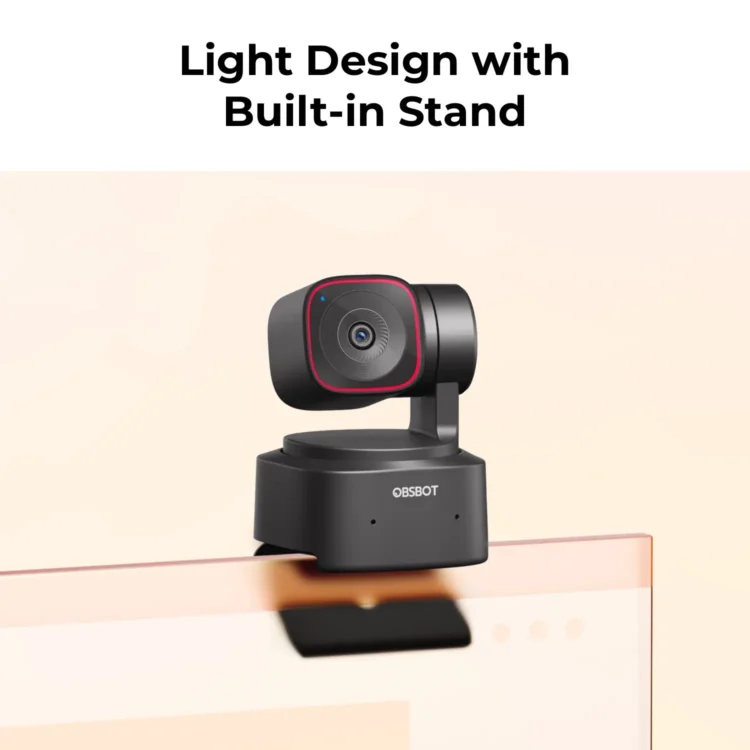
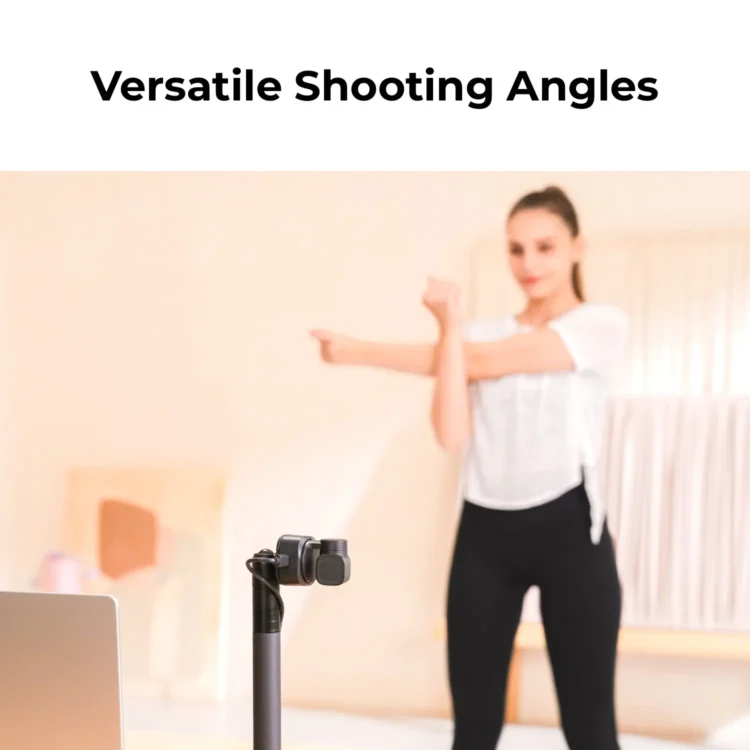
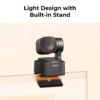
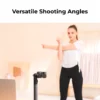
Tiny 2 Lite comes with a handy built-in stand for easy mounting on top of your computer monitor or any flat surface. It can also be installed horizontally, vertically, or upside-down using the built-in 1/4" interface.
Tiny 2 Lite features dual omni-directional microphones with noise cancellation and automatic gain control for enhanced audio capture.
Tiny 2 Lite's software OBSBOT Center works with Windows 10 or newer, and macOS 11 or higher.
You can select and switch between different tracking modes using the OBSBOT Center. Depending on your usage scenario, you can choose the corresponding tracking mode as you need.
You can save specific camera angles or positions as presets in the OBSBOT Center, which can be quickly accessed during use.
Keep your device up to date by checking for firmware updates through the OBSBOT Center software, or download the latest firmware from the OBSBOT official website.
Use Sleep Mode to protect your privacy during live streaming. You can either tilt down the camera or enable Auto Sleep Mode. Additionally, you can customize a background image for Sleep Mode for your privacy protection.
In the OBSBOT Center software, you can enable the virtual camera function, which allows you to set a virtual background for your video output.
By using the OBSBOT 3-in-1 Hub, a computer or control device can connect up to two OBSBOT Tiny 2 Lite.
Tiny 2 Lite does not have a Micro SD card slot, but you can connect the Tiny 2 Lite to record videos through a Micro SD card by using a UVC to NDI Adapter.
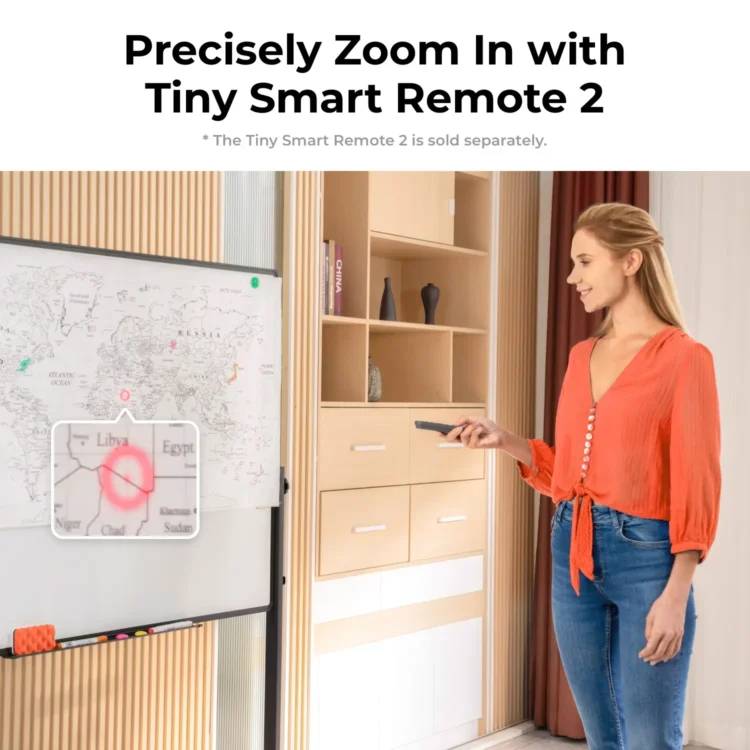
The OBSBOT Tiny 2 Lite can be controlled via the OBSBOT Center software, Stream Deck, the corresponding remote control, or the Web UI (when using the UVC to NDI Adapter).
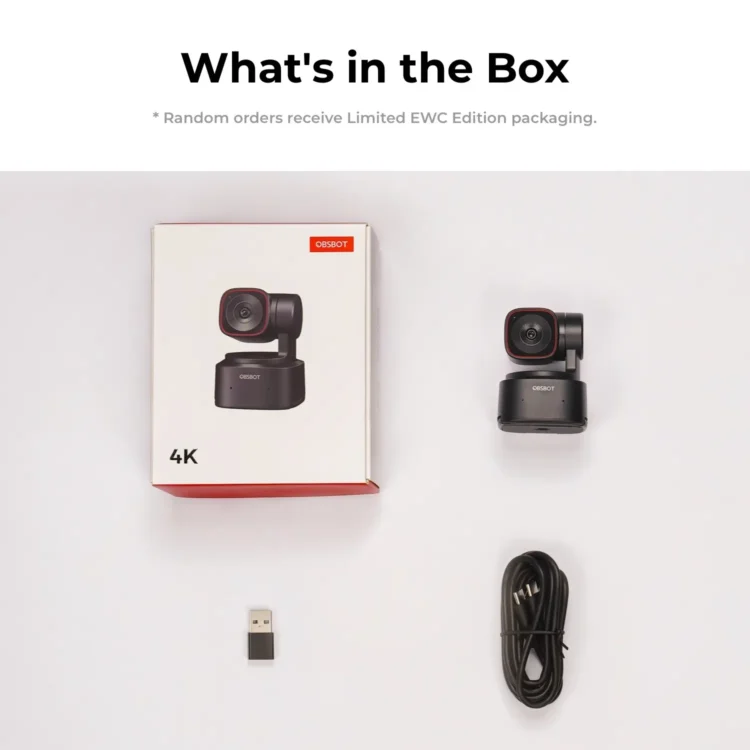
Tiny 2 Lite does not support output of HDMI signals directly, but it can be used with the OBSBOT UVC to HDMI Adapter (Needs to be purchased separately) to convert UVC signals into HDMI signals.
Make sure the lighting around you is not too dark or overexposed hitting the camera. Restart your device and check for updates. If you're still facing issues, contact our customer service team at service@obsbot.com. We respect your privacy.
(Select up to 3) Work / Video Calls Education / Teaching Podcast Content Creation Gaming Live Events Sports Events Church / Worship
Sorry, no reviews match your current selections
Hello,
Thank you for your inquiry. Unfortunately, our webcams do not work with Apple HomeKit. You may refer to the official page below for a full list of HomeKit-compatible accessories: https://www.apple.com/home-app/accessories/
Should you have any other technical questions, please feel free to reach out to our support team at service@obsbot.com.
Best regards,
Minar Media Systems
Hello,
The Tiny 2 Lite doesn’t support WiFi connection.
If your smart TV has UVC input and can run video call apps, you can theoretically use the Tiny 2 Lite as a video input source directly. If your TV doesn’t meet these requirements, we recommend connecting the camera to a computer for your intended use case.
Best regards,
Minar Media Systems
Hi there!
Delivery to most metro areas in the UK takes 3–7 business days, while orders to rural areas usually take 7–15 business days.
Regarding customs and duty fees: As the recipient (importer of record), you may be subject to import taxes, customs duties, or clearance fees levied by UK authorities when the package arrives. Any additional charges related to customs clearance must be covered by you. These fees are out of OBSBOT’s control.
If you have other questions, feel free to contact us at service@obsbot.com.
Best regards,
Minar Media Systems
Hello,
No, the OBSBOT Tiny 2 Lite cannot be used as a security camera.
Best regards,
Minar Media Systems
Hello,
The OBSBOT Tiny 2 Lite has a diagonal field of view (FOV) of 79.4° (4:3). Using the included 1.5m cable to position the camera farther away should allow it to capture all 4 participants. If more length is needed, you can add an extension cable. We recommend testing based on your specific setup to ensure the best results.
Best regards,
Minar Media Systems
Sorry, no questions were found


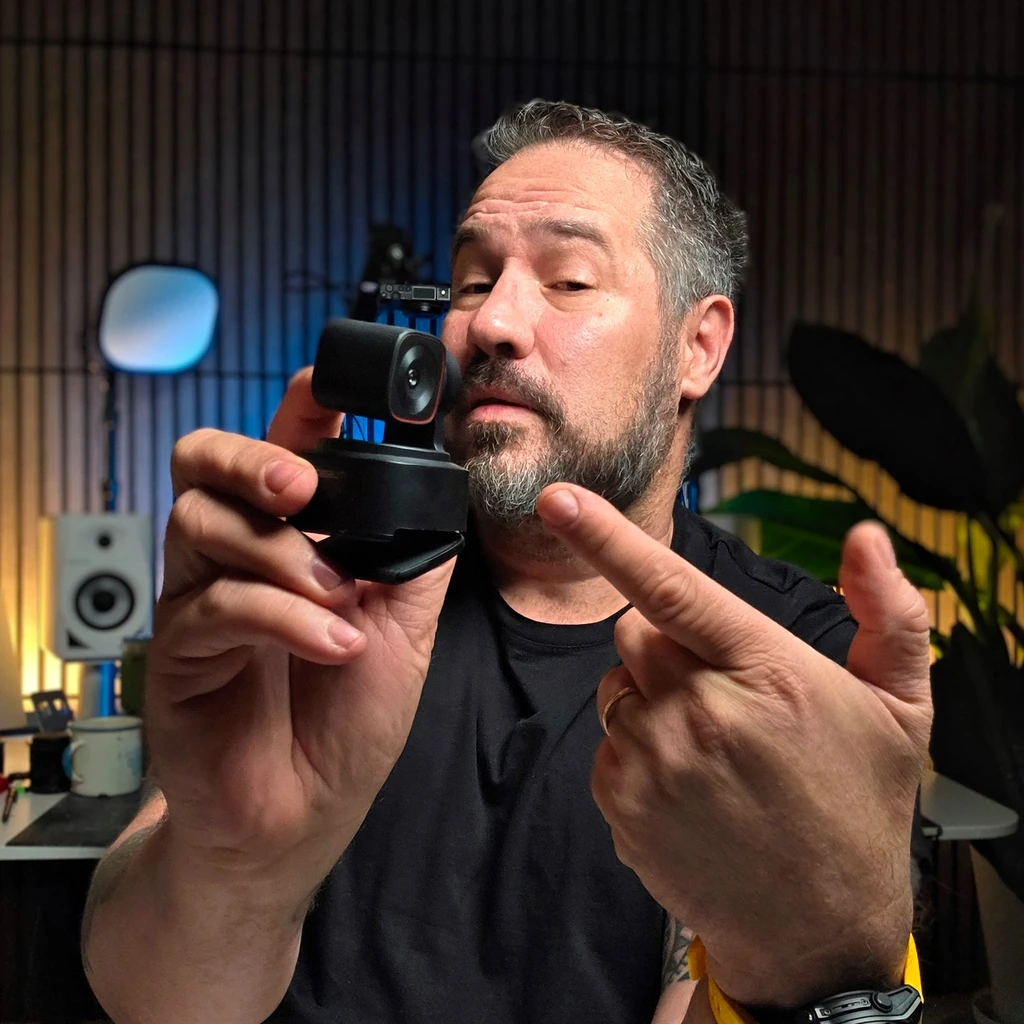
Even with the size it is amazing. It has excellent video quality and the following is pretty cool.
Awesome cam, this camera works like magic and it makes a magician as everyone kept saying Where are the powerful tools you just added 😎🖕🔥 It covers every corner.
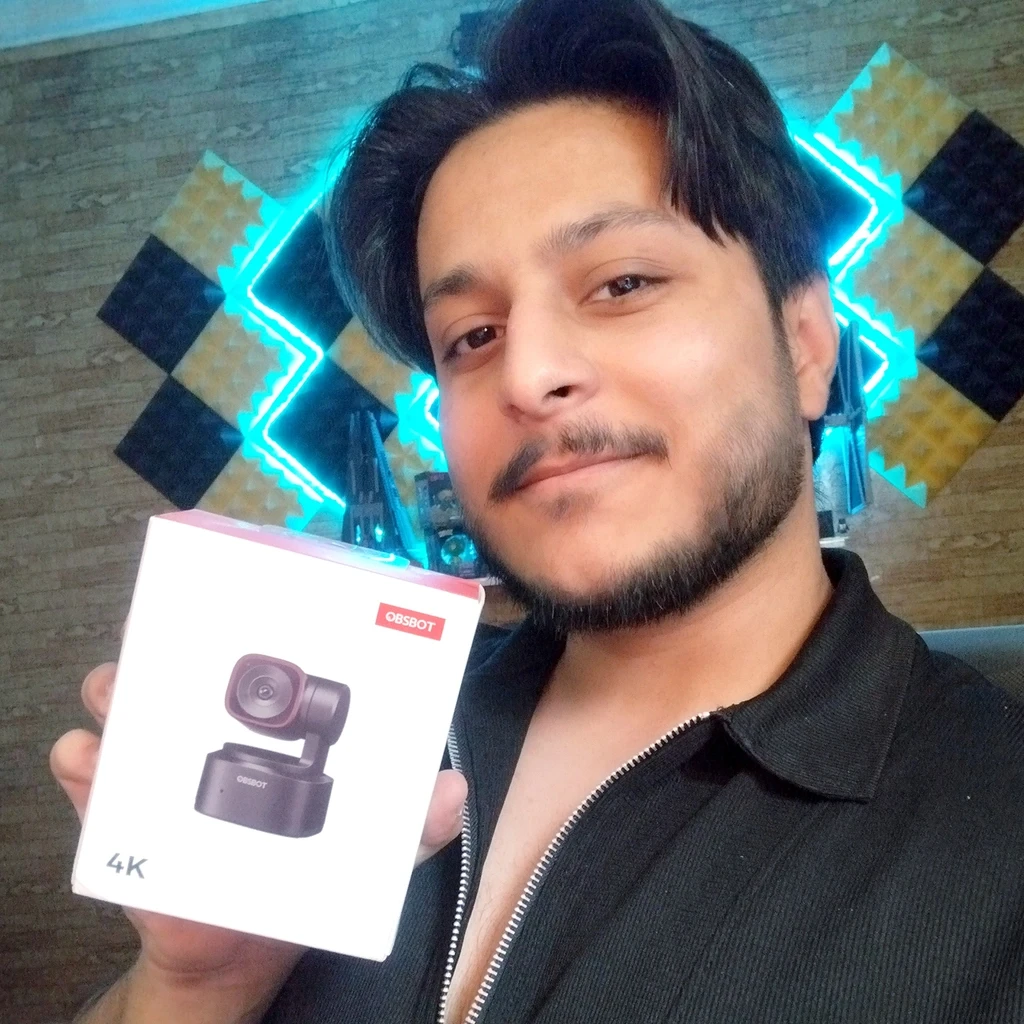
It’s perfect for the budget
In short, the camera is good in many aspects: tracking, image quality (big jump from competition models), customization… in these aspects don’t have much else to say. Not to mention the price, which makes it tempting to maybe buy two, to gift to someone or even keep as spare cam. I def. recommend it.
The only thing that could have caused trouble is the fact that the mount system that keeps it on top of a pc monitor is not as firm. As I mentioned in some Reddit post, there is a chance of the camera falling forward depending if you had the cable connected and the angle in which you put it on. Webcams of the competition have a much firm system/weight balance (as C930), so it can definitely be improved, but still, it’s a very small thing for a very complete product overall.
The Tiny 2 Lite is a game changer. The AI tracking is incredibly smooth, and the 4K resolution looks professional on my broadcasts. It integrates perfectly with my production workflow and Stream Deck. Highly recommended for any content creator!
I got the Tiny 2 lite for my husband as a birthday present. He does game streaming and was looking for an upgrade. He loves it! The tracking works great and the autofocus is very fast and accurate. I can also speak very highly of the customer service. I checked out with Paypal and thanks to having recently moved, got it put down to ship to our old address. I emailed customer service and the next morning I had a reply assuring me they would get it fixed and a new order confirmation email with the updated address.