sales@minarsystems.com

Official OBSBOT Middle East Distributor

OBSBOT Meet SE — AI-Powered Full HD Webcam with Staggered HDR

د.إ 334.00

Excl. VAT · calculated at checkout

(13 customer reviews)

An affordable, ultra-compact Full HD webcam (33.2 g) with a Stacked BSI sensor, Staggered HDR, and AI auto-framing — an easy first upgrade from a laptop camera.

  • AI Auto Framing & Gesture Control
  • High Frame Rates up to 1080p@100fps and 720p@150fps
  • 1/2.8'' Stacked CMOS & Dual Native ISO
  • Multiple Shooting Modes
  • Instant Privacy Protection with Sleep Mode and Privacy Cover
  • Easily Control through OBSBOT Center

Select Accessories

Quantity
Wishlist
Official OBSBOT Middle East DistributorGenuine productDelivery: 2-4 days UAE / 2-5 days SaudiSecure payment · Apple Pay & cardRegional support

Description

Sharp, smooth, affordable

Meet SE captures 1080p at up to 100fps (720p@150fps) from a Stacked BSI CMOS sensor with large 2.9μm pixels and ƒ/1.8 aperture — clean video without the flagship price.

Staggered HDR

Staggered HDR balances bright windows and dim rooms in the same shot, so you don’t blow out or disappear into shadow on a video call.

AI keeps you framed

AI Auto Framing tracks and recentres you automatically — no adjusting the camera mid-meeting.

Genuinely tiny

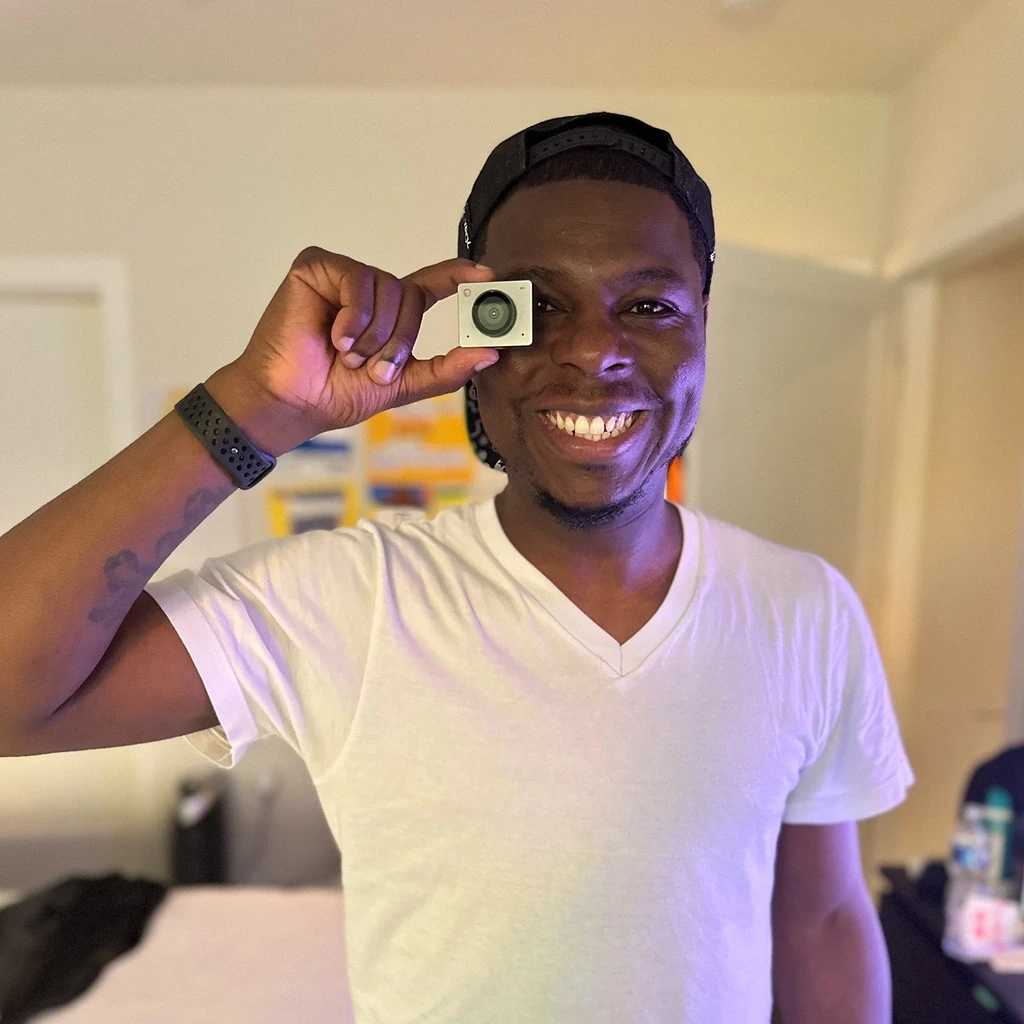
At just 56 × 44 × 32mm and around 33–72g depending on mount, it barely adds bulk to a laptop lid or monitor.

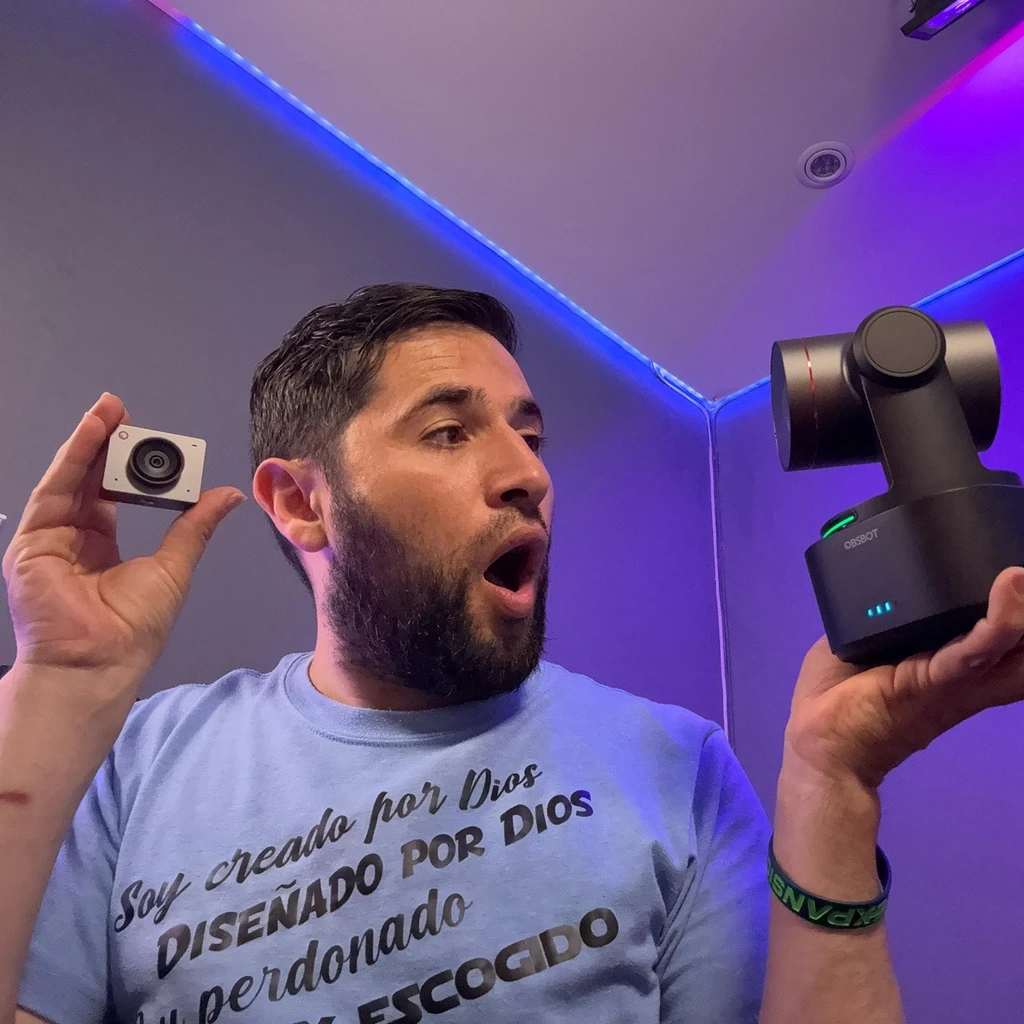
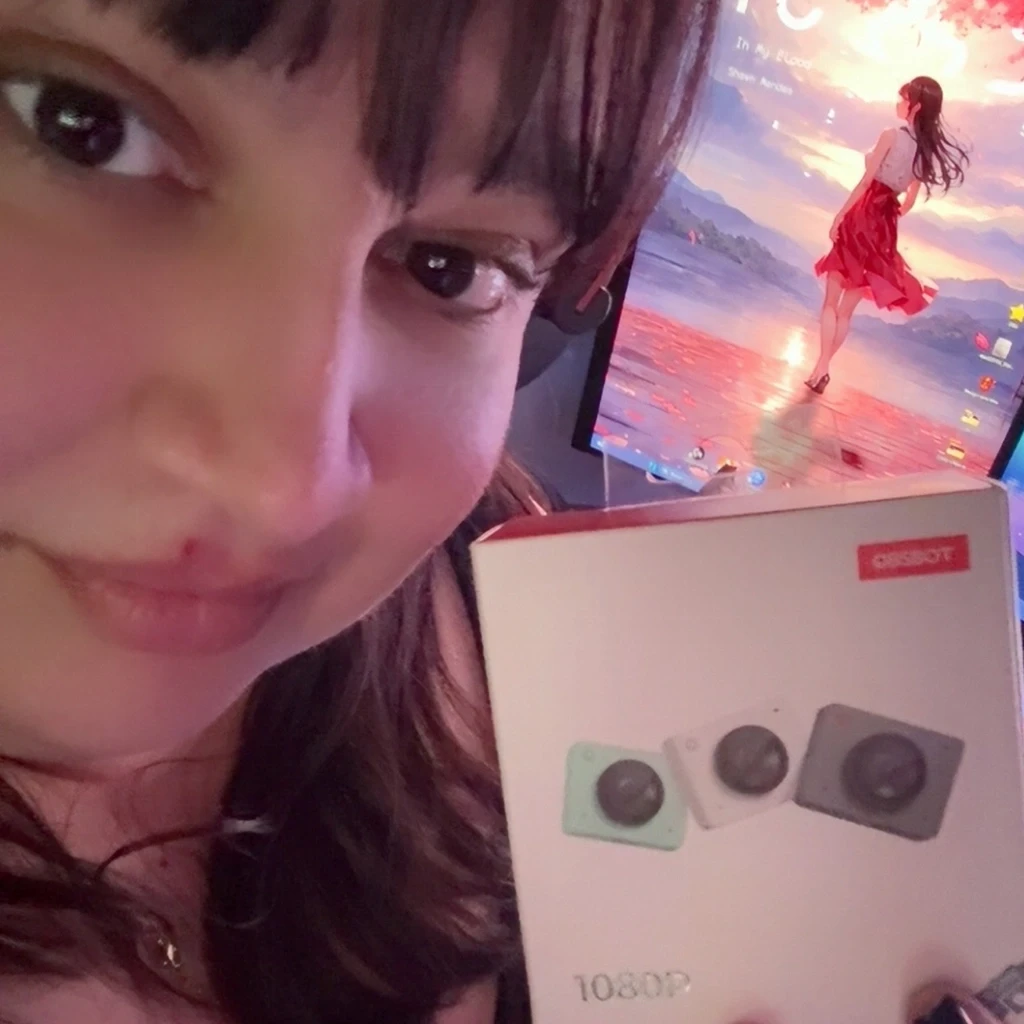
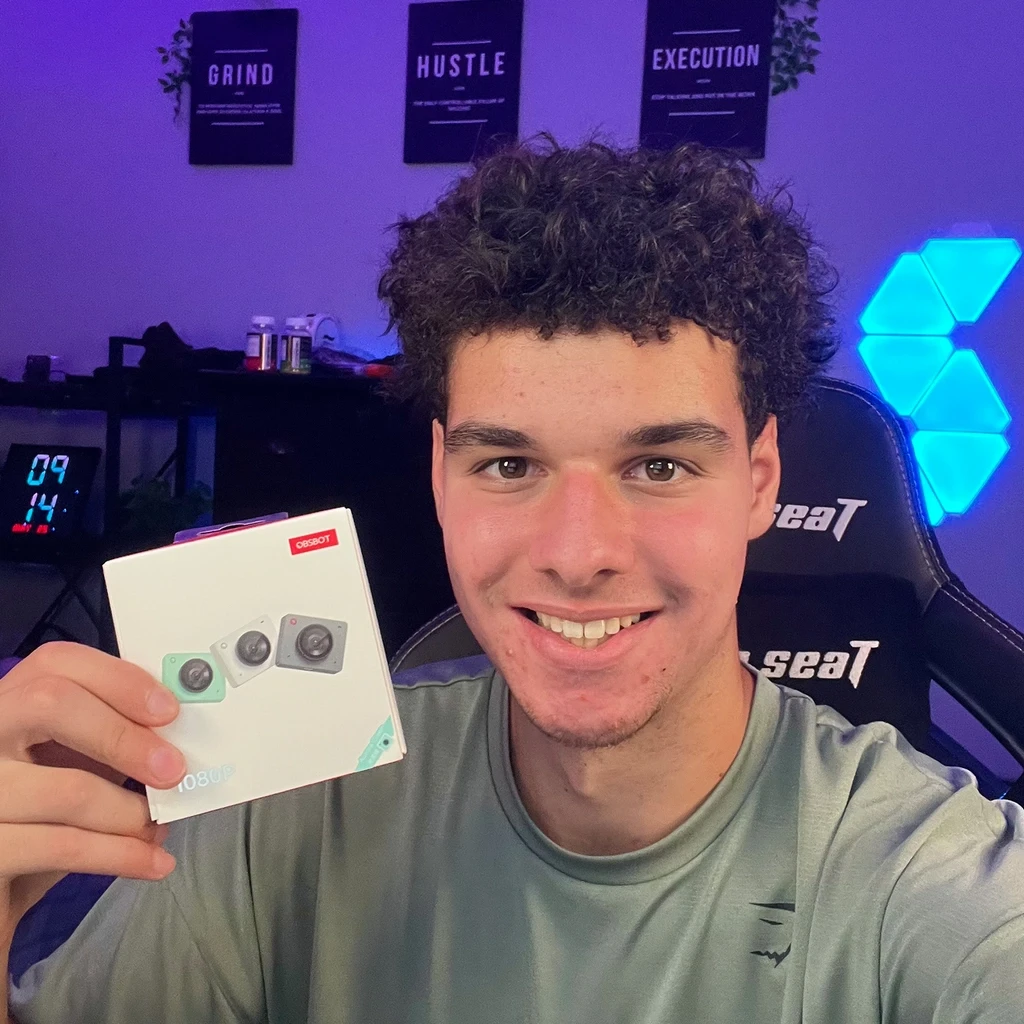
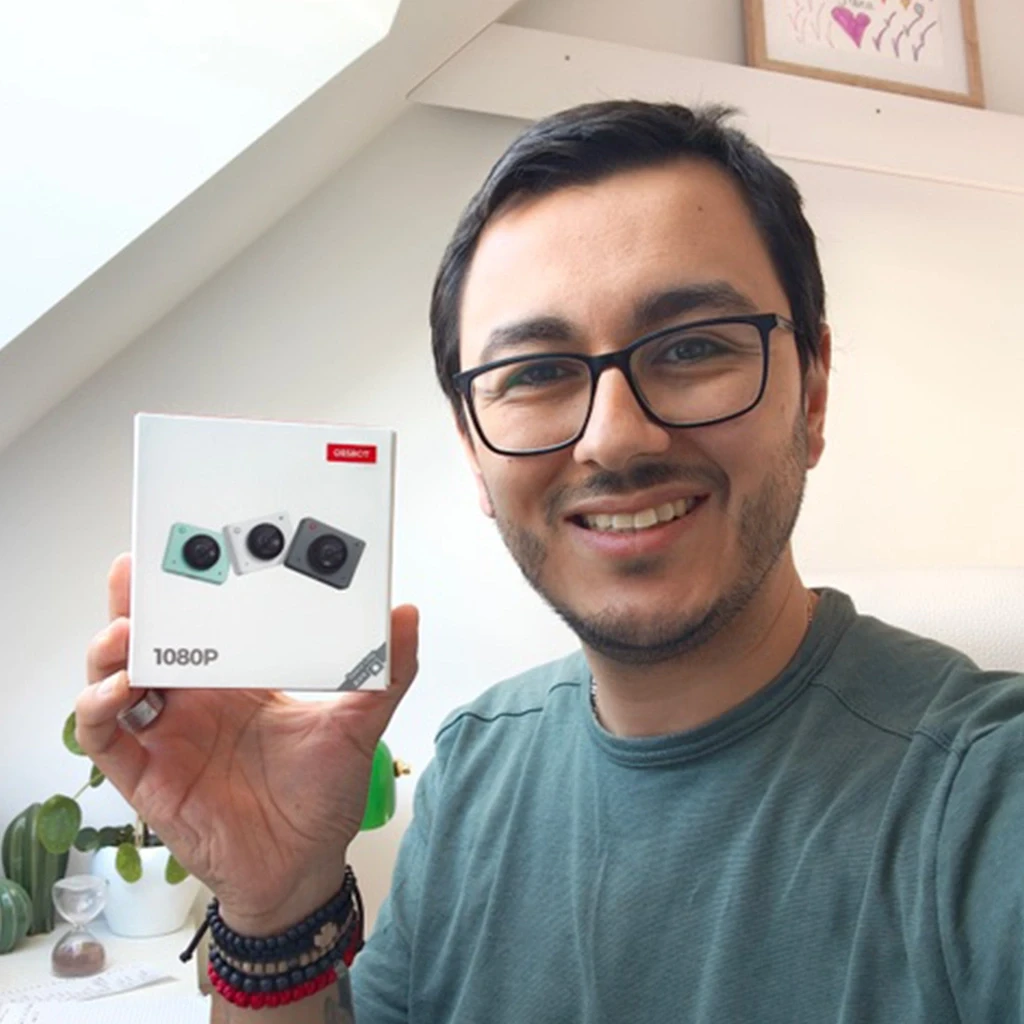
They Love It

customer photo
customer photo
customer photo
customer photo
customer photo

Specifications

Sensor1/2.8″ Stacked BSI CMOS · 2.9μm pixels
Video1080p@100fps · 720p@150fps · Staggered HDR
Apertureƒ/1.8
Field of view78°
AI featuresAuto framing
Dimensions / weight56 × 44 × 32mm · ≈33g (camera only)

What's in the Box

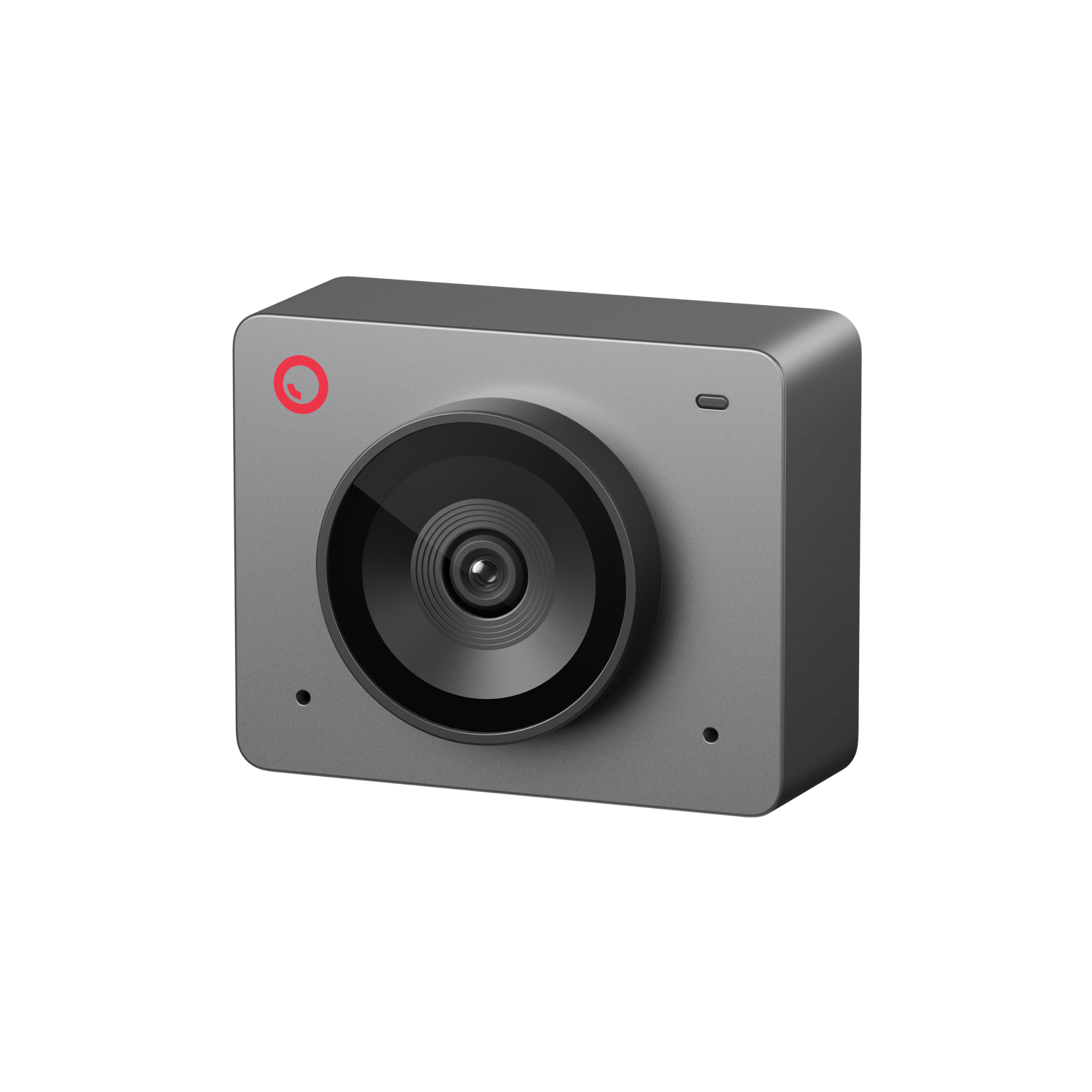
OBSBOT Meet SE
OBSBOT Meet SE
×1
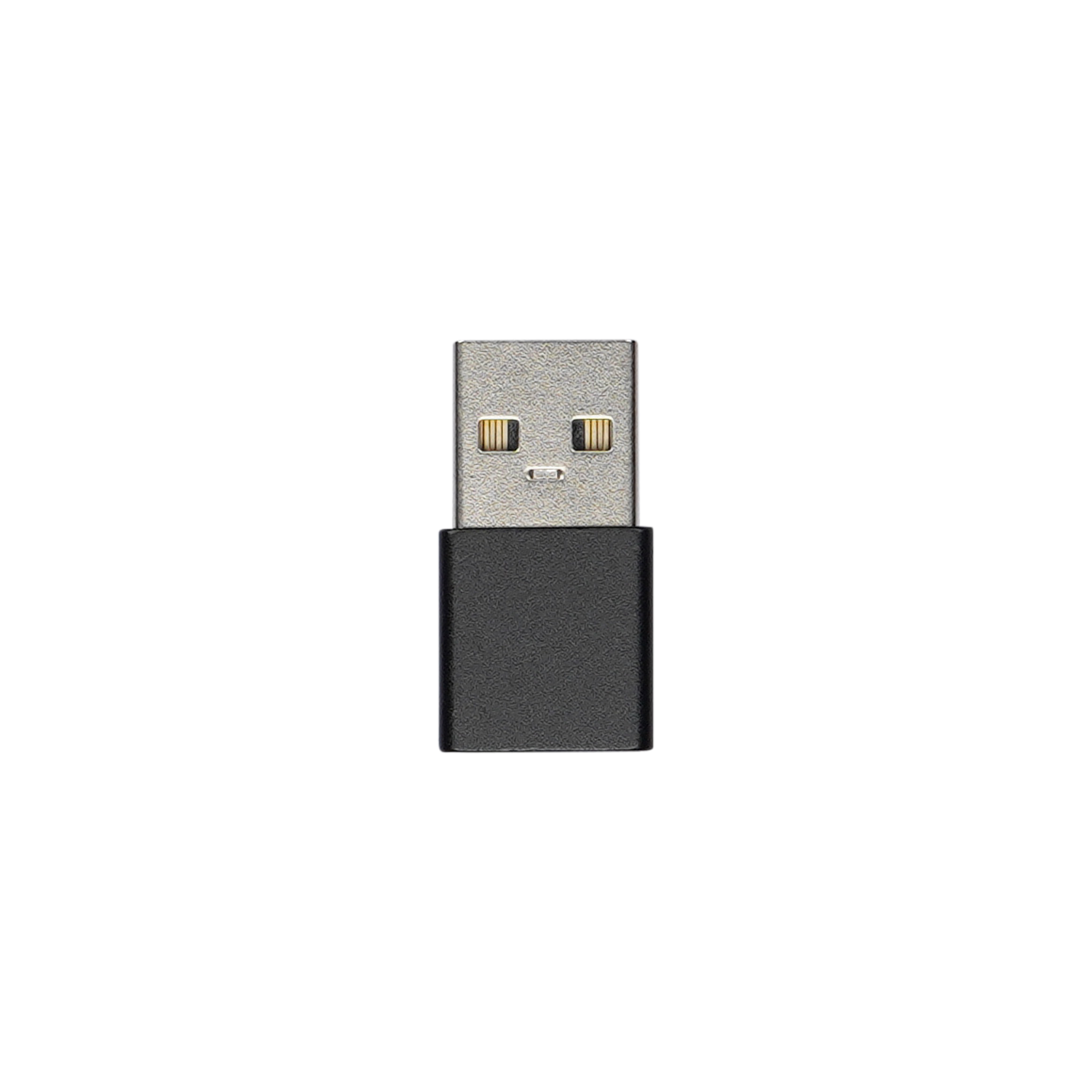
USB-C to USB-A Adapter
×1
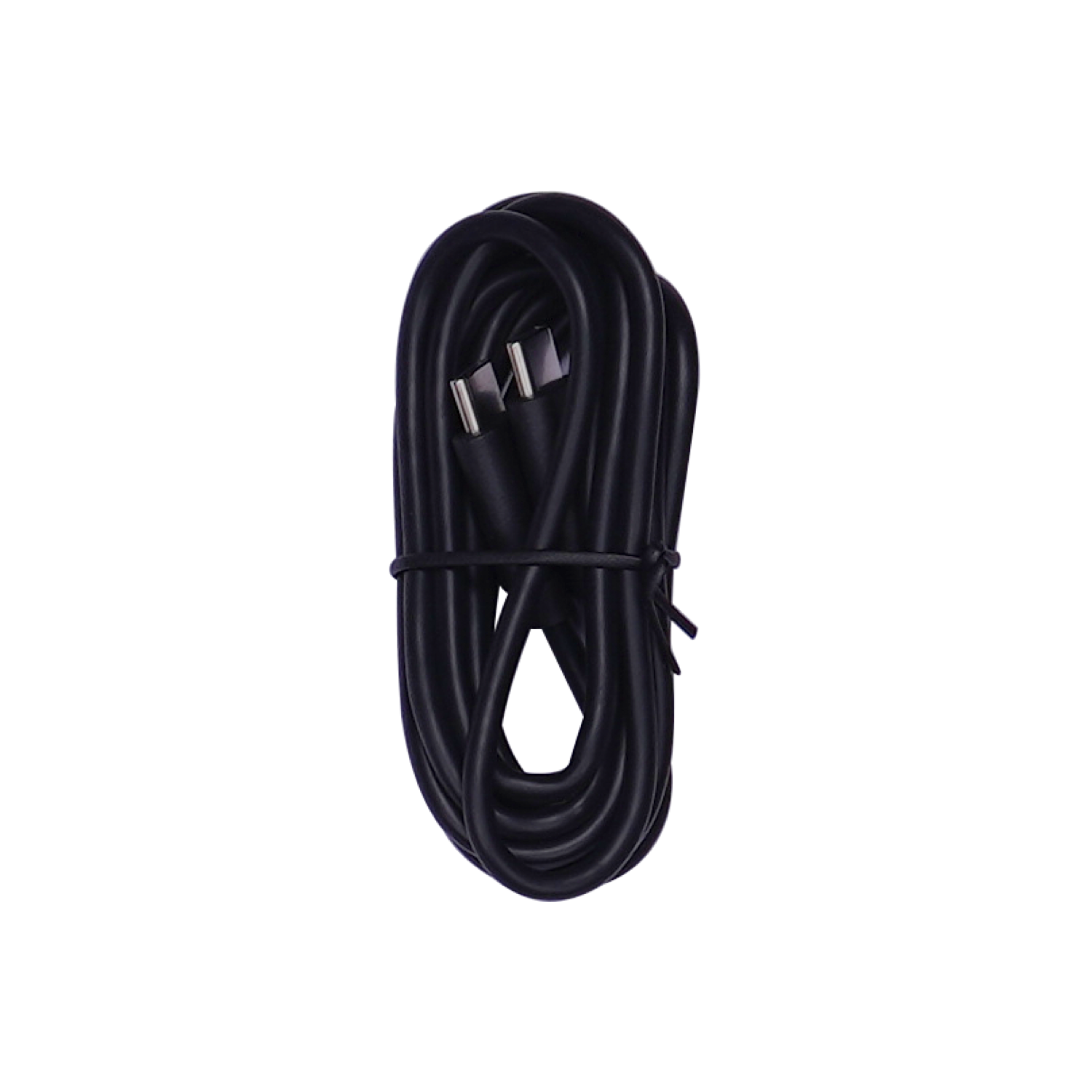
USB-C to C Cable
USB-C to C Cable
×1
Privacy Cover
Privacy Cover
×1
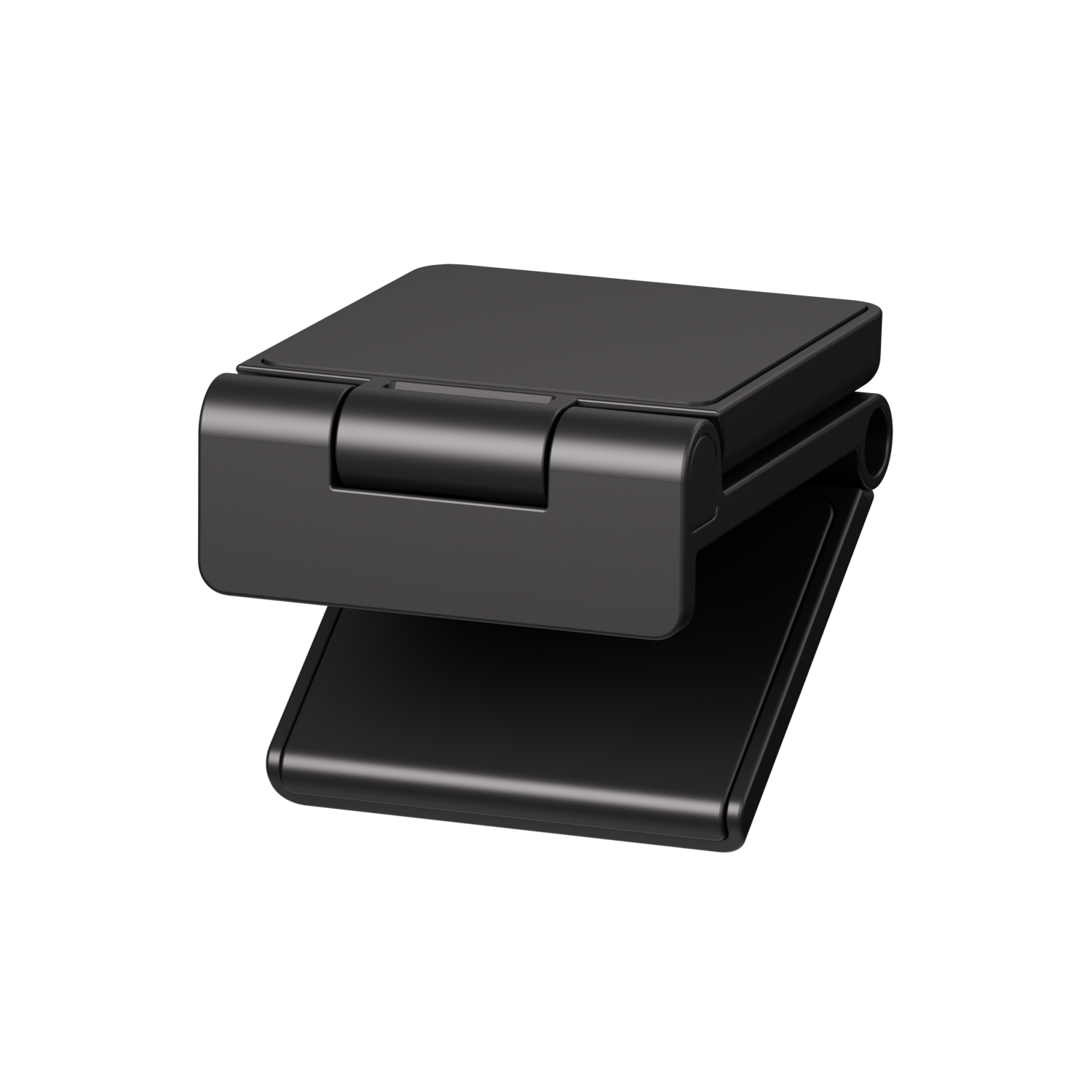
Magnetic Mount
Magnetic Mount
×1

FAQ

What is the Field of View (FOV) of Meet SE?

Meet SE has a 78° diagonal field of view. You can modify the parameter in the "View and Gimbal" section of OBSBOT Center.

How to turn on Portrait Mode and Upside-Down Mode?

Meet SE will automatically turn to Portrait Mode and Upside Down Mode depending on the direction it is placed. And the displayed screen content will be switched accordingly.

What record formats does Meet SE support?

Meet SE can record via OBSBOT Center, and the supported recording formats are mov, mkv, flv, mp4.

Does Meet SE feature Auto Focus?

Yes, Meet SE features Auto Focus, which automatically adjusts the focus to ensure clear and sharp images at all times.

What is the maximum resolution and frame rate of the Meet SE?

Meet SE supports 1080p@100fps and 720p@150fps. It also offers lower resolutions for different needs. Users can adjust the resolution in OBSBOT Center.

Does Meet SE have any feature to protect my privacy?

Of course. Meet SE comes with a privacy cover that attaches to the lens to prevent accidental recording. Meet SE also has a sleep mode, which stops Meet SE from working when activated.

Does Meet SE support HDR?

Meet SE supports Staggered HDR up to 1080p@60fps.

Dose Meet SE support AI Auto Framing?

Yes. Meet SE supports AI Auto Framing. In Landscape and Up-side Down Mode, Meet SE supports Group Mode, Close-up and Upper Body. In Portrait Mode, Meet SE supports Group Mode, Upper Body and Single Body.

Does Meet SE have a built-in microphone?

Yes, Meet SE equips a built-in microphone with noise reduction. You can turn on or off the microphone through OBSBOT Center. You can also use Meet SE with an external microphone connected to your device.

Is Meet SE compatible with Microsoft Teams and Zoom?

Yes, Meet SE is compatible with Zoom and Teams. It is also compatible with most online meeting software and live streaming platforms, such as Skype, Google Meet, and Twitch.

Does Meet SE support zoom functionality?

Yes, Meet SE supports up to 4x digital zoom. The zoom range can be adjusted in the following ways. 1. Gesture Control. 2. Adjusting in OBSBOT Center. 3. Adjusting by OBSBOT Meet Remote Control. *OBSBOT Meet Remote Control needs to be purchased additionally. We respect your privacy.

What do you mainly use your webcam / camera for?

(Select up to 3) Work / Video Calls Education / Teaching Podcast Content Creation Gaming Live Events Sports Events Church / Worship

Customer Reviews

4.8
Based on 13 reviews
5
76
76%
4
23
23%
3
0%
2
0%
1
0%
1-6 of 13 reviews
  1. Excellent little product

    Wonderful value for money. I have received a lot of compliments about the quality of the camera from colleagues and friends. It was delivered quickly from abroad. Easy to use software and simple setup. Would absolutely buy from OBSBOT again if i needed to upgrade, 5 stars

    (0) (0)
  2. Best webcam for budget performance. Nice build quality but does overheat a bit. But camera quality is awesome and would highly recommend it

    (0) (0)
  3. Outstanding value for its money

    This little webcam might seem too small for its performance but it is simply AMAZING for its size. Small so very portable which I need for my work. Easy to set up and so many, many features. Highly recommandable!

    (0) (0)
  4. Nosey

    I purchased these on a whim as I stream and wanted something with a solid picture without the insane price. This by far does what I want and need. The quality from this little camera is amazing. The only reason I knocked it down a star is the follow feature is non-stop. I set it for closeup and god forbid I move to take a sip of water. I haven’t figured out how to keep it stationary but at times it’s funny enough to just keep it tracking.

    (0) (0)
  5. Brilliant little webcam

    Very pleased with my obsbot meet se webcam. Far superior to my previous one from a well known brand beginning with L. Quality is excellent. The only small issue I have is that the software is not available on Linux. Great camera though and works perfectly on teams

    (0) (0)
  6. ezcellent webcam

    Excellent image and sound quality, although my use is generally with MS Teams in professional settings so I haven’t tried many of the advanced features.

    The camera also looks great, I picked the space grey colour and love it. When I need another webcam I will definitely grab another one of these.

    (0) (0)
Add a review
You must be logged in to post a review Log In

Q & A

Ask a question
Could this be used as a dash cam? Mike asked on January 21, 2026

Hello,

OBSBOT Meet SE cannot be used as a dash cam.

Best regards,
Minar Media Systems

Minar Systems Support answered on January 22, 2026
(0) (0)
Add an answer
Hola amigos, Quiero usar esta cámara para streaming, y mi problema es que uso un portátil con una gráfica dedicada que no es muy potente. ¿Puedo a través del OBSBOT Center, reducir a 50 fps en la grabación 1080p? Juan asked on January 18, 2026

Hola,

El software OBSBOT Center no es compatible con 50 fps. Sin embargo, puedes configurar la grabación a 50 fps utilizando software como OBS Studio.

Saludos cordiales,
Minar Media Systems

Minar Systems Support answered on January 19, 2026
(0) (0)
Add an answer
I misplaced my privacy cover. Do you sell replacement privacy covers? Is there an attachable privacy cover? Thank you in advance for your response scott asked on September 15, 2025

Hello,

Thank you for reaching out to us! You can contact our customer service team at service@obsbot.com for assistance regarding replacement or attachable privacy covers. They will be happy to help you with your request.

Best regards,
Minar Media Systems

Minar Systems Support answered on September 16, 2025
(0) (0)
Add an answer
¿Emiten factura fiscal para México? alejandrina asked on August 9, 2025

Hola,

No podemos emitir facturas fiscales mexicanas. Generalmente, las facturas se envían a la dirección de correo electrónico que utilizaste para realizar tu pedido. Puedes verificar si esto se ajusta a tus necesidades.

Atentamente,
Minar Media Systems

Minar Systems Support answered on August 11, 2025
(0) (0)
Add an answer
How long is the usb cable jack asked on July 30, 2025

Hi jack,

The USB cable is 1.5 meters long.

Best regards,
Minar Media Systems

Minar Systems Support answered on July 30, 2025
(0) (0)
Add an answer
Space Grey Camera

OBSBOT Meet SE — AI-Powered Full HD Webcam with Staggered HDR

د.إ 334.00