sales@minarsystems.com

Official OBSBOT Middle East Distributor

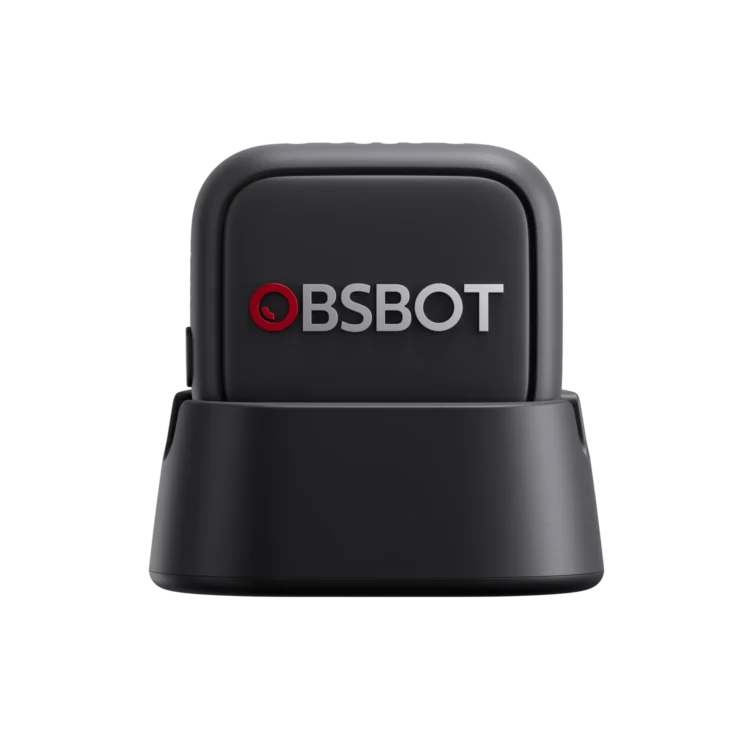
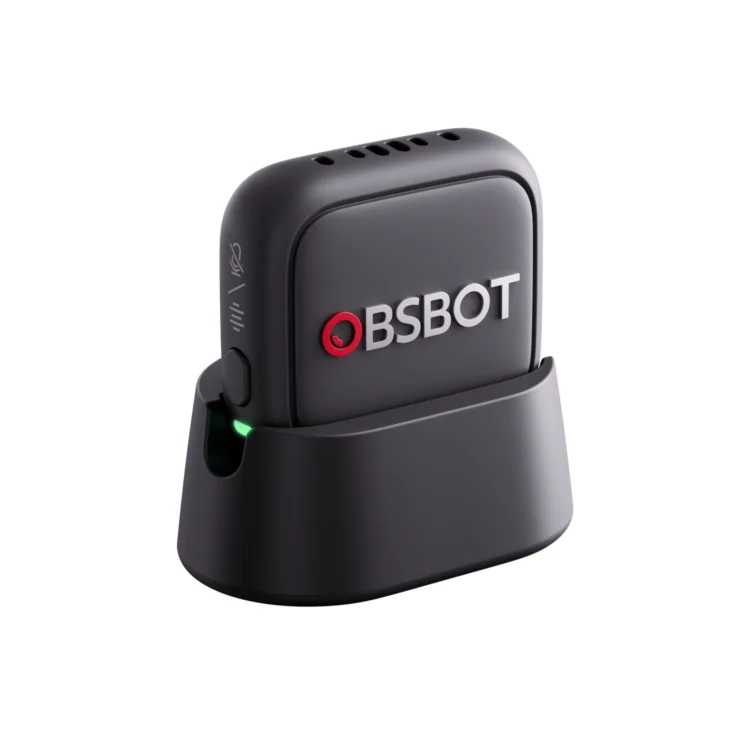
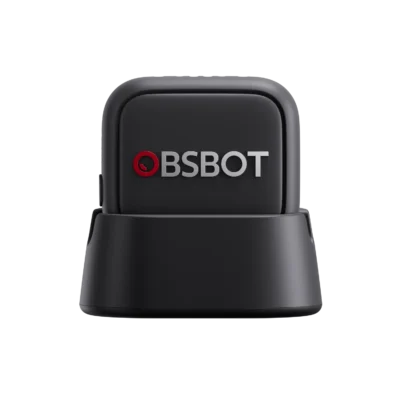
OBSBOT Vox SE — Wireless Microphone for Tiny 3 Series

د.إ 275

Excl. VAT · calculated at checkout

A compact 9g wireless mic built for the Tiny 3 series: pair up to two Vox SE units for dual-speaker audio, control tracking from the transmitter button, and get up to 20 hours of battery life.

  • Capture Every Detail of Your Voice
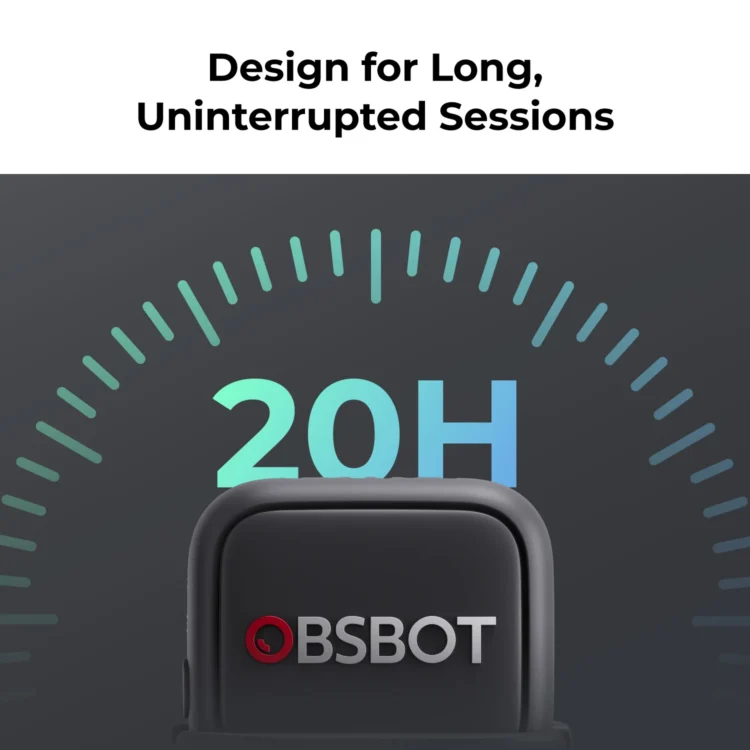
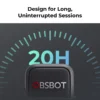
  • Design for Long, Uninterrupted Sessions
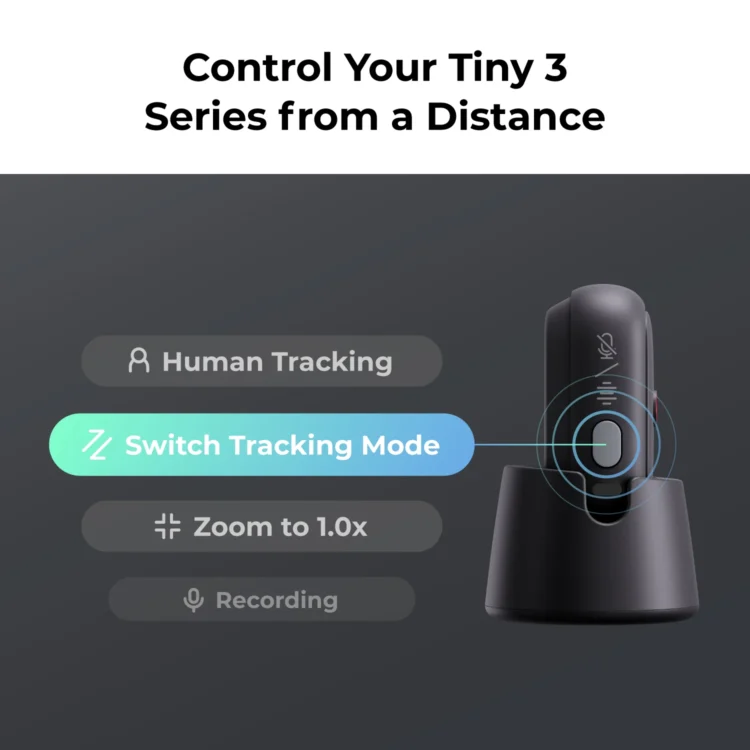
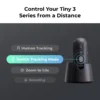
  • Control Your Tiny 3 Series from a Distance
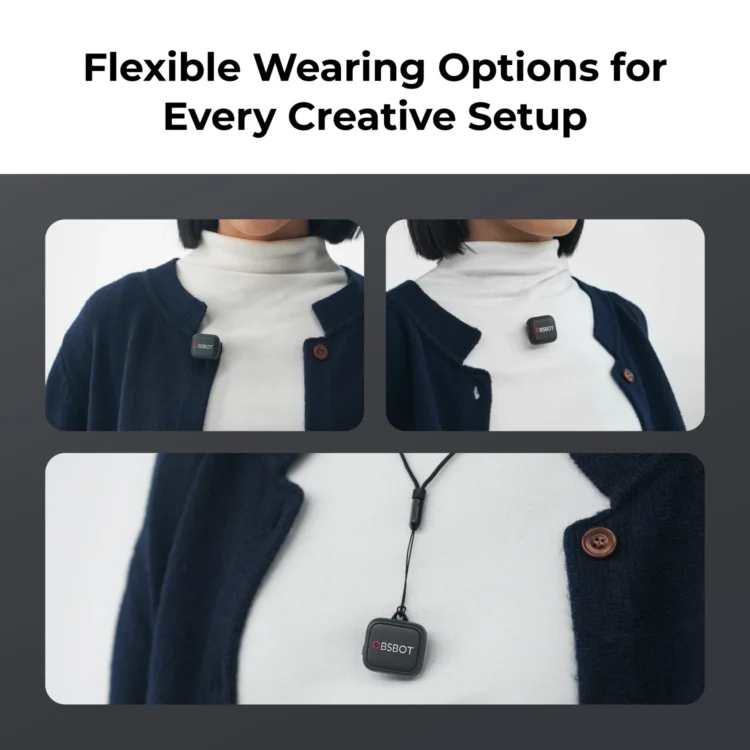
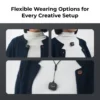
  • Flexible Wearing Options for Every Creative Setup
  • Clear Conversations for Two Speakers
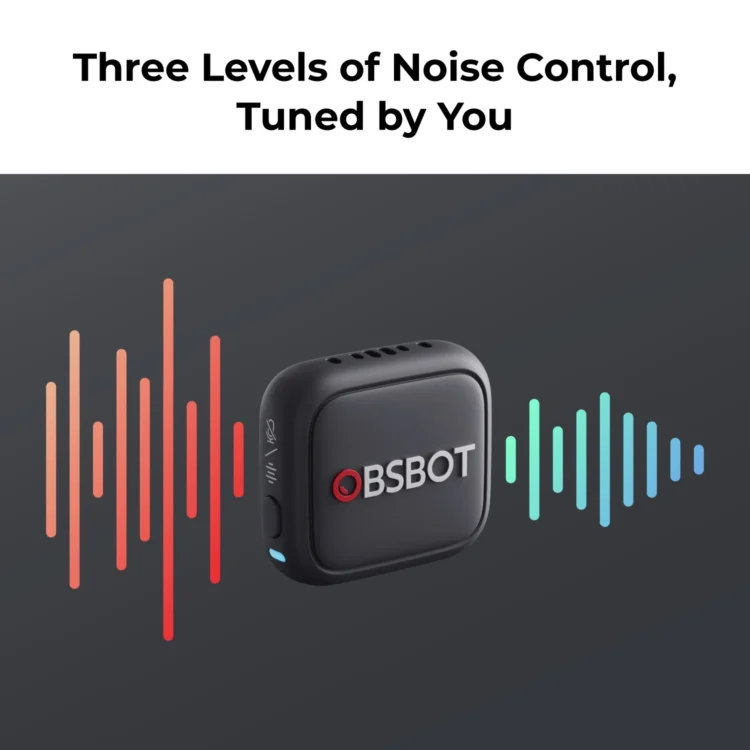
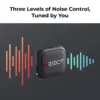
  • Three Levels of Noise Control, Tuned by You
  • One-Time Pairing, Instant Reconnect
  • Firmware Upgrade Support (Access the Upgrade Guide for Details)
Compatibility
Tiny 3Tiny 3 Lite

Select Accessories

Quantity
Wishlist
Official OBSBOT Middle East DistributorGenuine productDelivery: 2-4 days UAE / 2-5 days SaudiSecure payment · Apple Pay & cardRegional support

Description

Made to pair with Tiny 3

Vox SE is designed specifically for the OBSBOT Tiny 3 and Tiny 3 Lite — connect up to two units simultaneously, each speaker recorded on a dedicated mic with no interference.

Control your camera from your collar

A multi-function button on the transmitter remotely triggers Human Tracking, switches tracking mode, resets zoom to 1.0×, or starts recording — without touching the camera.

Small, light, all-day

At just 9g, it disappears on a collar or lapel; a single charge runs up to 20 hours.

Adjustable noise reduction

Three manual noise-reduction levels (High/Medium/Low) let you tune for a quiet room or a noisy street.

Specifications

Audio48kHz/24-bit · max SPL 123dB · omnidirectional
Noise reduction3 manual levels (High/Medium/Low)
WirelessGFSK · up to 2Mbps · range up to 328ft (100m) line of sight
BatteryUp to 20 hours per charge
Weight9g
CompatibilityOBSBOT Tiny 3 & Tiny 3 Lite (up to 2 units simultaneously)

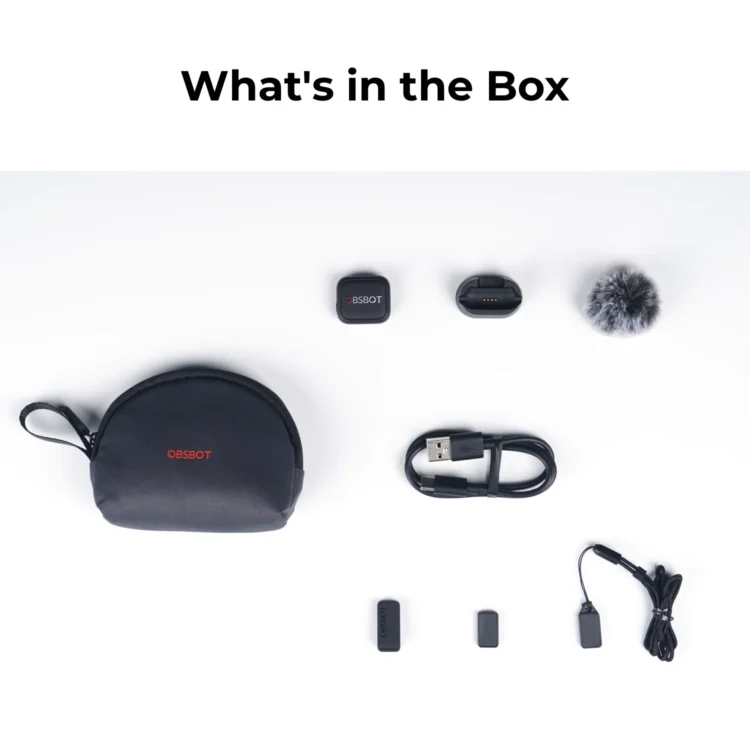
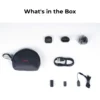
What's in the Box

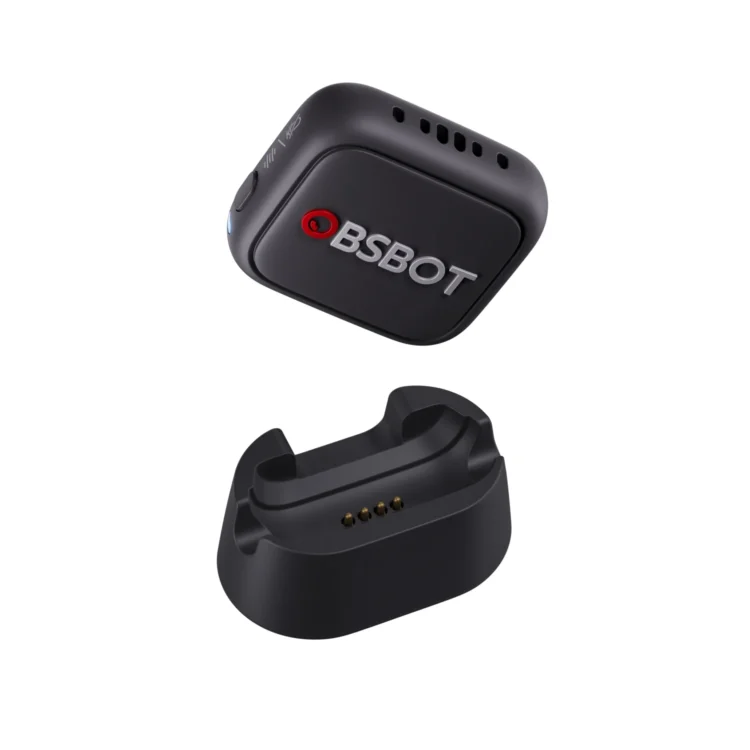
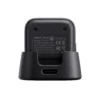
Transmitter (OBSBOT Vox SE)
×1
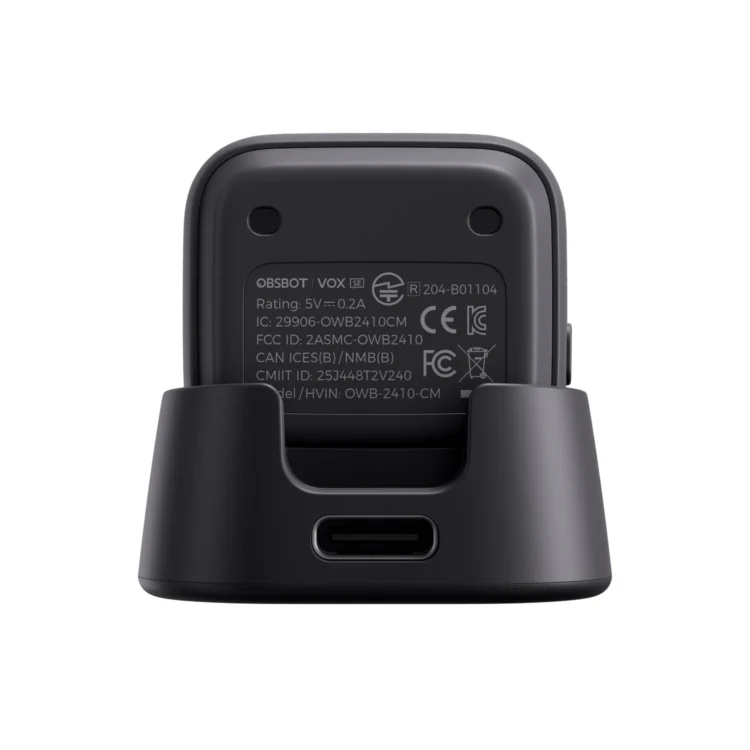
Transmitter Charging Dock
×1
Furry Windshield
Furry Windshield
×1
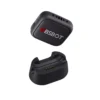
Clip Magnet (OBSBOT Vox SE)
×1
Magnetic Back Clip
Magnetic Back Clip
×1
Magnetic Necklace (OBSBOT Vox SE)
×1
USB-C Power Cable (OBSBOT Vox SE)
×1
Compact Carrying Pouch
×1

FAQ

Does it work with any camera?

Vox SE currently pairs with the OBSBOT Tiny 3 and Tiny 3 Lite only.

Can I use two at once?

Yes — the Tiny 3 series can connect to two Vox SE units simultaneously for two-speaker setups.

Can it control the camera?

Yes — the transmitter button can trigger Human Tracking, switch tracking modes, reset zoom, or start recording.

How long does the battery last?

Up to 20 hours of continuous use per charge.
Reviews

There are no reviews yet

Add a review
You must be logged in to post a review Log In

Q & A

Ask a question
Hello, I’m very interested in the OBSBOT Vox SE Wireless Microphone. Do I need to have an OBSBOT webcam for the microphone to work, or can it be used on its own? Thank you. Mickael asked on May 15, 2026

Hello,

Thank you for your inquiry.

The OBSBOT Vox SE Wireless Microphone needs to be used with OBSBOT Tiny 3 or Tiny 3 Lite in order to work. It cannot be used on its own.

Let us know if you need additional help!

Best regards,
Minar Media Systems

Minar Systems Support answered on May 18, 2026
(0) (0)
Add an answer
Can this microphone turn on and operate while charging in the dock? This would be ideal for permanent setups with mic stands, so you don't need to worry about charging the battery. Thank you. Ken asked on March 26, 2026

Hi there!

No, the microphone cannot be used while charging in the dock. It will not pick up any audio during the charging process.

Best regards,
Minar Media Systems

Minar Systems Support answered on March 30, 2026
(0) (0)
Add an answer
On a few occasions now while in a Zoom call My Tiny 3 would turn off by itself. Also it will sometimes start and not be focused on me, but rather somewhere else in the room. I have it set to voice tracking but it will not find me when I speak. I am using version 2.0.13.72. Please advise. Thank you. Brian asked on March 11, 2026

Hello,

Here are some steps to troubleshoot the issues you’re experiencing with your Tiny 3:

1. Turning off during a call:
Please disable the "Sleep, Tiny" option under Voice Control to ensure it is not being accidentally triggered during your call.
Figure 1: https://resource-cdn.obsbothk.com/product_system_back/product_img/figure_1_b20486015216.jpg

2. Camera starting and pointing elsewhere:
Go to the "Device Initial State" settings, click "Zero" to reset the gimbal, and then click "Done". This should help resolve the issue.
Figure 2: https://resource-cdn.obsbothk.com/product_system_back/product_img/figure_2_7012e68c03cd.jpg

3. Voice tracking not locking onto you:
We recommend upgrading your Tiny 3 to the latest firmware and setting "Voice Tracking" to "Omnidirectional" mode. If the issue persists, please send a video demonstrating the problem to our support team at service@obsbot.com for further assistance.
Figure 3: https://resource-cdn.obsbothk.com/product_system_back/product_img/figure_3_90a7733d8e79.jpg

Let us know if you need additional help!

Best regards,
Minar Media Systems

Minar Systems Support answered on March 17, 2026
(0) (0)
Add an answer
OBSBOT Vox SE — Wireless Microphone for Tiny 3 Series

OBSBOT Vox SE — Wireless Microphone for Tiny 3 Series

د.إ 275
Quantity
Wishlist
Official OBSBOT Middle East DistributorGenuine productDelivery: 2-4 days UAE / 2-5 days SaudiSecure payment · Apple Pay & cardRegional support